
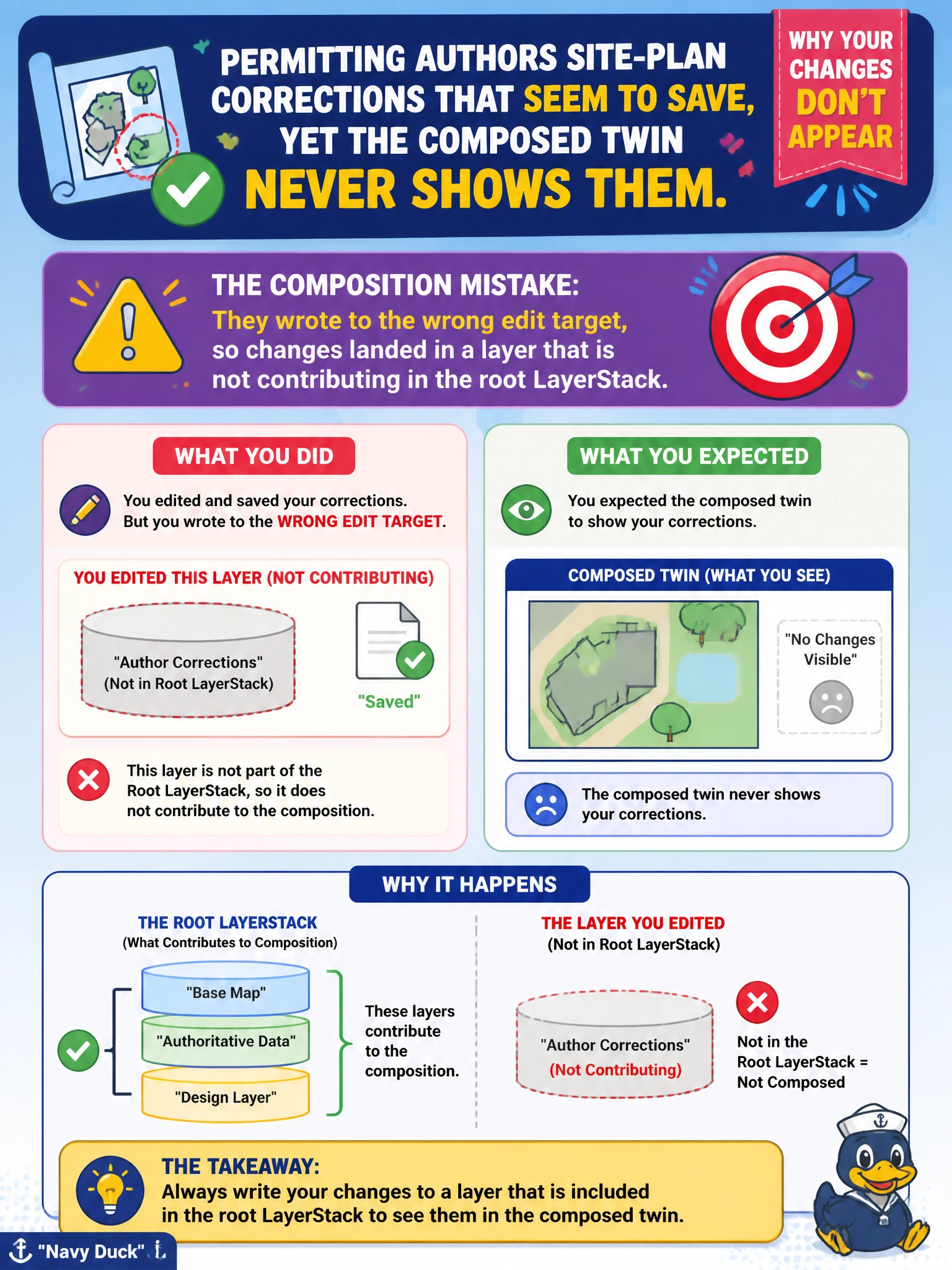
Permitting authors site-plan corrections that seem to save, yet the composed twin never shows them. What composition mistake commonly causes this?
Select an answer to reveal the explanation.
Short Explanation
You write to the layer your edit target points to, which may not be the layer you are viewing. If that layer does not contribute to the root LayerStack, your corrections are saved but the composed twin cannot show them. Point the edit target at a contributing layer, and your work can appear.
Full Explanation
USD authoring writes to the current edit target. When permitting site-plan corrections seem to save yet never appear on the composed twin, a common mistake is writing to a layer that is not contributing in the root LayerStack. The file updates, so you may believe the work stuck, but the twin composes from a different contributing set. Point the edit target at a live contributing layer, or add the written layer to the contribution, to correct this. Authoring only through specializes arcs does not always discard Local opinions; specializes is simply a weak arc and is not the typical explanation for edits that save but never show. Relative asset paths are valid and widely used in OpenUSD, not rejected for permitting scenes. Setting defaultPrim does not mute all subsequent opinions; it designates the default stage root for openers and is unrelated to wholesale muting of corrections. Exam caveat: muted layers and wrong variant selections can look similar, so verify contribution and selection after confirming the edit target. Practical check: note the edit target layer identifier before authoring, confirm that layer appears unmuted in the twin’s root LayerStack, apply a distinctive test opinion, and recompose. If the opinion is in the target file but absent from composition, the target is non-contributing; retarget or include the layer, then reapply permitting corrections on the contributing path.