
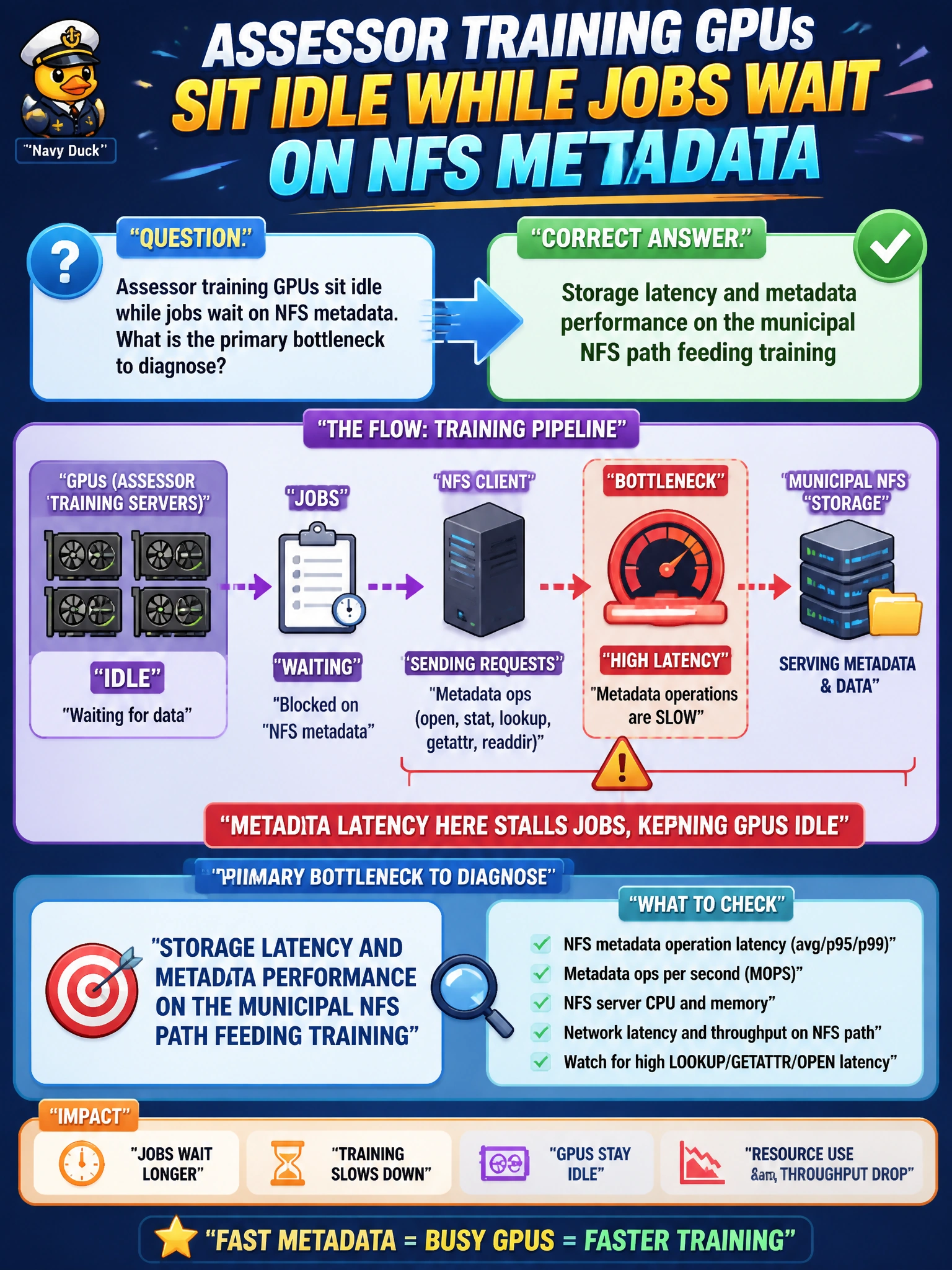
Assessor training GPUs sit idle while jobs wait on NFS metadata. What is the primary bottleneck to diagnose?
Select an answer to reveal the explanation.
Short Explanation
You’re right to focus on the municipal NFS path: jobs waiting on NFS metadata point to storage latency and metadata performance as the bottleneck. Cafeteria staffing and display preferences won’t get your assessor GPUs working again.
Full Explanation
Assessor training GPUs sitting idle while jobs wait on NFS metadata point to storage latency and metadata performance on the municipal NFS path feeding training—not insufficient compute. Diagnosing that path is the primary bottleneck analysis: high getattr/lookup rates, slow directory walks, and metadata-server saturation can starve GPUs of batches even when accelerators are healthy. Improving or tiering the NFS path can restore GPU utilization; unrelated preferences cannot. Overnight cafeteria staffing shortages are a facilities concern and do not explain NFS-bound GPU idle time. BCM Base View color theme settings do not govern storage latency or training I/O, and operators’ preference for dark mode in SSH clients is irrelevant to municipal NFS metadata performance. Exam caveat: idle GPUs waiting on storage call for a storage diagnosis first; do not scale GPUs until NFS metadata and latency are characterized. Separate data I/O from metadata hotspots when writing municipal tickets. Practical check: sample NFS latency and metadata operations while an assessor job runs, confirm GPUs are waiting on I/O or metadata rather than compute, identify hot directories or undersized NFS servers, apply caching or layout fixes, and re-check GPU utilization during the next training epoch.