
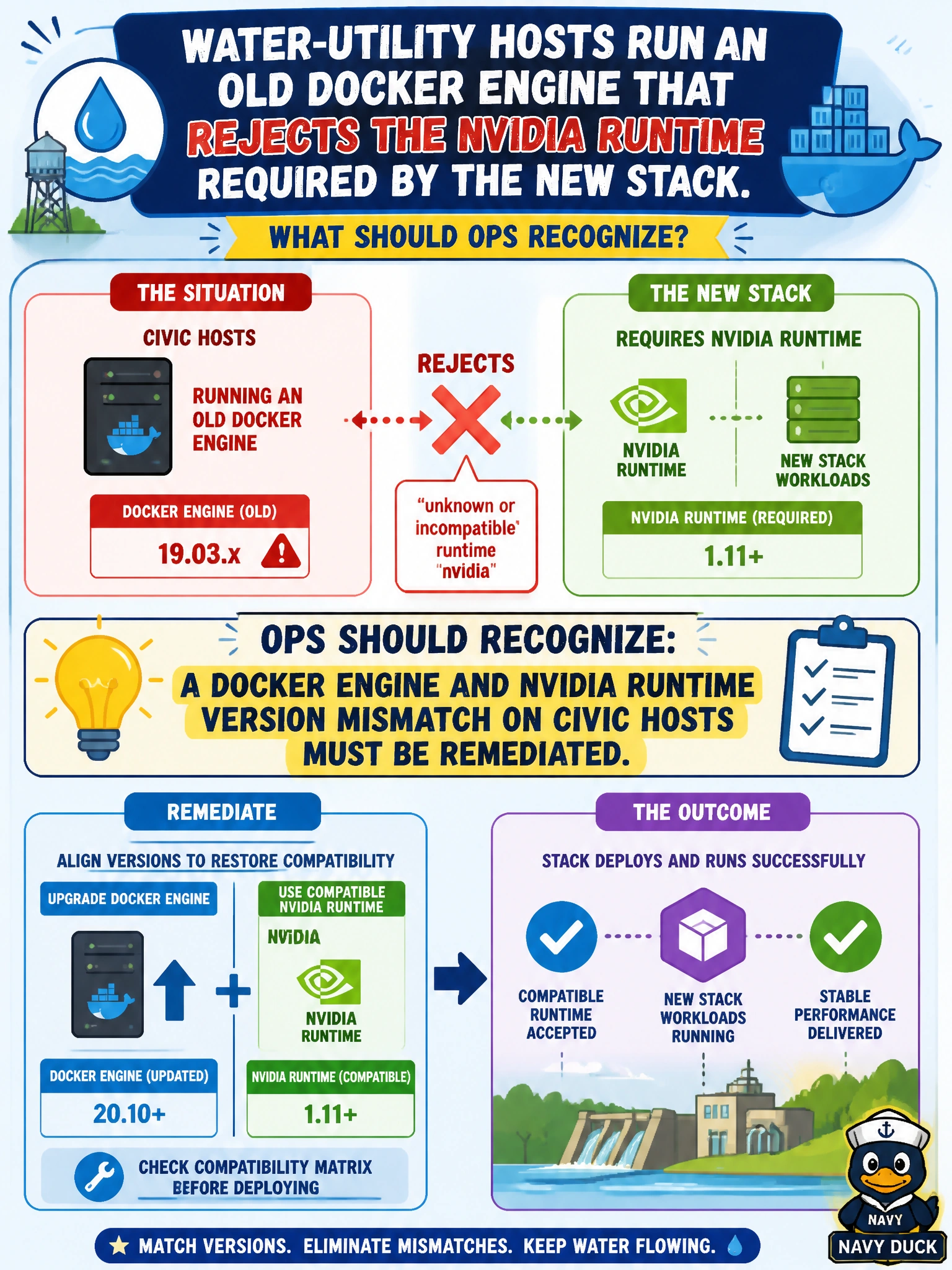
Water-utility hosts run an old Docker engine that rejects the nvidia runtime required by the new stack. What should ops recognize?
Select an answer to reveal the explanation.
Short Explanation
When your old Docker engine rejects the required NVIDIA runtime, you’re seeing a version mismatch that needs remediation on the water-utility hosts. Restarting containers, removing GPUs, or renaming BCM categories won’t upgrade the engine or make the runtime work.
Full Explanation
Water-utility hosts whose old Docker engine rejects the NVIDIA runtime required by the new stack have a version mismatch that must be remediated. The NVIDIA Container Toolkit and runtime integration depend on a supported Docker (or CRI-compatible) engine feature set; if the engine is too old, runtime registration, CDI hooks, or --gpus handling can fail, preventing GPU containers from starting cleanly. Upgrading or aligning the engine with the toolkit restores the supported path for utility analytics. Assuming an older Docker engine will accept a newer NVIDIA runtime after a routine container restart fails because compatibility is versioned, and newer toolkit features may require newer engine capabilities. Removing GPUs from the water-utility nodes eliminates the accelerators the stack is intended to use instead of fixing the runtime mismatch. BCM category names organize nodes and policy; they do not automatically change Docker package versions on disk. Exam caveat: remediate during a controlled window because engine upgrades can restart containers citywide, and align Docker engine, NVIDIA driver, and Container Toolkit as a set according to the support matrix. For a practical check, inventory Docker engine and NVIDIA runtime/toolkit versions on the water nodes, compare them with the municipal support matrix, upgrade through the approved image or BCM path, confirm docker info shows the NVIDIA runtime, and run a GPU canary before returning utility jobs to production.