
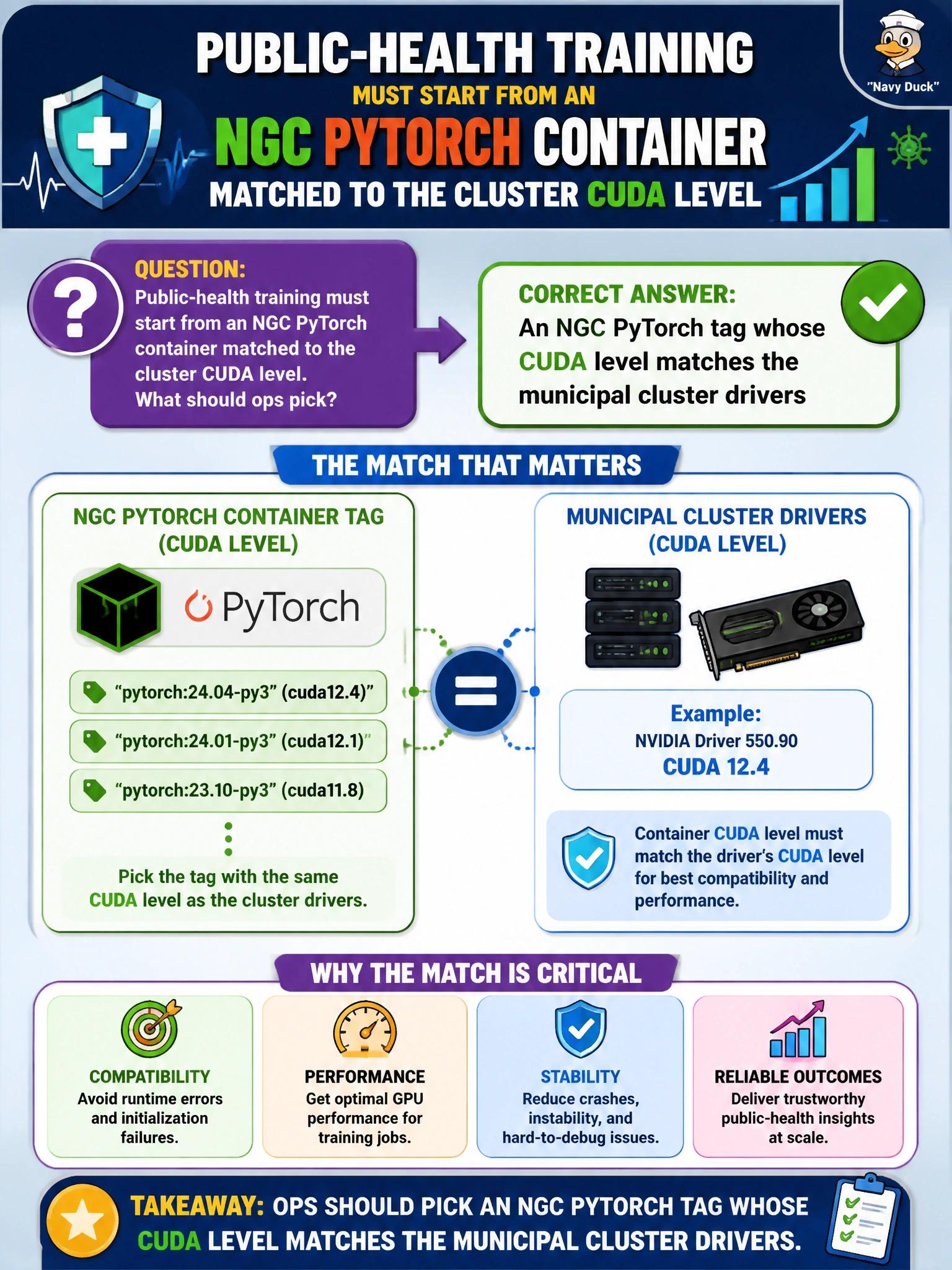
Public-health training must start from an NGC PyTorch container matched to the cluster CUDA level. What should ops pick?
Select an answer to reveal the explanation.
Short Explanation
You’re on the right track: choose the NGC PyTorch tag whose CUDA level matches the municipal cluster drivers, keeping the framework and driver stack compatible. Unverified mirrors, CPU-only images, and outdated NGC tags won’t reliably support this GPU-training setup.
Full Explanation
Choose an NGC PyTorch tag whose CUDA level matches the municipal cluster drivers to avoid silent ABI failures. NGC tags bind a framework build to a CUDA user-mode stack; ops should map that stack to the driver version on the BCM nodes. A match lets cuDNN, NCCL, and PyTorch CUDA extensions use the libraries the nodes expose, so jobs run within the existing support matrix. An unverified mirror may relabel or rebuild an image without NVIDIA provenance, allowing CUDA symbols, library paths, or security patches to diverge from what change control approved. A CPU-only base image omits GPU kernels, so training cannot use available accelerators and CUDA matching does not help. An outdated NGC tag known to break on the current driver stack was built against a CUDA level the installed driver will not satisfy, recreating the mismatch you are trying to avoid. Exam caveat: matching CUDA to drivers does not mean choosing the newest PyTorch release; a newer tag may require a CUDA user stack unsupported by the pinned driver branch. Distinguish the host driver from the container’s CUDA toolkit and use NVIDIA’s compatibility matrix rather than guessing from version numbers. Practical check: on a representative node, inspect nvidia-smi, pull the candidate tag, and run torch.cuda.is_available(), a small matrix multiplication, and an NCCL self-test for multi-GPU use. Record the tag in the runbook and block unsigned mirrors through daemon or admission policy.