
Public-health overnight fine-tuning needs full GPUs. How should admins handle MIG on that BCM node category?
Select an answer to reveal the explanation.
Short Explanation
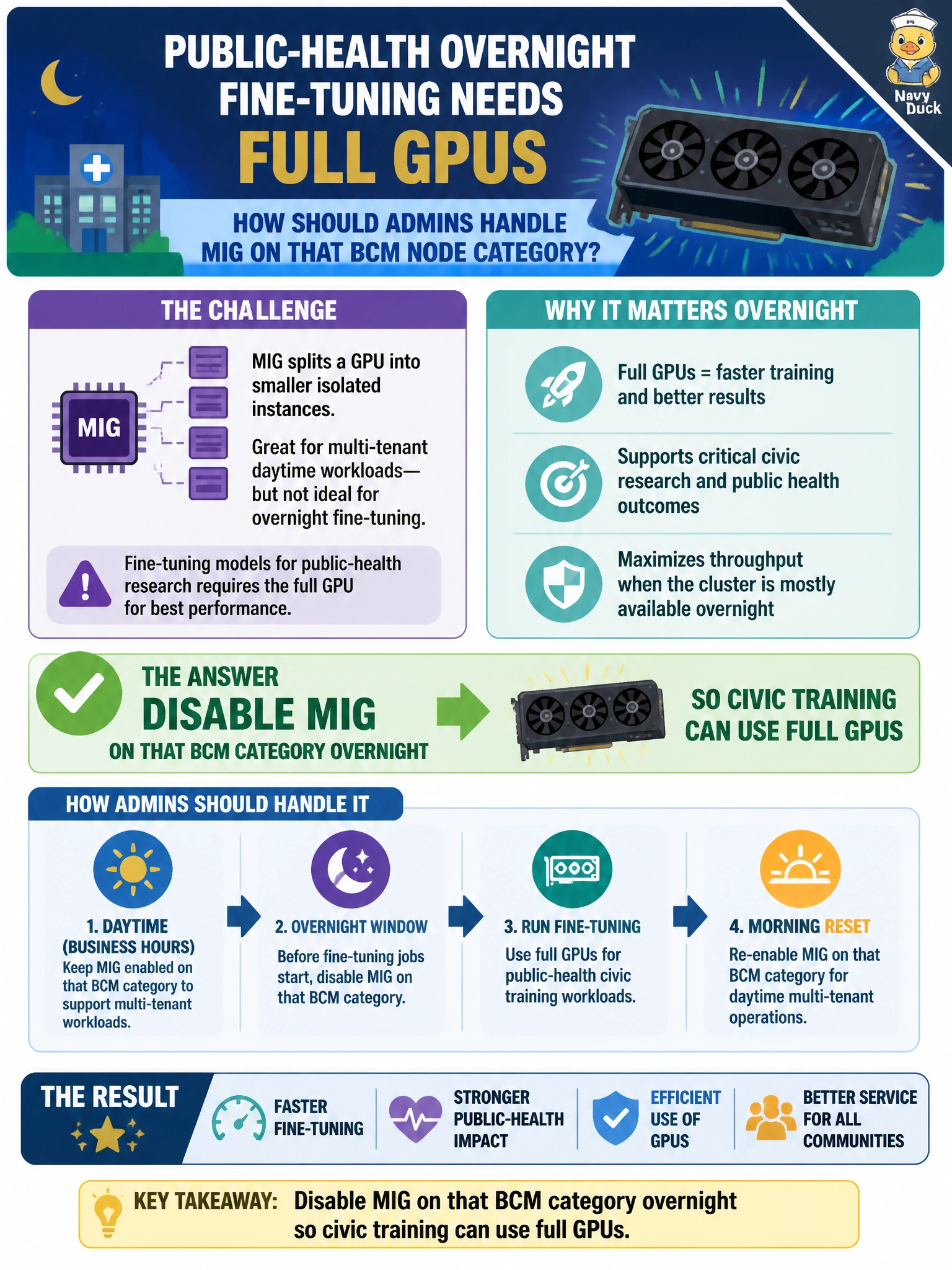
For overnight public-health fine-tuning, you need the full GPU, so disable MIG on that BCM category for the training window. You can restore the daytime layout afterward; keeping tiny slices or moving training to CPUs won’t meet the need.
Full Explanation
MIG isolates GPU slices effectively for multi-tenant inference, but overnight public-health fine-tuning that needs full GPUs cannot run inside tiny MIG instances. Disable MIG on that BCM node category for the training window so jobs can allocate entire GPUs, with their full memory and compute, then restore the daytime MIG layout if 311 sharing resumes. Treat the mode change as controlled: drain the category, reconfigure GPU mode, verify the device-plugin inventory, and then admit training. Leaving MIG enabled so training shares tiny slices with 311 pods can starve fine-tunes of memory and throughput; large models may not fit or may crawl. Forcing training onto CPU-only nodes avoids changing the MIG layout but removes the accelerator the civic model needs and may stretch the overnight window past morning cutovers. Pruning unused registry images does not free GPU capacity or change GPU geometry; it only affects image storage and can leave required images unavailable when jobs start. Exam caveat: MIG enablement is a node- or GPU-level operation, not a per-pod annotation; in the usual MIG setup, you cannot run some processes with MIG on and others with it off on the same physical GPU concurrently. Coordinate with PDBs and drain 311 replicas before the flip, or use a dedicated BCM category for full-GPU training. Practical check: confirm the category advertises full-GPU resources rather than MIG instance names, verify the job’s GRES/resource request matches, and restore MIG only after remaining jobs complete. Track wall time and GPU memory to confirm full-GPU mode was used.