
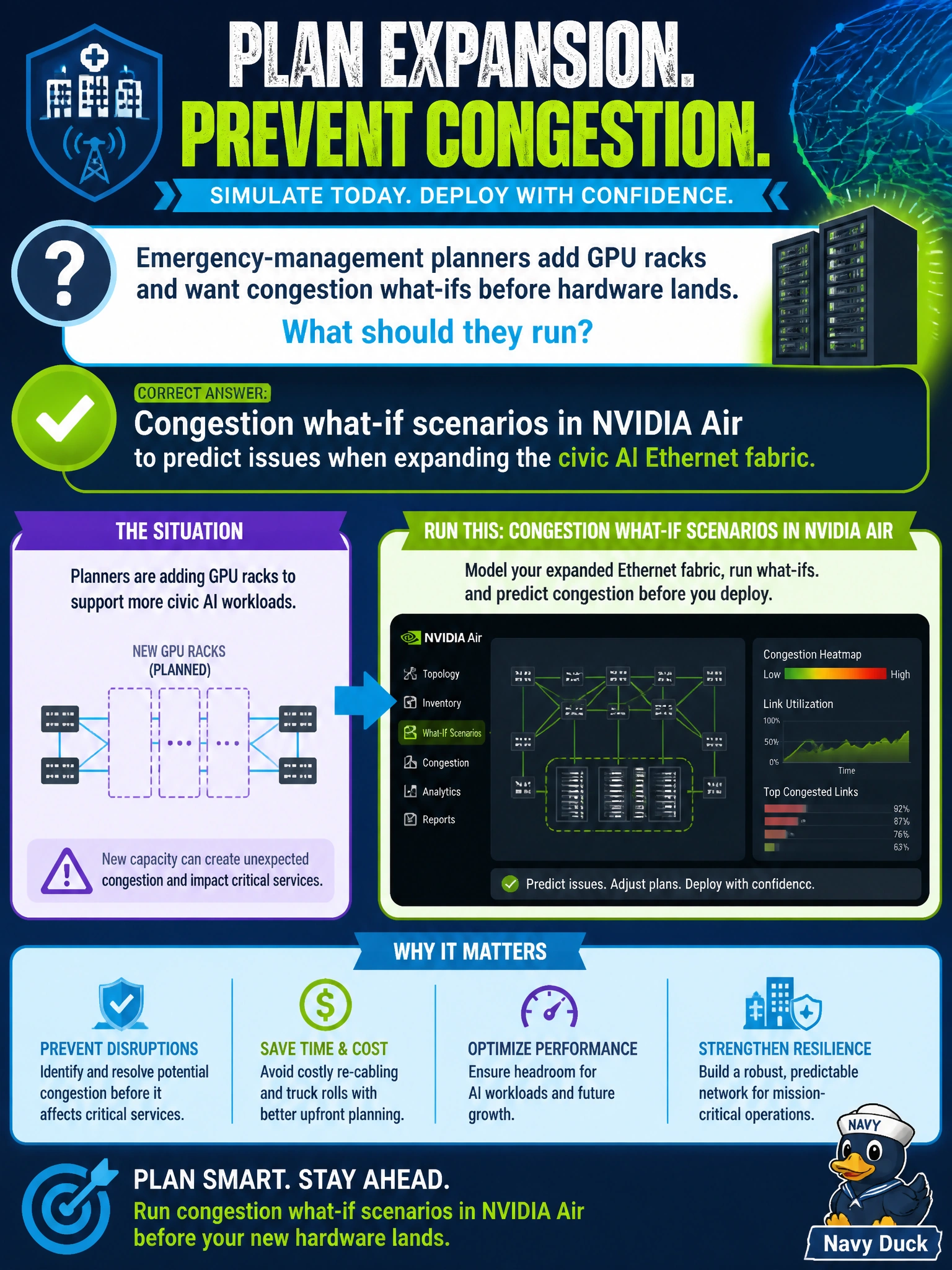
Emergency-management planners add GPU racks and want congestion what-ifs before hardware lands. What should they run?
Select an answer to reveal the explanation.
Short Explanation
Live ECN telemetry and BGP-peering checks on today's switches won't show you problems that don't exist yet. Run congestion what-if scenarios in NVIDIA Air so you spot hotspots before those new GPU racks ever land.
Full Explanation
Emergency-management planners adding GPU racks need congestion what-ifs before hardware lands. They should run congestion what-if scenarios in NVIDIA Air to predict issues when expanding the civic AI Ethernet fabric. Air supports modeling capacity and topology changes so planners can see where Spectrum-X oversubscription, leaf fan-in, or path contention may appear when new emergency-management racks join. Predicting those issues in a twin is far safer than discovering them during the first real incident workload.
Live NetQ telemetry analysis of ECN marking rates across the existing civic AI Ethernet fabric switches fails by concept: it observes current switch behavior rather than modeling congestion for racks that have not yet arrived. NVIDIA Air digital twin simulation to validate EVPN BGP peering for new GPU racks fails because it checks control-plane peering instead of predicting congestion what-ifs for the expanding fabric. Spectrum-X adaptive routing tuning with telemetry-based congestion control also fails—it adjusts live forwarding behavior rather than running a pre-install what-if to size capacity for incoming emergency-management racks.
Exam caveat: Air what-ifs are only as good as the traffic and topology assumptions fed into them; update the model when rack counts, NIC speeds, or oversubscription targets change. Operational check: add the planned emergency-management GPU racks to the NVIDIA Air Spectrum-X model, run congestion and failure what-ifs, note hot leaves or uplinks, adjust ordering or capacity before hardware install, and keep the twin synced as the civic expansion reference.