
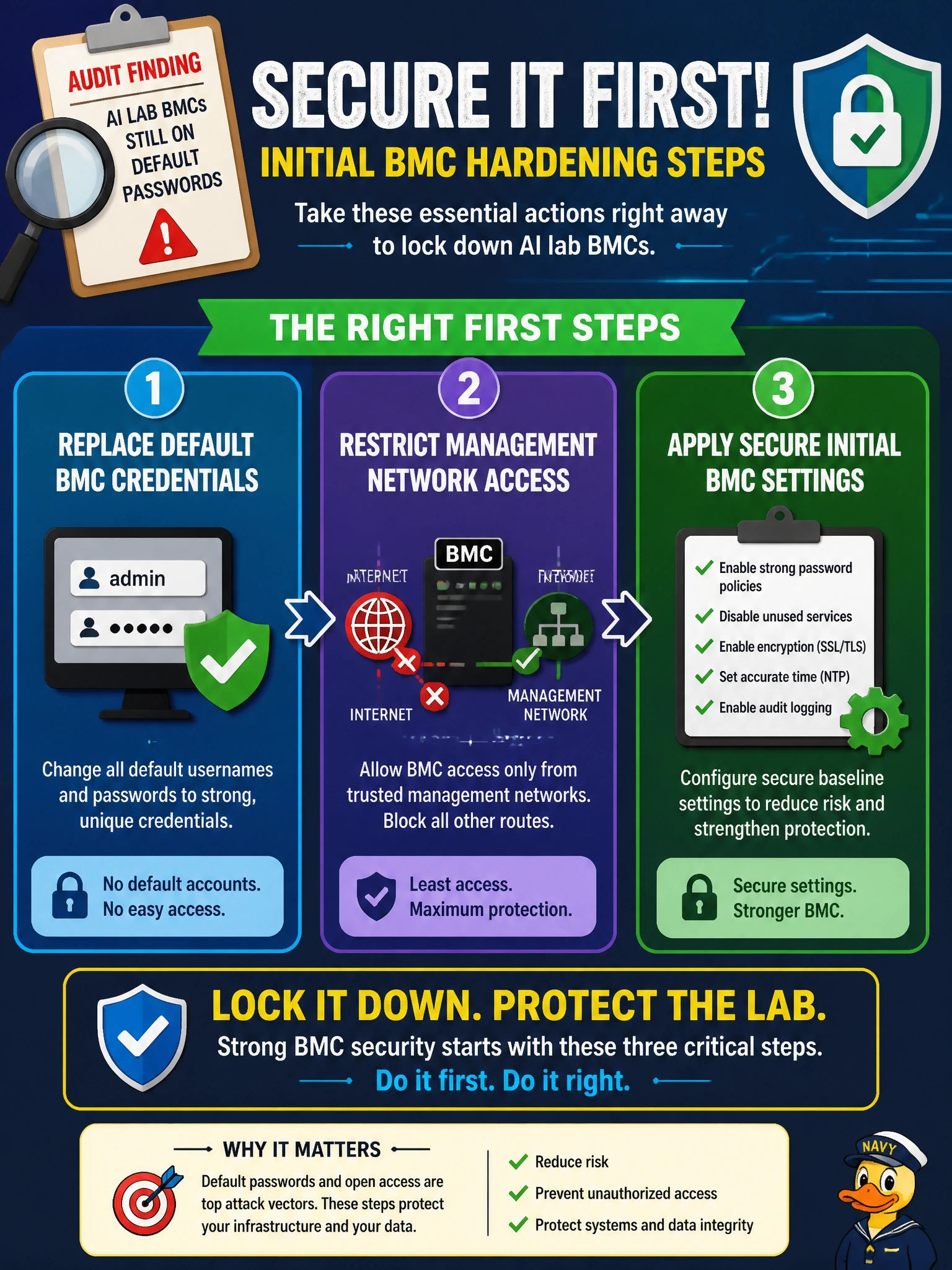
A school-district audit finds AI lab BMCs still on default passwords. What initial BMC hardening step should operators take?
Select an answer to reveal the explanation.
Short Explanation
Default BMC passwords are like leaving the school boiler-room key under the mat. Change them, keep management off the open student or patron networks, and lock down initial BMC settings before the lab rack is trusted.
Full Explanation
School-district AI lab audits that find default BMC passwords require immediate hardening: replace defaults, restrict management-network access, and apply secure initial BMC settings such as disabling anonymous access and enforcing strong auth. Default credentials are widely known and turn every lab GPU chassis into an easy remote-management target if the OOB network is reachable. Publishing BMC passwords on the student Wi-Fi portal for helpdesk convenience exposes management secrets to the broadest untrusted audience in the building. Moving BMC onto the same VLAN as public library patrons without ACLs collapses isolation between community users and chassis controllers. Ignoring BMC accounts because “only the GPU driver security model matters” misses that attackers who own BMC can power-cycle, reimage, or subvert hosts beneath the driver stack. Exam caveat: host OS patching and driver hygiene still matter; BMC hardening is additive, not a substitute debate. Operational check: rotate every lab BMC password to a vault-backed secret, place BMC on a dedicated management VLAN with jump-host-only ACLs, verify default accounts are disabled, and sample-login test from an unauthorized student SSID to confirm denial.