
You are managing a multi-GPU development server where multiple researchers are running training jobs. You need a command-line tool that goes beyond the static snapshot of nvidia-smi to provide an interactive terminal interface, real-time visualization of GPU metrics, and direct process management. Which tool should you use?
Select an answer to reveal the explanation.
Short Explanation and Infographic
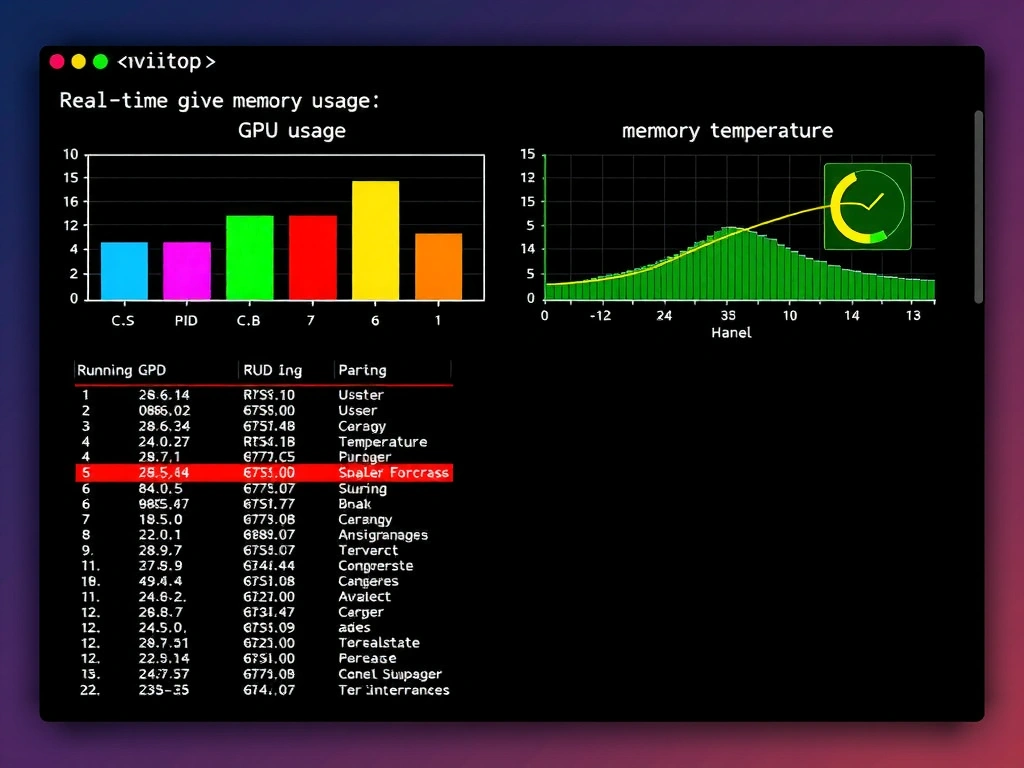
Imagine a rogue training job is hogging all the VRAM on GPU 3. With standard nvidia-smi, you have to run the command, copy the process ID, and manually run a kill command. That's slow! Enter nvitop. Think of it like htop but for your GPUs. It gives you a live, interactive terminal UI where you can sort processes by VRAM or CPU usage and kill them directly inside the tool. It's a lifesaver in production.
Full explanation below image
Full Explanation
The correct utility is nvitop. While nvidia-smi is the standard tool for querying NVIDIA GPU status, it is static and requires manual scripting or looping (e.g., using watch) to monitor live changes. nvitop provides an interactive, terminal-based user interface that displays real-time GPU utilization, memory footprint, power draw, and temperatures. Crucially, it lists active GPU processes and allows administrators to filter, sort, and terminate processes interactively without leaving the terminal UI. - dcgmi (Data Center GPU Manager CLI) is designed for cluster-wide health checks, diagnostics, and policy management, not for interactive process management by individual users. - gpustat is a lightweight command-line tool that displays a quick summary of GPU states, but it is non-interactive and lacks process management features. - nvidia-settings is a desktop-based graphical user interface (GUI) primarily used on workstations to configure display layouts and driver settings, making it unsuitable for remote SSH server administration.