
You need a real-time, interactive terminal-based monitoring tool to manage multiple GPUs in your training cluster. You want to see process details, monitor resource usage with colorized formatting, and have the ability to filter or kill processes directly from the interface. Which tool should you use?
Select an answer to reveal the explanation.
Short Explanation and Infographic
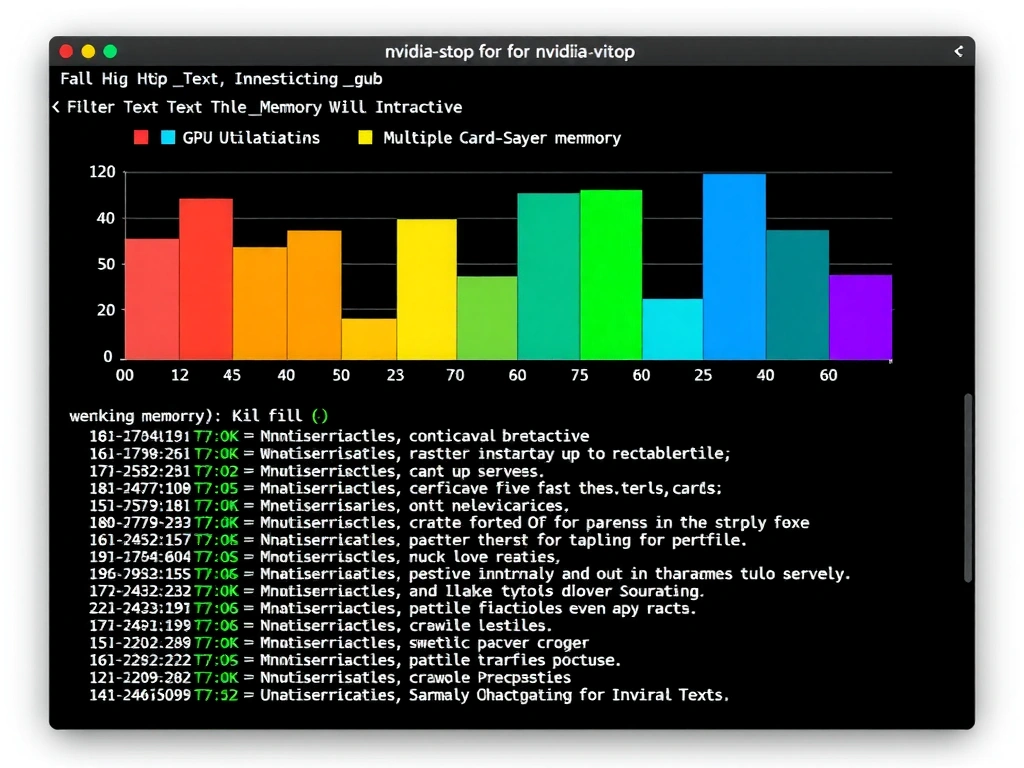
Okay, let's dive in. Most of you probably live in nvidia-smi—and hey, it's a great tool when you just want a quick snapshot of what your GPUs are doing. But if you want a beautiful, real-time, interactive dashboard directly in your terminal, nvitop is where it's at. Think of it like the htop of the GPU world. It colorizes everything, updates continuously, and actually lets you manage and kill processes right from the UI. dcgmi is built for automated health checks and cluster metrics telemetry, and HWiNFO is a Windows tool that you wouldn't use on a Linux server cluster. For interactive troubleshooting, nvitop is a game changer. Trust me, try it out once and you'll never go back!
Full explanation below image
Full Explanation
For GPU monitoring in data center environments, administrators have several tools at their disposal, each suited for different use cases.
nvitop is an interactive, real-time GPU monitoring tool designed for the terminal. It serves as an enhanced, interactive version of nvidia-smi, resembling the classic Linux process viewer htop.
Key features of nvitop include: - Interactive Process Management: Allows users to sort, filter, and terminate GPU processes directly from the terminal UI. - Visual Enhancements: Utilizes terminal colorization, bars, and historical graphs to display memory and GPU utilization. - Responsiveness: Updates in real-time with minimal overhead. - Dynamic Scaling: Automatically adjusts its layout based on the terminal window size.
Let's review the other options: - nvidia-smi (System Management Interface): The standard command-line utility from NVIDIA. While extremely reliable for query-based scripting and static snapshots, it is non-interactive. - dcgmi (Data Center GPU Manager CLI): Part of the DCGM suite. It is designed for run-time health checks, diagnostic tests, and telemetry gathering, typically integrated with Prometheus/Grafana rather than used as an interactive terminal dashboard. - HWiNFO: A general hardware diagnostic tool primarily used in Windows client environments, not designed for Linux-based data center GPU cluster monitoring.