
An enterprise AI data center is experiencing severe performance degradation and latency spikes during periods of high demand. To restore and maintain stable performance, which two strategies should the operations team prioritize to automate and optimize their GPU infrastructure? (Select two)
Select all correct answers, then click Submit.
Short Explanation and Infographic
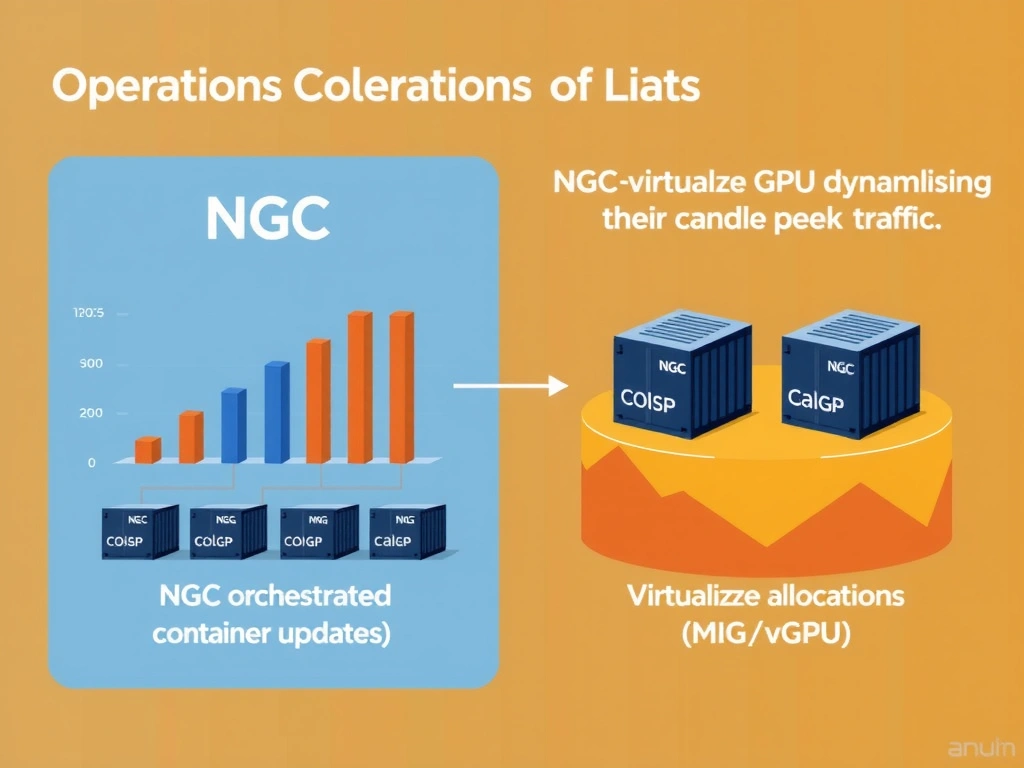
If your data center starts crawling every time the afternoon rush hits, you can't rely on manual processes to save you. Trust me on this: sitting around manually reading log files after the crash happened is way too late! And if you only watch your CPU metrics, you're completely blind to what's actually happening on your expensive GPU hardware. You've got to automate. First, use NVIDIA GPU Cloud (NGC) to keep all your drivers, libraries, and deep learning frameworks updated and optimized automatically. Second, set up GPU virtualization. This lets you dynamically allocate and shift GPU slices to where they're needed most in real time, so a sudden peak in one workload doesn't bring the whole house down.
Full explanation below image
Full Explanation
In modern AI operations, maintaining performance consistency during peak utilization requires shifting from manual, reactive troubleshooting to automated, proactive management. Using the NVIDIA GPU Cloud (NGC) is a primary best practice. NGC provides pre-optimized container images, Helm charts, and software development kits (SDKs) that contain the latest performance enhancements and security patches. By automating the deployment and updating of these containers and drivers, operations teams ensure that the software stack is fully optimized for the underlying hardware, eliminating compatibility issues that often lead to performance degradation.
Simultaneously, implementing dynamic resource allocation through GPU virtualization (such as NVIDIA vGPU or Multi-Instance GPU - MIG) allows the infrastructure to adapt to shifting workloads. Instead of statically assigning physical GPUs, virtualization enables the operations team to partition resources dynamically based on active user demand. During peak hours, idle slices can be automatically reallocated to overloaded services, preventing resource starvation and stabilizing latency.
Conversely, monitoring only CPU metrics is insufficient because it provides no visibility into GPU memory saturation, tensor core utilization, or thermal throttling. Manual log analysis is too slow to mitigate real-time performance fluctuations. Finally, disabling GPU performance scaling features like GPU Boost would unnecessarily limit the system's peak compute capacity, exacerbating performance issues during high-demand windows.