
An administrator needs an automated weekly capacity and health summary for a Nutanix multicloud estate. The summary must combine cluster health and capacity metrics without manual console checks. Which approach meets this requirement?
Select an answer to reveal the explanation.
Short Explanation
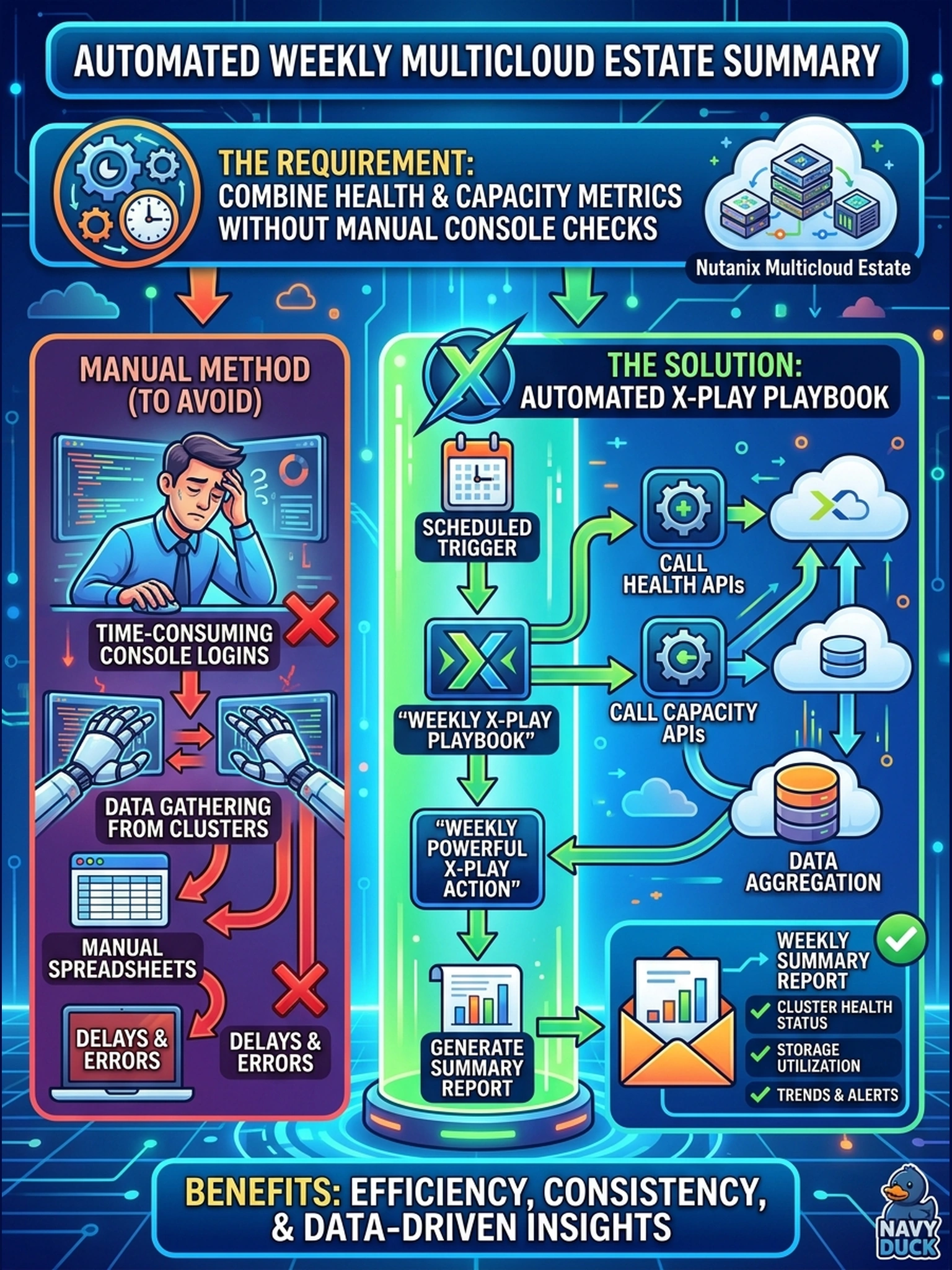
Think of this like setting a weekly alarm to do your reporting chores: pull the numbers, package them, send them. You want an X-Play playbook that calls the health and capacity APIs and runs on a schedule. Manual console checks, audit logs, or Flow alerts won't give you the same automated summary.
Full Explanation
Automating this requirement means separating data collection from recurring execution. Prism Central exposes cluster health and capacity data through its APIs, so an administrator can collect the metrics programmatically instead of reading them from the console. X-Play playbooks can orchestrate those API calls and run on a schedule, which satisfies the weekly summary requirement and keeps the process repeatable. Flow dashboard alerts do not meet the requirement because Flow monitoring is centered on networking and segmentation visibility, not on assembling a general cluster health and capacity report from APIs. Prism Central audit logs are also unsuitable because they record administrative actions and configuration changes; they do not provide the operational metrics needed for capacity and health analysis. Prism Element cluster health checks are wrong because they are diagnostic checks or point-in-time health assessments, not a scheduled API-driven reporting workflow. Exam caveat: the exam may describe this as scheduled automation, API collection, or X-Play orchestration instead of naming a specific report. Operational check: run the playbook once against a test cluster, verify the API responses contain health and capacity values, then schedule it weekly and review the generated summary.