
An operations team needs email alerts from a production AHV cluster that is registered to Prism Central. The administrator wants centralized alert routing without configuring each cluster separately. Which action should be taken?
Select an answer to reveal the explanation.
Short Explanation
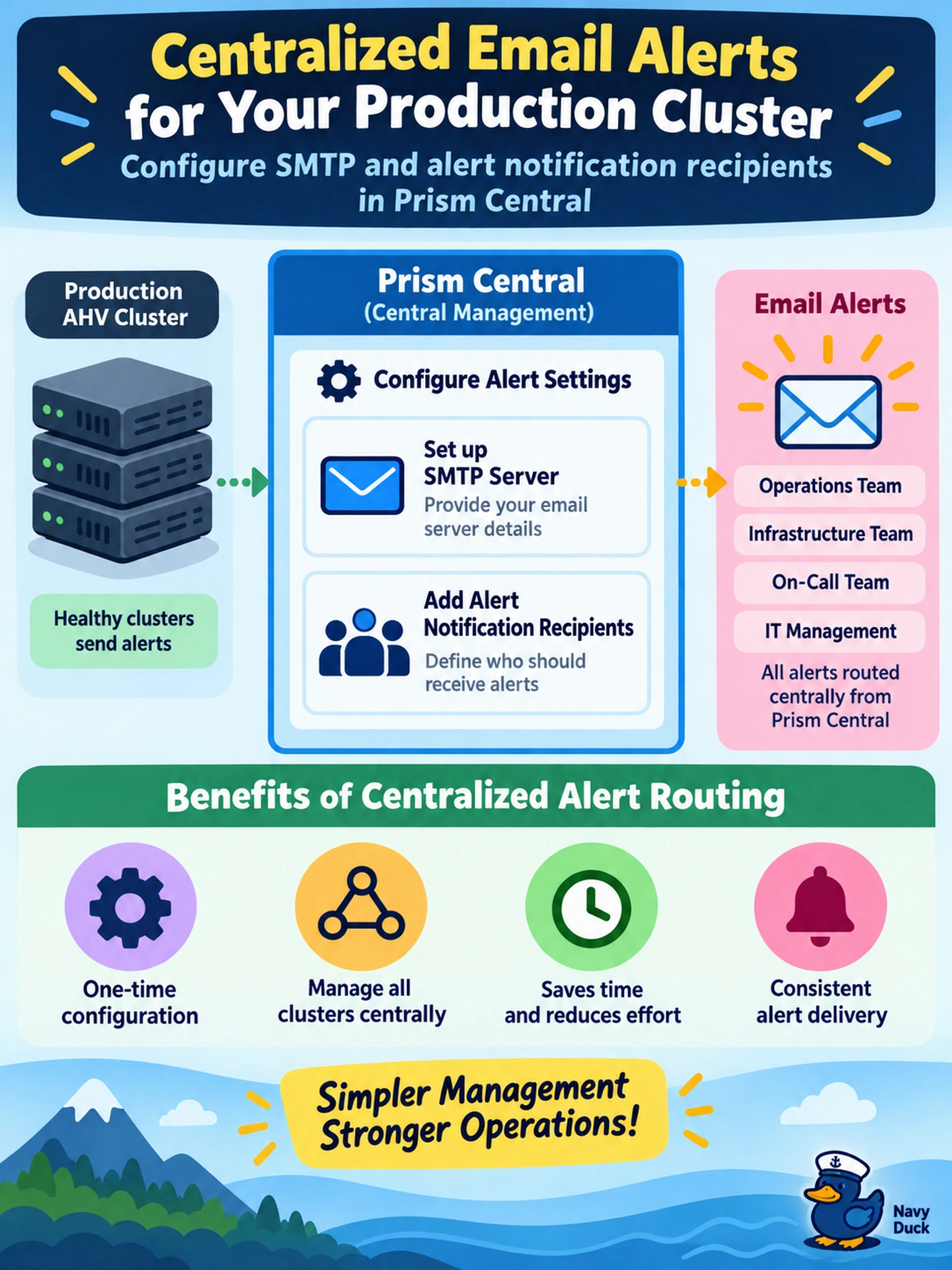
Think of Prism Central like the building's central alarm panel: it's where you route notifications, not where you wire every smoke detector by hand. If you set SMTP and alert recipients there, your registered clusters can send alerts to the ops team without logging into each Prism Element. Don't confuse categories or log forwarding with alert delivery; those organize or record things, but they don't page the team.
Full Explanation
Prism Central is the centralized management plane for registered Nutanix clusters, so alert notification settings configured there can route cluster-generated alerts to designated operations mailboxes. The administrator configures SMTP connectivity and alert email recipients in Prism Central, then assigns or enables the relevant alert policies so alerts from the registered cluster are delivered to the operations team without requiring per-cluster Prism Element administration. Email notification settings applied only to individual CVMs are not the supported centralized path, because CVMs are infrastructure components and alert routing is managed through the Prism management layer. Creating categories or projects organizes workloads and access, but categories do not generate or forward alerts. Forwarding audit logs or syslog events may provide activity visibility, yet audit logs are not health alerts and do not satisfy alert routing to an operations mailbox. Exam caveat: distinguish centralized alert notification from workload categorization, RBAC, and log forwarding when the requirement is operational alert delivery. Operational check: register the cluster in Prism Central, set SMTP and recipient details, trigger a test alert, and confirm delivery in the operations mailbox.