
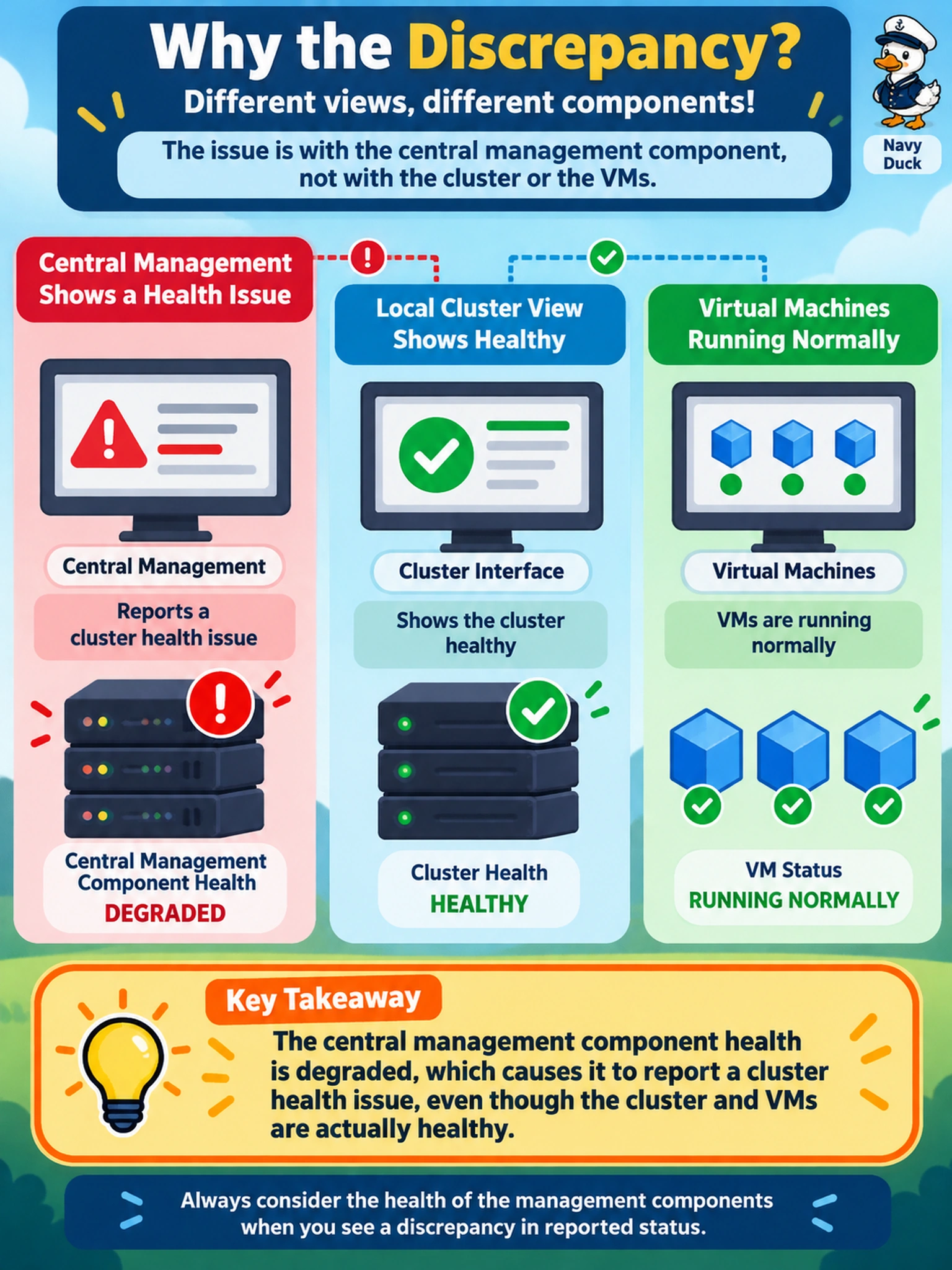
Prism Central reports a health issue for a Nutanix cluster, but Prism Element shows the cluster healthy and VMs are running normally. Which condition best explains this discrepancy?
Select an answer to reveal the explanation.
Short Explanation
Think of Prism Central as the front desk and the cluster as the warehouse floor. If the front desk lights are blinking but the warehouse is running, don't start moving pallets; check the front desk systems first. You want to verify management-plane component health before touching storage or VM settings.
Full Explanation
Prism Central health is a management-plane signal: it reflects the status of Prism Central services, connected-cluster registration, and supporting components, while Prism Element reports data-plane cluster health such as CVM, storage, and hypervisor integration. When Prism Central raises a warning but Prism Element remains healthy and workloads continue normally, the most consistent explanation is degraded Prism Central component health. A storage container with lost redundancy is a data-plane fault and would normally surface through Prism Element cluster health, because redundancy affects data availability and capacity. A full CVM disk on an AHV node is also a data-plane condition that would typically degrade cluster health before or alongside Prism Central visibility. A missing VM VLAN is a workload networking condition; it can interrupt traffic but does not explain a management-plane health alert while the cluster itself stays healthy. Exam caveat: do not assume every Prism Central alert indicates cluster failure; separate management-plane component issues from data-plane cluster issues. Operational check: open Prism Central health or alerts, identify the affected component, then review component logs and service status before inspecting storage containers, CVM disks, or VM networks.