
Your team plans to expand an AHV cluster using nodes that run a different AOS and hypervisor version than the existing cluster. Before adding the nodes, what should the engineer do?
Select an answer to reveal the explanation.
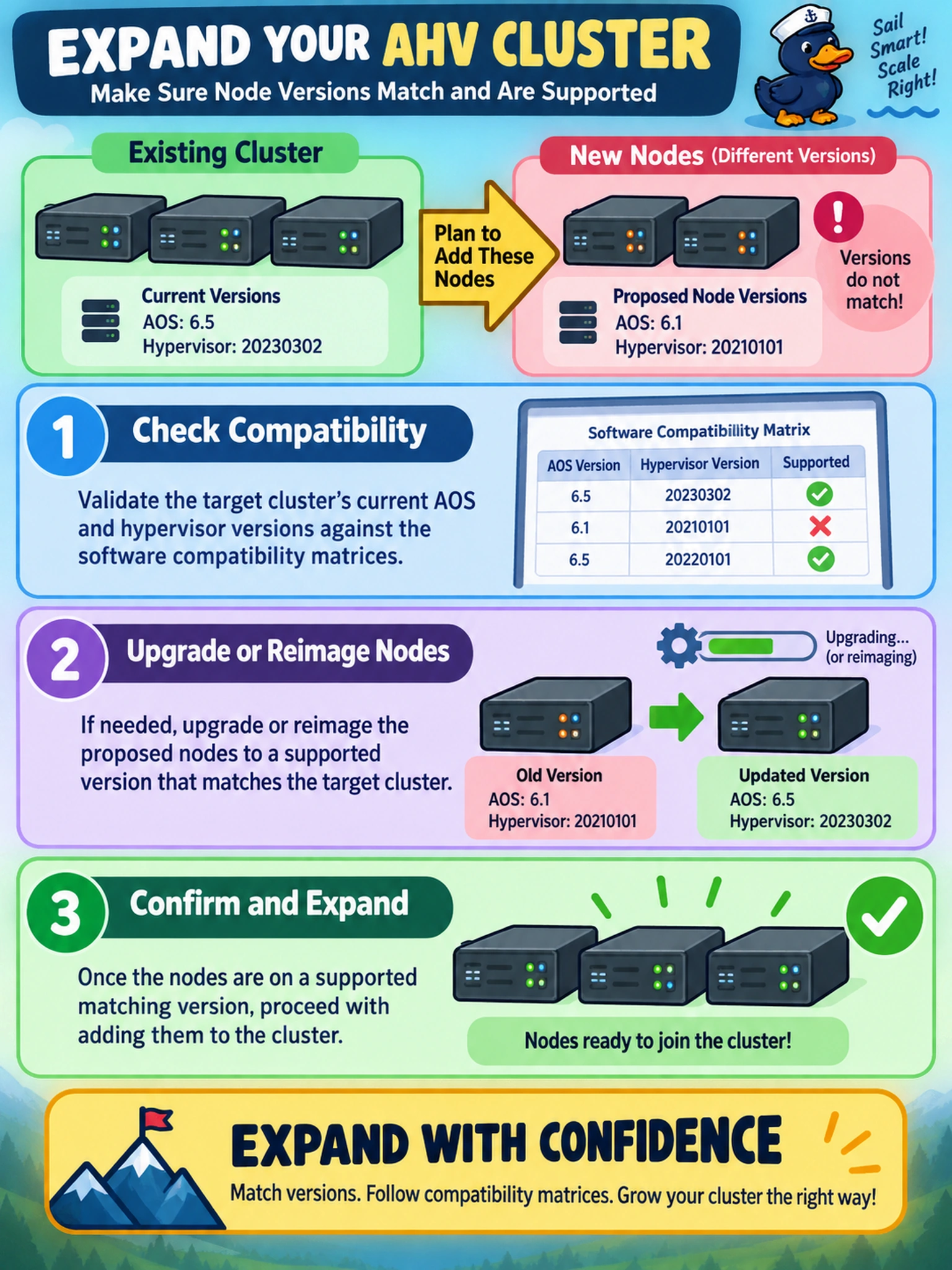
Short Explanation
Think of cluster expansion like adding engine parts: you check the compatibility chart before bolting anything on. You validate supported AOS and hypervisor versions first, because LCM won't magically make an unsupported node join. That keeps your expansion from turning into a rollback party.
Full Explanation
Nutanix cluster expansion requires the new nodes to join a cluster whose AOS and hypervisor versions form a supported combination. The correct approach is to compare the proposed nodes against the current cluster version and the documented compatibility matrix, then upgrade or reimage the nodes to a supported matching version before performing the expansion. This preserves cluster consistency and allows LCM prechecks to validate the change. Relying on LCM to automatically align versions is wrong because LCM can orchestrate supported upgrades, but it does not waive compatibility requirements or safely absorb unsupported versions. Adding nodes first and checking health afterward is also wrong because it introduces an unsupported state before detection and can affect stability. Placing nodes in maintenance mode and migrating workloads while manually aligning versions is wrong because maintenance mode and VM migration do not establish supported cluster composition; manual version alignment without a validated upgrade path is not a supported expansion method. Exam caveat: choose the action that prevents an unsupported cluster, not one that remediates after the fact. Operational check: run the cluster expansion precheck or LCM readiness check against the compatibility matrix and node inventory before adding hardware.