
You are adding four new nodes to an existing AHV cluster. Prism Element rejects the expansion with a 'Hardware Compatibility Not Confirmed' error. What is the most likely cause?
Select an answer to reveal the explanation.
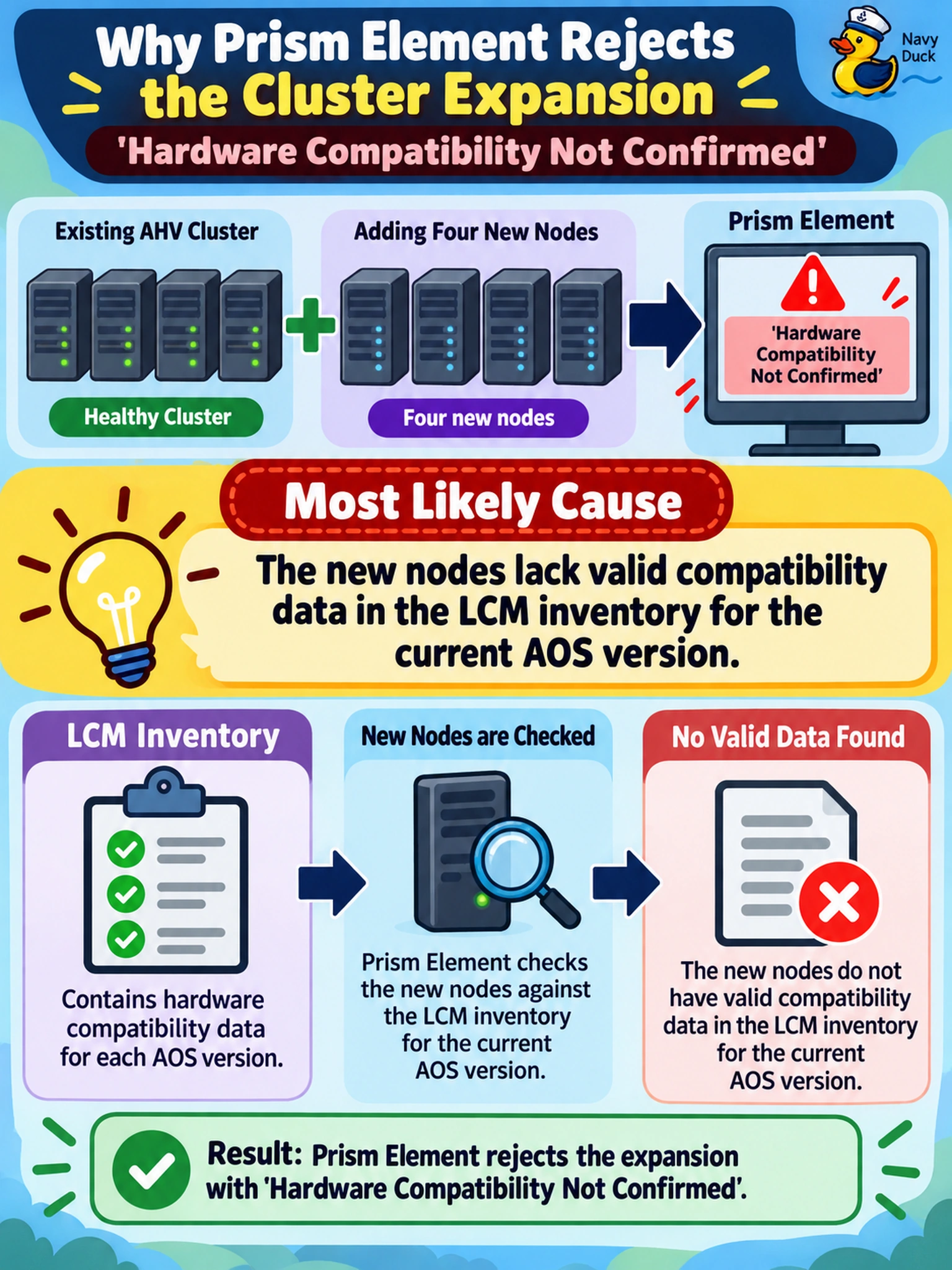
Short Explanation
Think of LCM as your hardware gatekeeper. If it doesn't have the data to prove your new gear plays nice with your current AOS, it won't let you in. Don't blame the CPU or disk space yet; check the LCM inventory first.
Full Explanation
Nutanix cluster expansion relies on Life Cycle Manager (LCM) to validate hardware and software compatibility. Prism performs pre-checks that query the LCM inventory to verify that new hardware is supported by the installed AOS version. If the nodes are not registered in the LCM inventory, or if compatibility records for the specific node model and AOS build are missing, the pre-check fails with a compatibility error. This validates supportability, not just physical capacity.
Insufficient free space would trigger a capacity warning, not a hardware compatibility error, as space calculations are independent of support lists. Mixed-generation hardware is generally supported if CPU generations are compatible, so architectural differences alone do not cause this specific validation failure. Similarly, while legacy AOS versions may restrict hardware, the 'Not Confirmed' error specifically indicates missing or unverified compatibility data rather than an explicit prohibition on mixed generations.
Exam caveat: Always verify LCM inventory and compatibility matrices before troubleshooting expansion failures.
Operational check: Run an LCM inventory update and review the compatibility report for the node model against your current AOS build.