
After completing a planned AOS and AHV upgrade window, you notice that newly released software inventory items are not appearing in the LCM Inventory list on Prism Element. The upgrade completed successfully, and the cluster is healthy. What should you do first to make the new software versions visible in LCM?
Select an answer to reveal the explanation.
Short Explanation
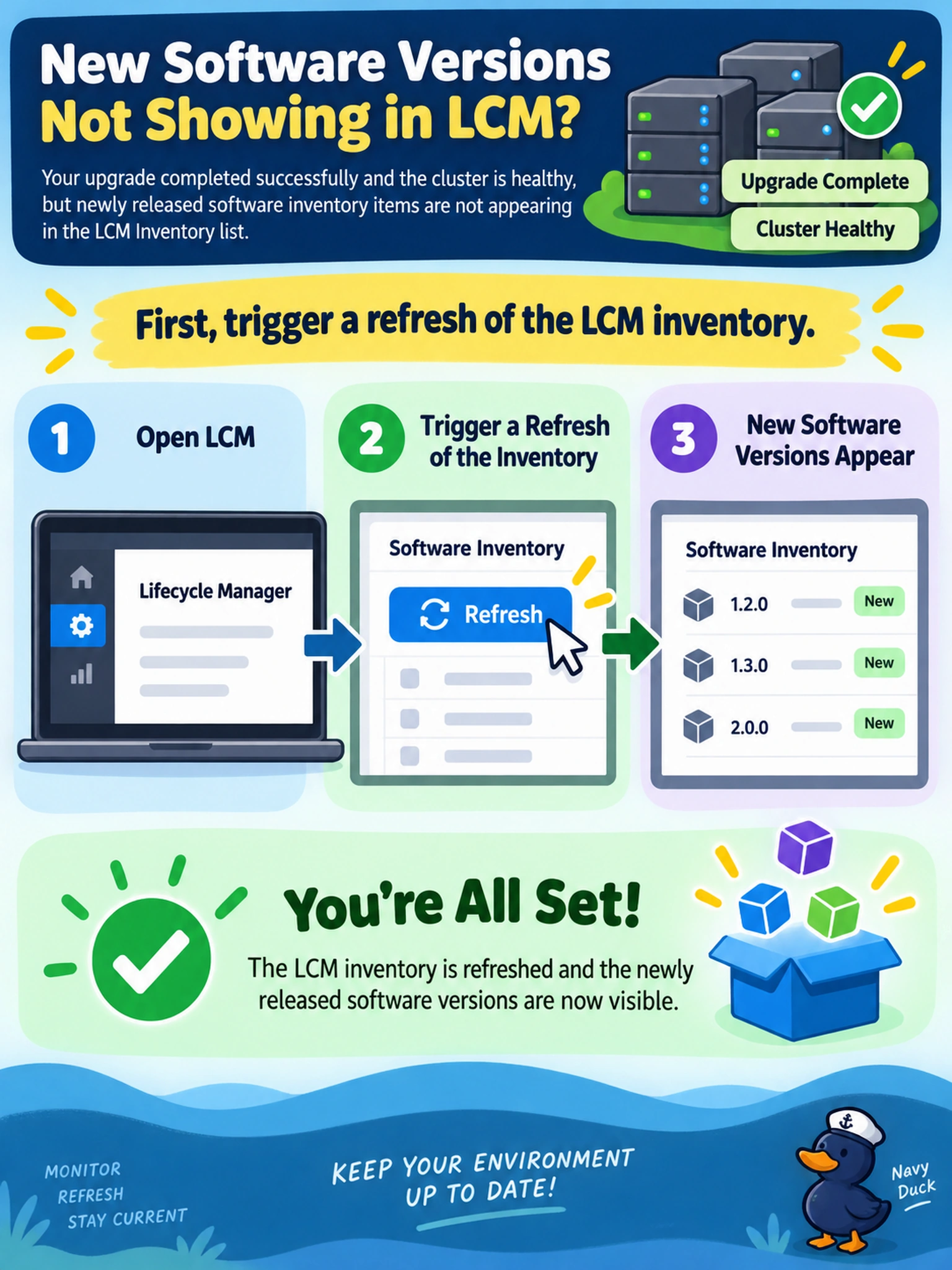
Think of LCM inventory like a browser cache: if new updates aren’t showing, don’t reinstall the computer—hit refresh. Your cluster just needs to poll the LCM repository again, so don’t waste time manually uploading or rebooting.
Full Explanation
LCM inventory is a cached list built by querying the Nutanix software repository for versions compatible with the cluster’s current AOS and hypervisor state. After a release, the cluster does not automatically show every new package until it performs a fresh repository query, so refreshing the inventory is the normal first action when expected software is missing. Manual package upload is only appropriate when the cluster cannot reach the repository, such as in an air-gapped setup, or when you are adding custom software that Nutanix did not publish to the repository. Restarting a CVM is a disruptive control-plane action and does not solve a repository visibility issue; it also risks unnecessary interruption to storage and management services. Re-registering with Prism Central addresses management-plane integration, not the local LCM inventory cache, and it does not make new Nutanix releases appear on Prism Element. Exam caveat: In online LCM mode, refresh inventory first; offline LCM requires manual staging of approved packages. Operational check: Trigger an LCM inventory refresh and confirm the expected versions appear before starting another upgrade or maintenance window.