
County security analysts open one console to investigate Microsoft Defender alerts and incidents. Which experience is that console?
Select an answer to reveal the explanation.
Short Explanation
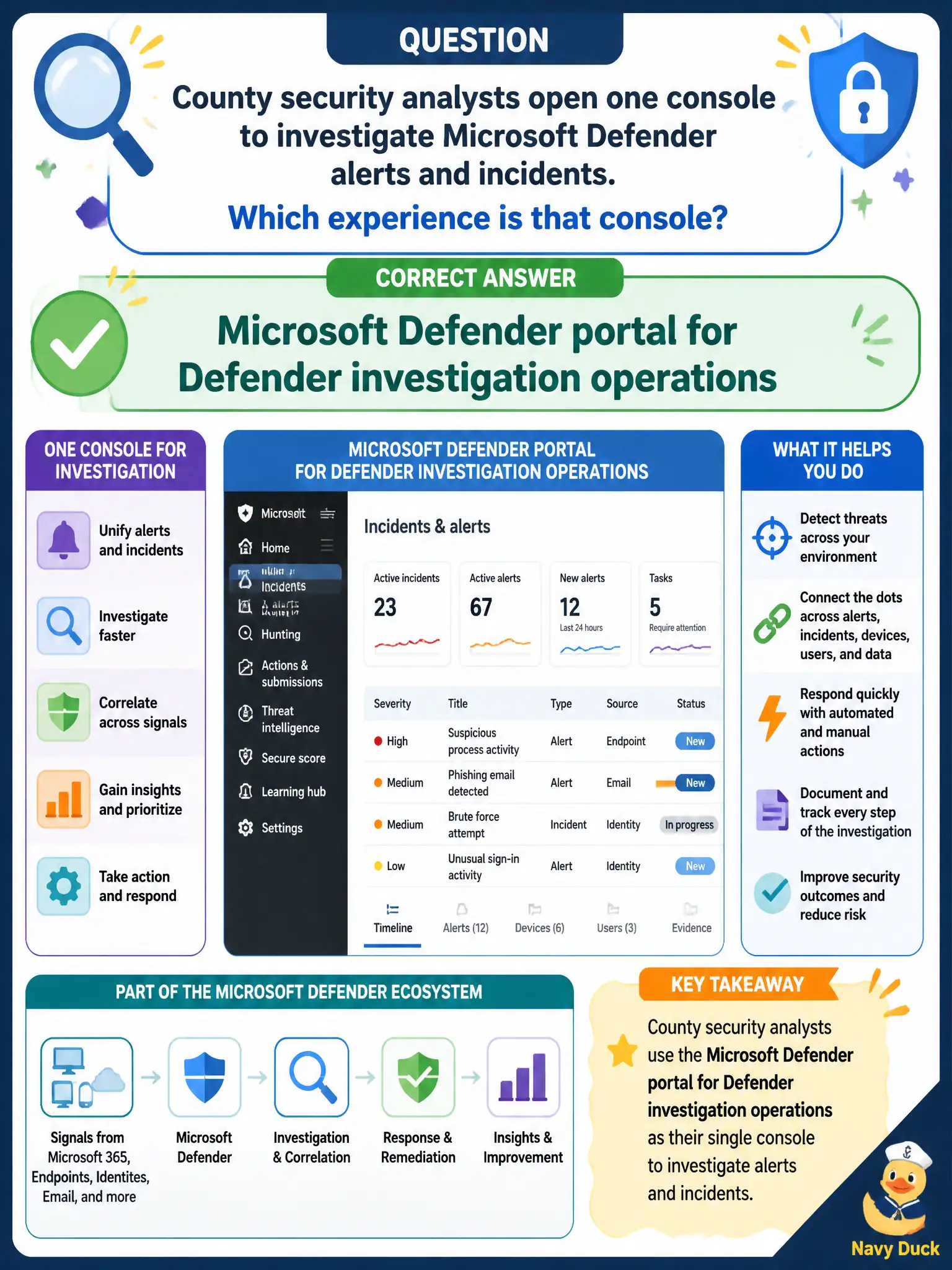
One desk for the hunters: the Microsoft Defender portal is where analysts dig into Defender alerts and incidents. Bookings, Forms dashboards, and SharePoint library views are different municipal tools — not the Defender ops console.
Full Explanation
The Microsoft Defender portal is the console for Defender investigation operations where county security analysts open one place to investigate Microsoft Defender alerts and incidents. That unified operations experience supports XDR-style work across Defender products and is the fundamentals answer when the stem asks which console analysts use for Defender investigations. Municipal SOCs should standardize on the Defender portal rather than improvised productivity apps for incident work and handoffs.
A Microsoft Bookings page for public appointments is not a security investigation console. A Microsoft Forms response dashboard for surveys collects form answers, not Defender incidents. A SharePoint site contents view for document libraries manages library contents, not cross-product security alerts.
An exam caveat is that some configuration may still occur in workload-specific admin centers, but investigation of Defender alerts and incidents centers on the Microsoft Defender portal. Operationally, grant analysts appropriate Defender roles, open an active incident in the portal, pivot across related alerts, and update the county SOC quick-start so new analysts land in the Defender portal first.