
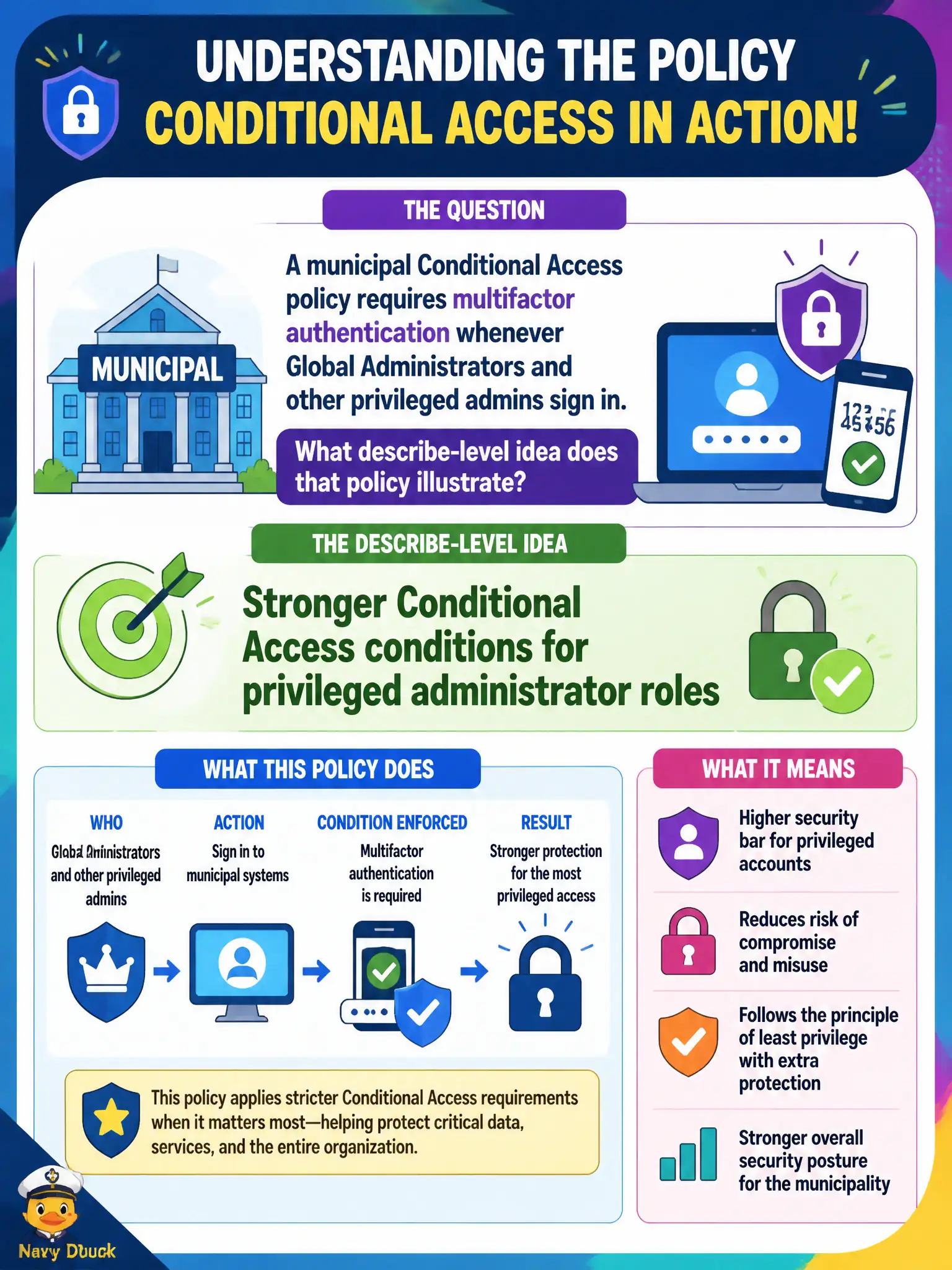
A municipal Conditional Access policy requires multifactor authentication whenever Global Administrators and other privileged admins sign in. What describe-level idea does that policy illustrate?
Select an answer to reveal the explanation.
Short Explanation
Admins hold the keys to the city — so Conditional Access turns the MFA dial up for those roles every sign-in. Privileged accounts get tougher gates than everyday staff. That is the describe-depth story: stronger conditions for powerful roles.
Full Explanation
Stronger Conditional Access conditions for privileged administrator roles illustrate a municipal policy that requires multifactor authentication whenever Global Administrators and other privileged admins sign in. Privileged accounts deserve tighter identity-driven controls because compromise of those roles can alter billing, users, and security posture across the entire city tenant. At describe depth, Conditional Access is how Microsoft 365 applies that stronger admin gate without pretending SharePoint permissions or booking tools are equivalent controls.
Disabling Entra ID entirely for privileged accounts would remove the cloud identity platform those admins need. Replacing MFA with SharePoint unique permissions only confuses content permissions with sign-in strength. Using Microsoft Bookings as the admin approval workflow does not enforce MFA for privileged portal sign-ins.
An exam caveat is that Conditional Access admin policies should avoid locking out all admins without a monitored break-glass strategy. Operationally, assign privileged roles sparingly, create a Conditional Access policy requiring MFA for those roles, validate with a privileged pilot account, and document emergency access accounts that are excluded yet tightly monitored by the city SOC.