
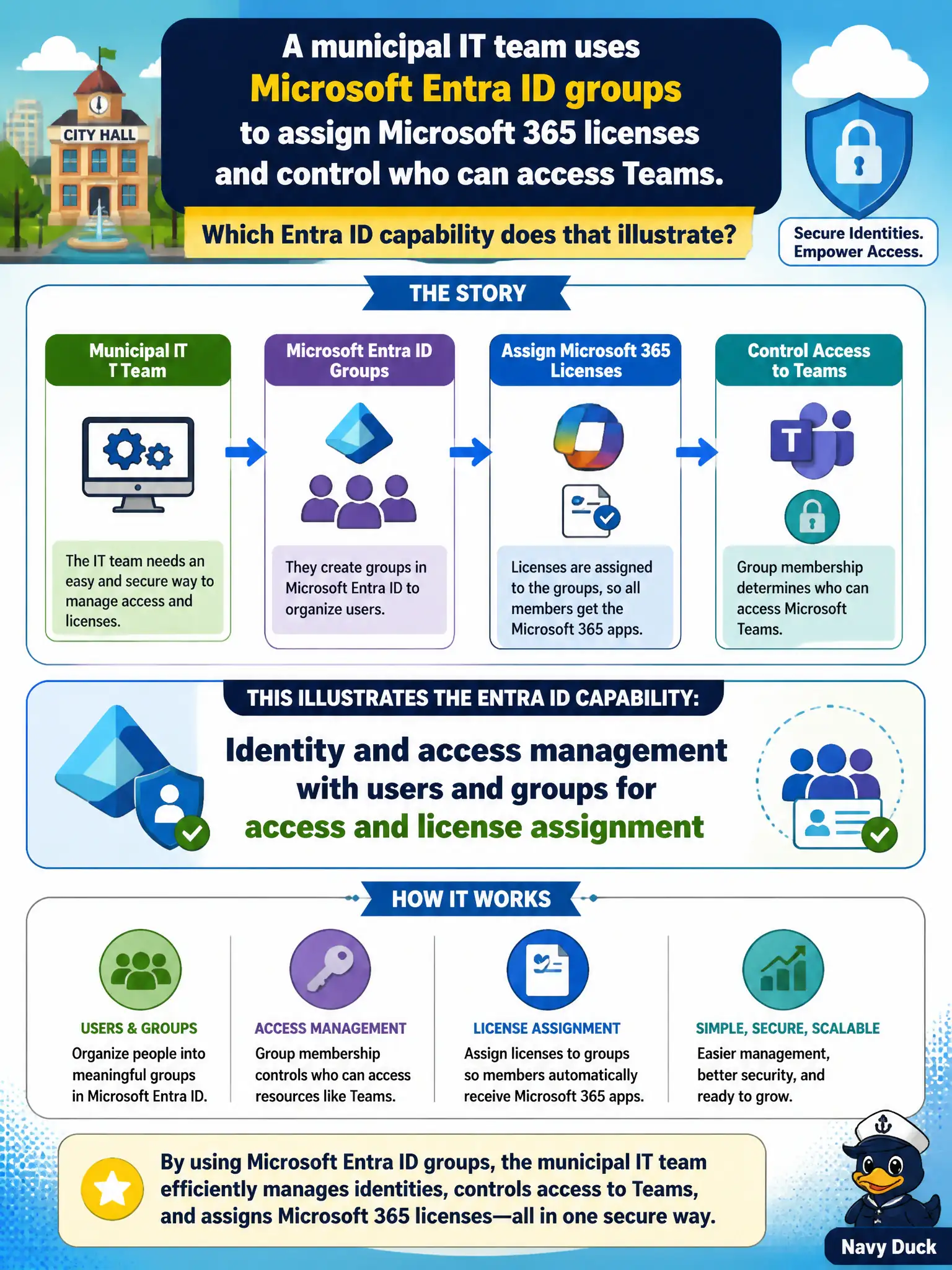
A municipal IT team uses Microsoft Entra ID groups to assign Microsoft 365 licenses and control who can access Teams. Which Entra ID capability does that illustrate?
Select an answer to reveal the explanation.
Short Explanation
Put people in the right Entra ID groups and licenses plus app access follow the membership. That is everyday IAM storytelling for Microsoft 365. Groups are how cities scale who gets what.
Full Explanation
Identity and access management with users and groups for access and license assignment is the Entra ID capability illustrated when a municipal IT team uses Entra ID groups to assign Microsoft 365 licenses and control who can access Teams. Groups become the scalable storytelling layer for “who gets which cloud capabilities,” which is far more maintainable than one-off per-user assignments across city departments. At MS-900 depth, that users-and-groups model is core Entra ID IAM, not a compliance hold or update-ring trick.
Microsoft Purview eDiscovery case holds preserve content for investigations; they do not assign Teams licenses. Windows deployment rings stage operating system updates and are not the primary way to grant Teams app permissions. Microsoft 365 Copilot dashboard tiles visualize Copilot program metrics and are not a substitute for Entra ID group membership.
An exam caveat is that license group assignment and application access can use overlapping or separate groups depending on municipal governance design—clarity of group purpose matters. Operationally, create or reuse an Entra ID security group for a department, assign the appropriate Microsoft 365 licenses through group-based licensing, grant Teams access consistently, and verify a newly added member receives both license and Teams access after sync propagation.