
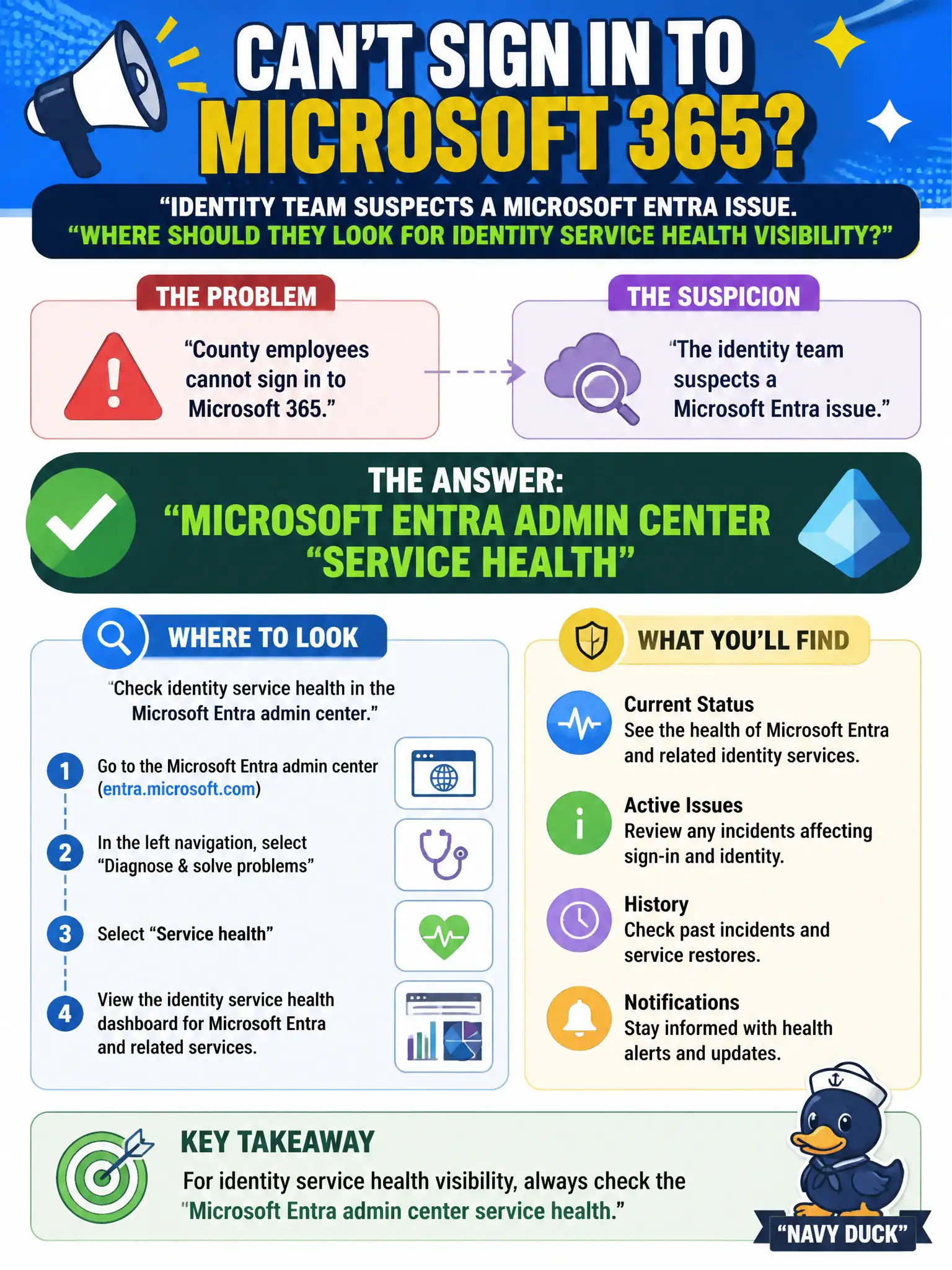
County employees cannot sign in to Microsoft 365 and the identity team suspects a Microsoft Entra issue. Where should they look for identity service health visibility?
Select an answer to reveal the explanation.
Short Explanation
Sign-in trouble for the whole county? Check Entra's own service health blade. That is where identity-side incidents show up, not in the parking kiosk logs.
Full Explanation
When county employees cannot sign in to Microsoft 365 and the identity team suspects a Microsoft Entra issue, they should look at Microsoft Entra admin center service health for identity service visibility. Identity outages are tracked on the Entra health blade rather than unrelated municipal app logs.
Parking-permit kiosk application logs are not the Entra service health source. SharePoint list formatting JSON for a team site theme does not explain tenant-wide sign-in failure. Windows Update rings for a single offline kiosk PC are unrelated to countywide identity health.
Exam caveat: Microsoft 365 Service health and Entra service health both matter—pick the blade matching the failing workload family. Operational check: compare Entra service health with Microsoft 365 Service health during the incident, note which shows degradation, and include both screenshots in the bridge call notes. In municipal Microsoft 365 fundamentals scenarios, map the business need to the named capability, reject distractors from a different pillar, and verify the control or commercial setting in the admin or billing experience before reporting risk closed to leadership. In municipal Microsoft 365 fundamentals scenarios, map the business need to the named capability, reject distractors from a different pillar, and verify the control or commercial setting in the admin or billing experience before reporting risk closed to leadership.