
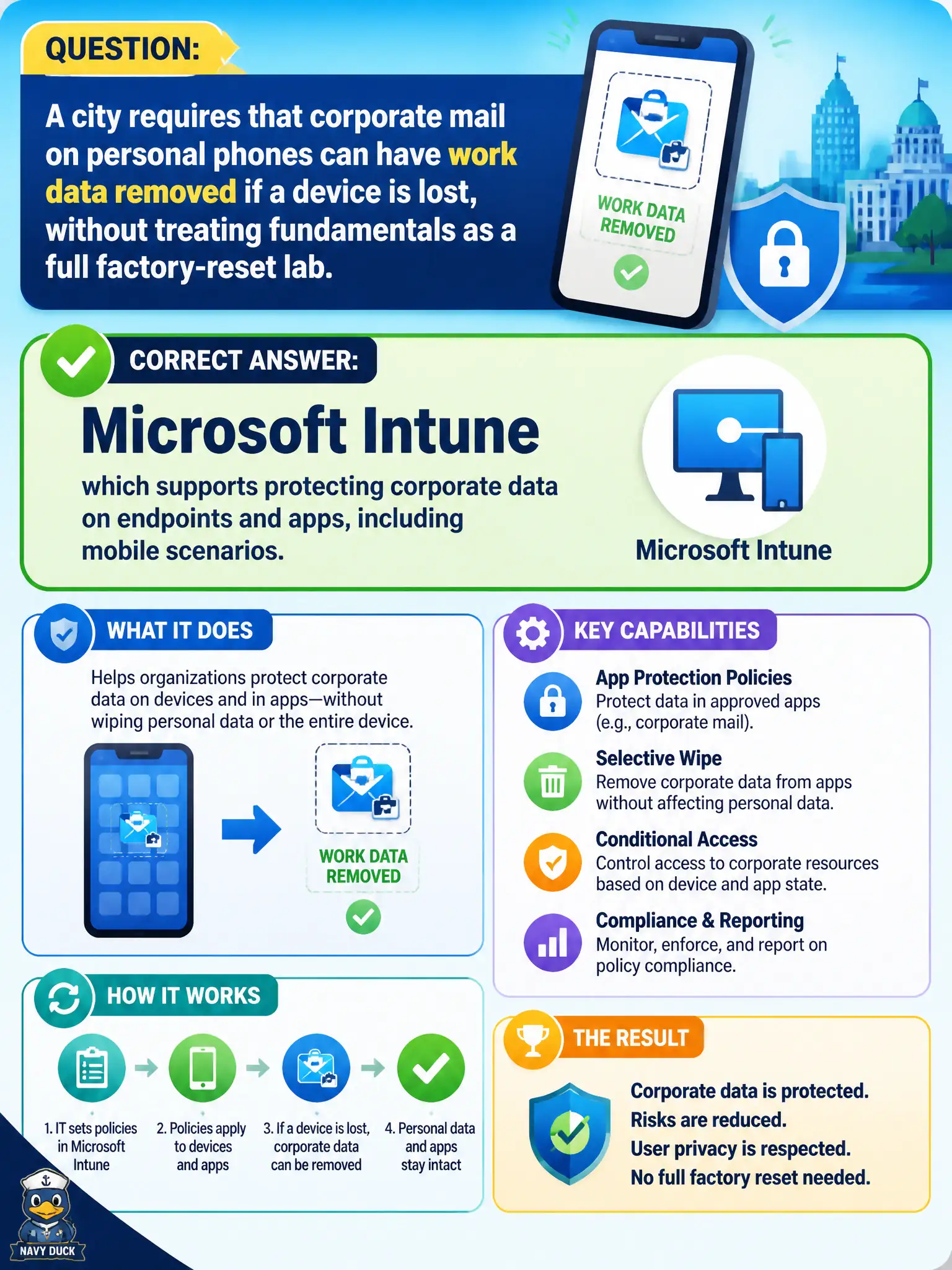
A city requires that corporate mail on personal phones can have work data removed if a device is lost, without treating fundamentals as a full factory-reset lab. Which Microsoft endpoint capability family addresses protecting corporate data on apps and devices?
Select an answer to reveal the explanation.
Short Explanation
Lost phone, keep the cat photos, lose the city mailbox data—that’s the Intune protection story at fundamentals altitude. Bookings, Stream, and Planner don’t secure mobile work data.
Full Explanation
A security discussion about protecting corporate data on apps and devices—especially mobile scenarios where a lost phone should lose work data without necessarily wiping personal photos—points to Microsoft Intune, which supports protecting corporate data on endpoints and apps, including mobile scenarios. Intune’s cloud MDM/MAM family is the Microsoft 365 answer for managing devices and protecting work data in apps at describe depth, including BYOD-friendly app protection patterns.
Microsoft Bookings alone fails because appointment scheduling cannot protect mobile corporate data or wipe managed app data. Microsoft Stream playlists fail because organizing videos does not wipe corporate app data on a lost phone. Microsoft Planner premium add-ons fail because task tracking is not mobile application protection.
Exam caveat: Intune is the endpoint/app protection family. Selective wipe / app protection scenarios are part of that story; do not answer productivity or scheduling apps when the stem asks about protecting corporate data on apps and devices.
Operational check: implement Intune app protection for BYOD Outlook/Teams data, enroll city-owned devices for broader MDM, test selective wipe procedures on spare phones, educate users on what IT can remove, and keep Bookings/Stream/Planner out of the mobile data-protection design.