
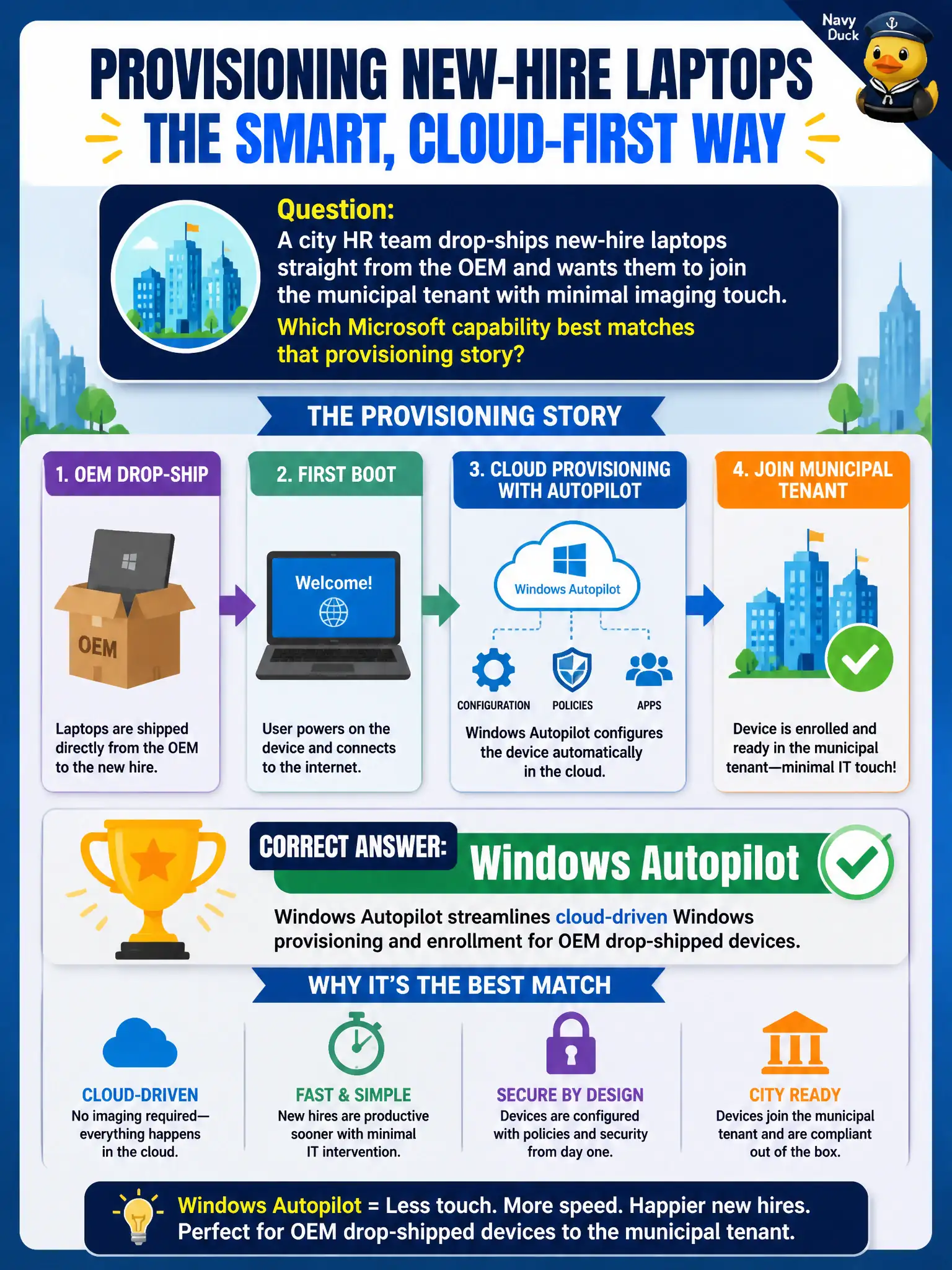
A city HR team drop-ships new-hire laptops straight from the OEM and wants them to join the municipal tenant with minimal imaging touch. Which Microsoft capability best matches that provisioning story?
Select an answer to reveal the explanation.
Short Explanation
Think unboxing, not ghosting drives in a basement. Autopilot lets OEM laptops enroll and configure through the cloud so city IT skips the old wipe-and-image parade. Patch tools and desktop virtualization solve different problems.
Full Explanation
A city HR team that drop-ships new-hire laptops straight from the OEM and wants them to join the municipal tenant with minimal imaging touch should choose Windows Autopilot, which streamlines cloud-driven Windows provisioning and enrollment for OEM drop-shipped devices. Autopilot is the modern provisioning path: devices ship to the employee, the user signs in, and enrollment/configuration proceeds with far less classic warehouse imaging. That matches municipal HR logistics better than annual reimage factories for standard laptops.
Windows Autopatch fails here because it automates quality updates after devices are already imaged and enrolled—it is not the provisioning engine for drop-ship join. Microsoft Purview eDiscovery fails because eDiscovery recovers and investigates content; it does not provision Windows devices. Azure Virtual Desktop host pools fail as a full substitute when the city is issuing physical OEM laptops rather than replacing laptop provisioning solely with shared session hosts.
Exam caveat: Autopilot = provision/enroll; Autopatch = help automate Windows updates. OEM drop-ship scenarios are a classic Autopilot tell on MS-900.
Operational check: register OEM devices for Autopilot, assign profiles before ship, pilot with a new-hire cohort, measure time-to-productive versus warehouse imaging, and keep Autopatch and eDiscovery in their post-enrollment and compliance lanes.