
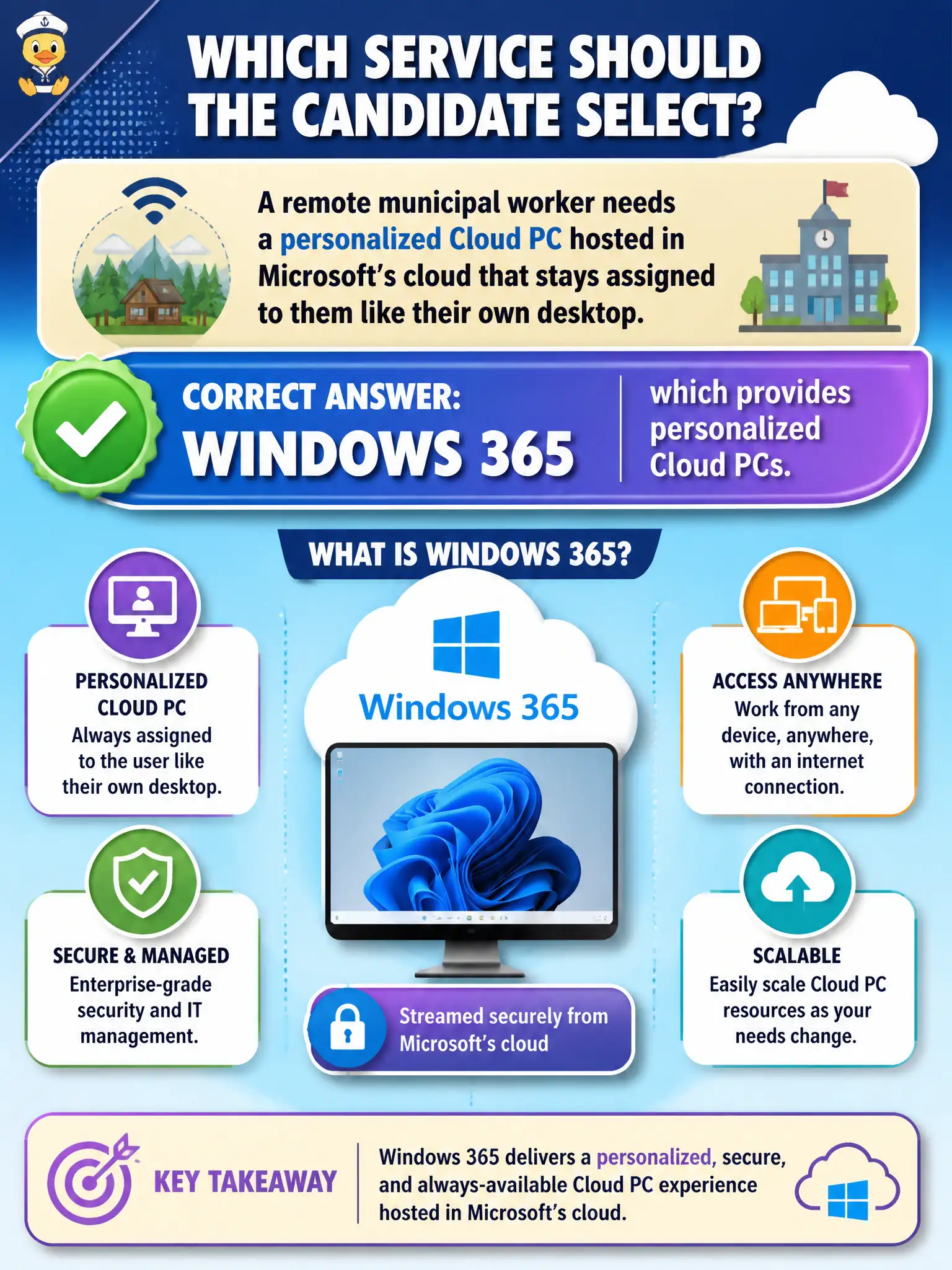
A remote municipal worker needs a personalized Cloud PC hosted in Microsoft's cloud that stays assigned to them like their own desktop. Which service should the candidate select?
Select an answer to reveal the explanation.
Short Explanation
A Cloud PC is like a reserved desk in Microsoft's cloud with your name on it. Windows 365 is that personalized Cloud PC service. Lists, To Do, and Bookings don't spin up desktops.
Full Explanation
A remote municipal worker who needs a personalized Cloud PC hosted in Microsoft’s cloud and assigned like their own desktop should select Windows 365, which provides personalized Cloud PCs. The Cloud PC follows the worker as a persistent personal Windows desktop accessible from lighter devices, which fits remote permitting, inspection coordination, or administrative work without shipping a heavy laptop. At compare/describe depth, personalized Cloud PC maps to Windows 365—not to lists, tasks, or booking pages.
Microsoft Lists fails as a desktop virtualization host-pool platform because Lists organizes tracking data, not session hosts. Microsoft To Do fails as a multi-session pooled virtual desktop service because To Do manages personal tasks. Microsoft Bookings fails as the Cloud PC subscription fabric because Bookings schedules appointments rather than provisioning desktops.
Exam caveat: Windows 365 emphasizes simple personalized Cloud PC subscriptions; Azure Virtual Desktop emphasizes flexible virtualization including multi-session host pools. This stem asks for a personalized Cloud PC—choose Windows 365, not AVD pooling and not productivity distractors.
Operational check: license and assign Windows 365 for the remote role, validate sign-in and network quality from the light client, set expectations for offline limitations, integrate with identity and endpoint standards, and keep Lists/To Do/Bookings out of the desktop architecture decision.