
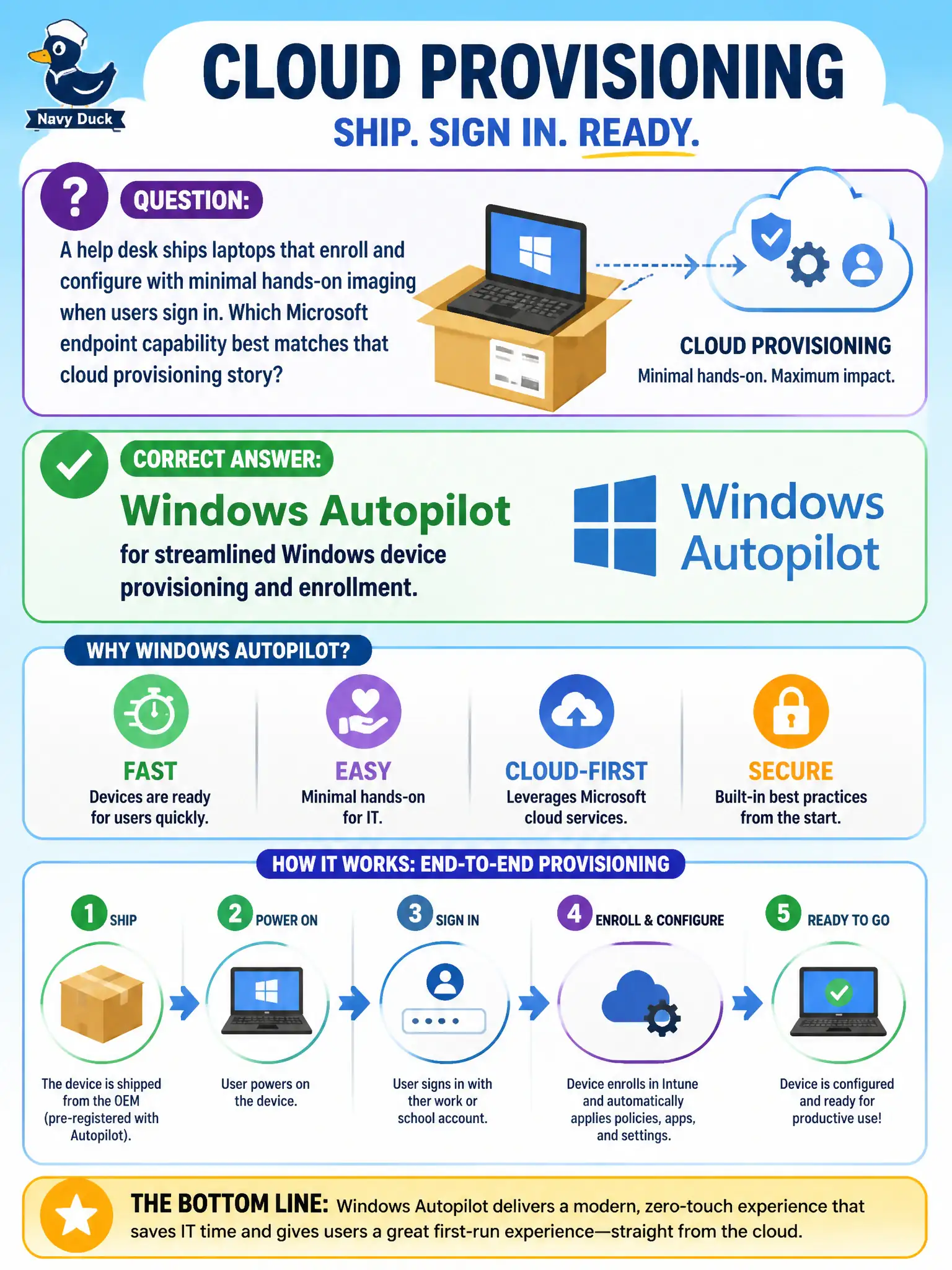
A help desk ships laptops that enroll and configure with minimal hands-on imaging when users sign in. Which Microsoft endpoint capability best matches that cloud provisioning story?
Select an answer to reveal the explanation.
Short Explanation
Ship the box, user signs in, the PC sets itself up—less garage imaging theater. That's Windows Autopilot's cloud provisioning story. Forms, SharePoint libraries, and Planner buckets don't enroll Windows devices.
Full Explanation
A help desk that ships laptops which enroll and configure with minimal hands-on imaging when users sign in is describing Windows Autopilot for streamlined Windows device provisioning and enrollment. Autopilot supports cloud-driven provisioning so standard municipal laptops can join the tenant, apply profiles, and reach a productive state with far less classic warehouse imaging. For MS-900, that is the provisioning and enrollment story—distinct from ongoing patch automation.
Microsoft Forms fails as the Windows device enrollment and provisioning engine because Forms collects responses, not hardware provisioning. SharePoint document libraries fail as Autopilot hardware registration substitutes because libraries store documents; they do not enroll Windows devices. Microsoft Planner buckets fail as zero-touch OS deployment profiles because Planner tracks tasks rather than deploying operating-system provisioning profiles.
Exam caveat: Autopilot provisions and enrolls; Autopatch helps automate Windows update management afterward. Do not swap those names under exam pressure, and do not pick productivity apps as fake provisioning engines.
Operational check: register devices for Autopilot, assign deployment profiles and enrollment status page expectations, pilot with help-desk spares before mass drop-ship, reduce dependence on annual reimage warehouses for standard PCs, and update runbooks so Forms/SharePoint/Planner are never listed as provisioning tools.