
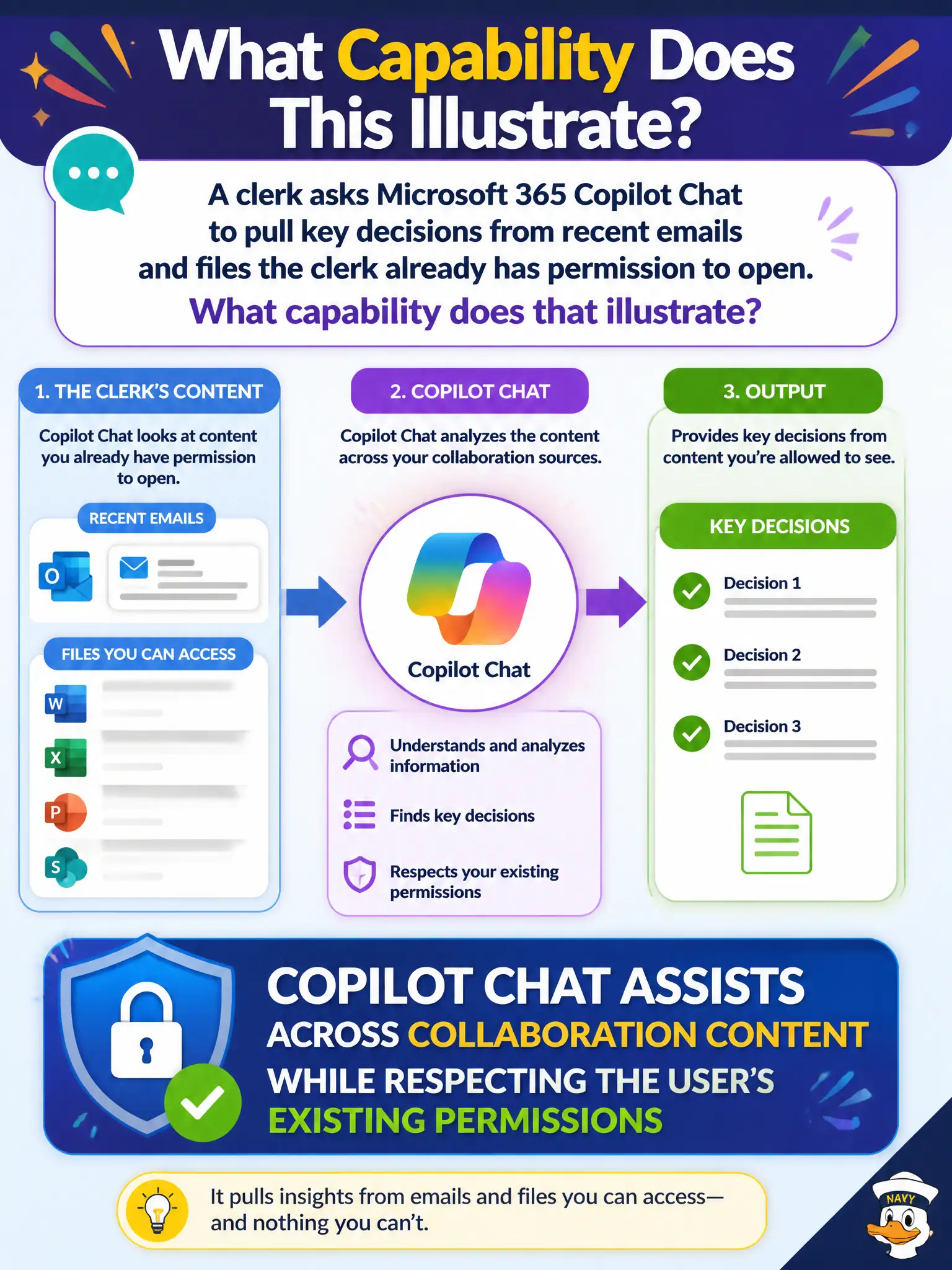
A clerk asks Microsoft 365 Copilot Chat to pull key decisions from recent emails and files the clerk already has permission to open. What capability does that illustrate?
Select an answer to reveal the explanation.
Short Explanation
Copilot Chat is like a research aide that only opens drawers the clerk already has keys to. It pulls decisions from emails and files within permissions—it is not a master key, a paper-only tool, or a phone system.
Full Explanation
Clerks asking Copilot Chat to pull key decisions from recent emails and files illustrate permission-respecting assistance across collaboration content. The correct statement is that Copilot Chat assists across collaboration content while respecting the user’s existing permissions. In municipal terms, it behaves like a research aide that only opens drawers the clerk already has keys to—mail, files, and chats the account can access—then helps synthesize decisions without inventing a new security boundary.
Bypassing all sharing permissions and opening every city mailbox by default fails because that would break least-privilege and records-control expectations; Copilot is not a master key around sharing. Working only on printed paper scanned outside Microsoft 365 fails the described scenario of emails and files already in the tenant. Replacing Teams Phone as the PSTN calling platform fails because Copilot Chat is not a telephony product.
Exam caveat: “respecting existing permissions” is the MS-900 conceptual guardrail. It does not mean Copilot never errs in summarization; it means authorization follows the user’s access, and staff remain responsible for verifying outputs used in official decisions.
Operational check: verify the clerk’s Entra/Microsoft 365 permissions already scope the mailboxes and libraries involved, use Copilot Chat to draft decision digests, require human confirmation before filing outcomes into the permit record, and educate staff that Copilot is not an identity, phone, or paper-only tool.