
Help desk staff explain why deleting a message in Outlook on the web changes the Exchange Online mailbox. What relationship should they describe?
Select an answer to reveal the explanation.
Short Explanation
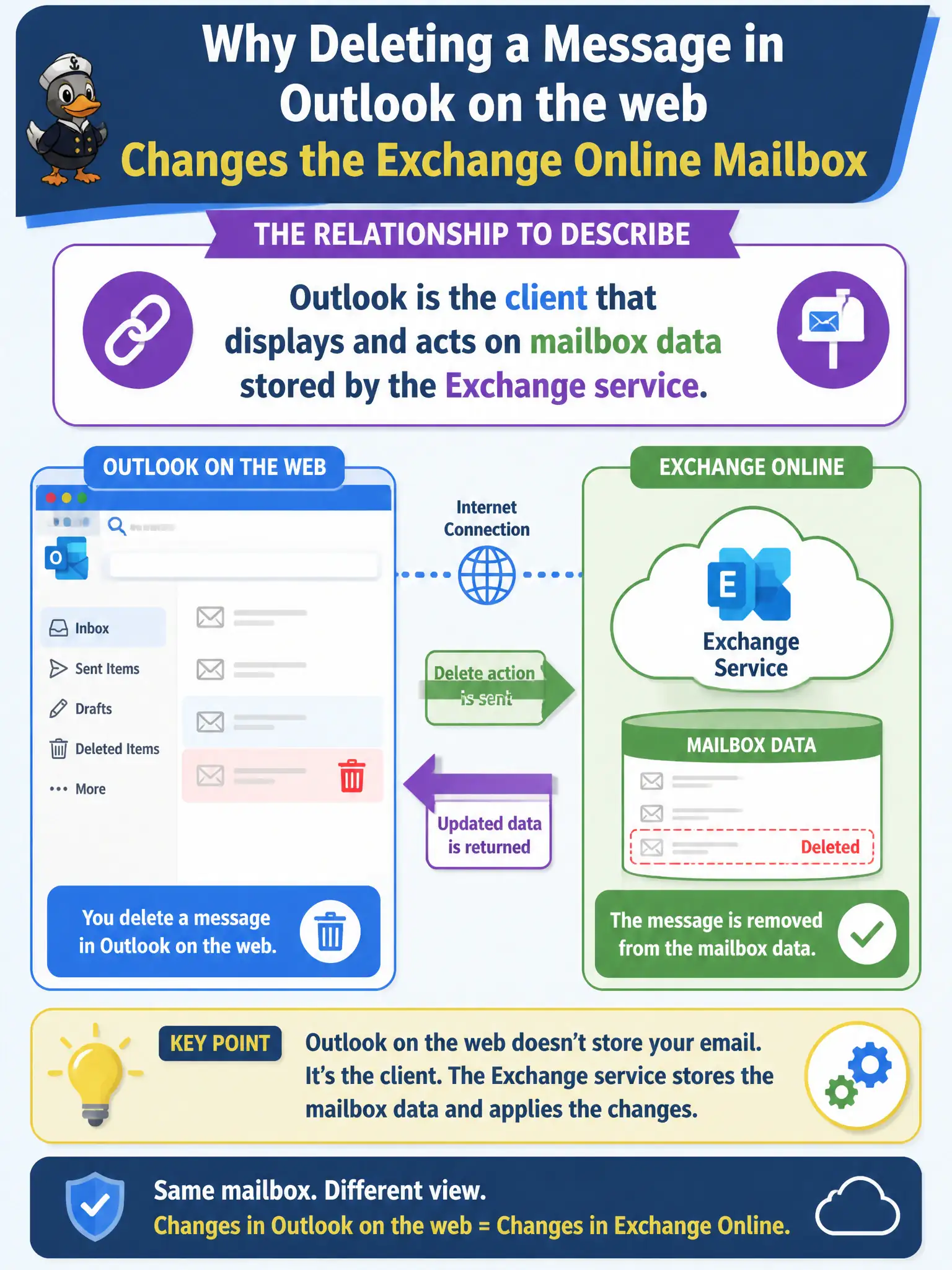
Outlook is the windshield; Exchange is the car’s trunk where the mail actually lives. Delete through the windshield and you are changing the trunk. That client-versus-service relationship is the whole help-desk teaching point.
Full Explanation
Outlook is the client that displays and acts on mailbox data stored by the Exchange service. Deleting a message in Outlook on the web changes the Exchange Online mailbox because the client is operating on server-stored items—not a wholly separate silo.
Claiming Outlook Online stores a completely separate mailbox that never syncs with Exchange fails the service-client model. Claiming Exchange Online is only a branding sticker and never stores mail fails. Claiming deletes affect only a local USB cache and never the cloud mailbox fails cloud mail behavior.
Exam caveat: retention and litigation hold can keep items recoverable after user delete—help desk should explain holds when staff expect permanent purge. Operational check: demonstrate delete in Outlook on the web, confirm the item leaves the inbox in another client, and document how Deleted Items and retention interact for the city’s policy. Record the choice in the municipal service catalog so help-desk scripts stay consistent. Record the choice in the municipal service catalog so help-desk scripts stay consistent. Record the choice in the municipal service catalog so help-desk scripts stay consistent. Record the choice in the municipal service catalog so help-desk scripts stay consistent.