
A cross-department policy team wants flexible co-created pages and components that travel across Microsoft 365 surfaces. Which app should they recognize?
Select an answer to reveal the explanation.
Short Explanation
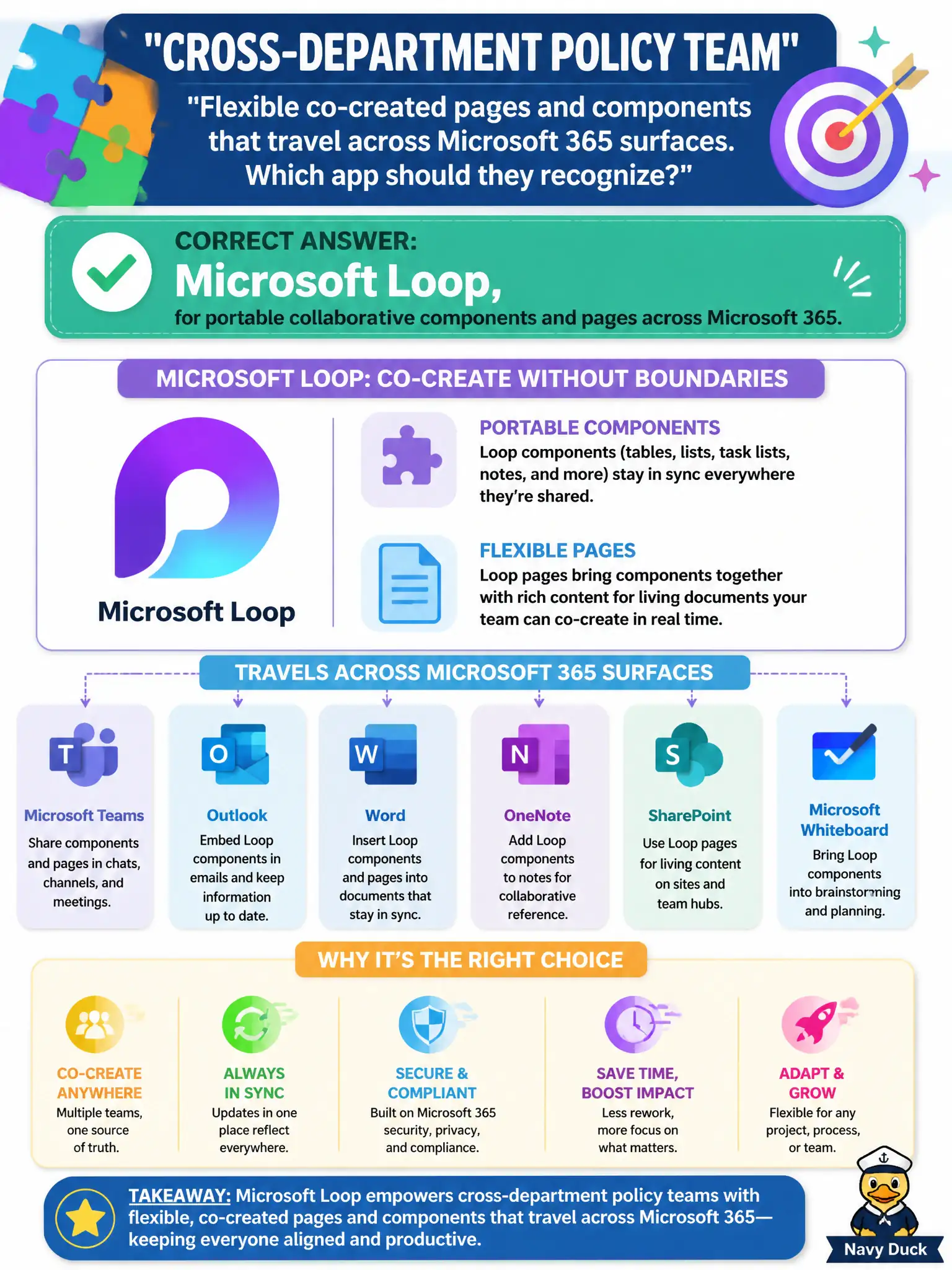
Portable pieces of work that show up in Teams, Outlook, and more—that is Loop’s idea. Co-created components travel with the team instead of living in one frozen file forever.
Full Explanation
Microsoft Loop provides portable collaborative components and pages that travel across Microsoft 365 surfaces, fitting a cross-department policy team that wants flexible co-created content beyond a single static file. Loop’s collaborative building blocks are the capability to recognize for that need.
Bookings fails because appointment pages schedule time; they do not replace collaborative policy components. Windows Autopatch fails because update rings service devices; they do not host co-created policy pages. Exchange Online archiving alone fails because mail retention is not Loop components.
Exam caveat: Loop content still inherits permissions of the host surfaces—oversharing a Loop component can leak draft policy language. Operational check: pilot Loop for a non-sensitive policy working group, confirm components update across Teams and OneNote/Outlook surfaces used by the city, and define ownership before expanding to confidential legal drafts. Record the choice in the municipal service catalog so help-desk scripts stay consistent. Record the choice in the municipal service catalog so help-desk scripts stay consistent. Record the choice in the municipal service catalog so help-desk scripts stay consistent.