
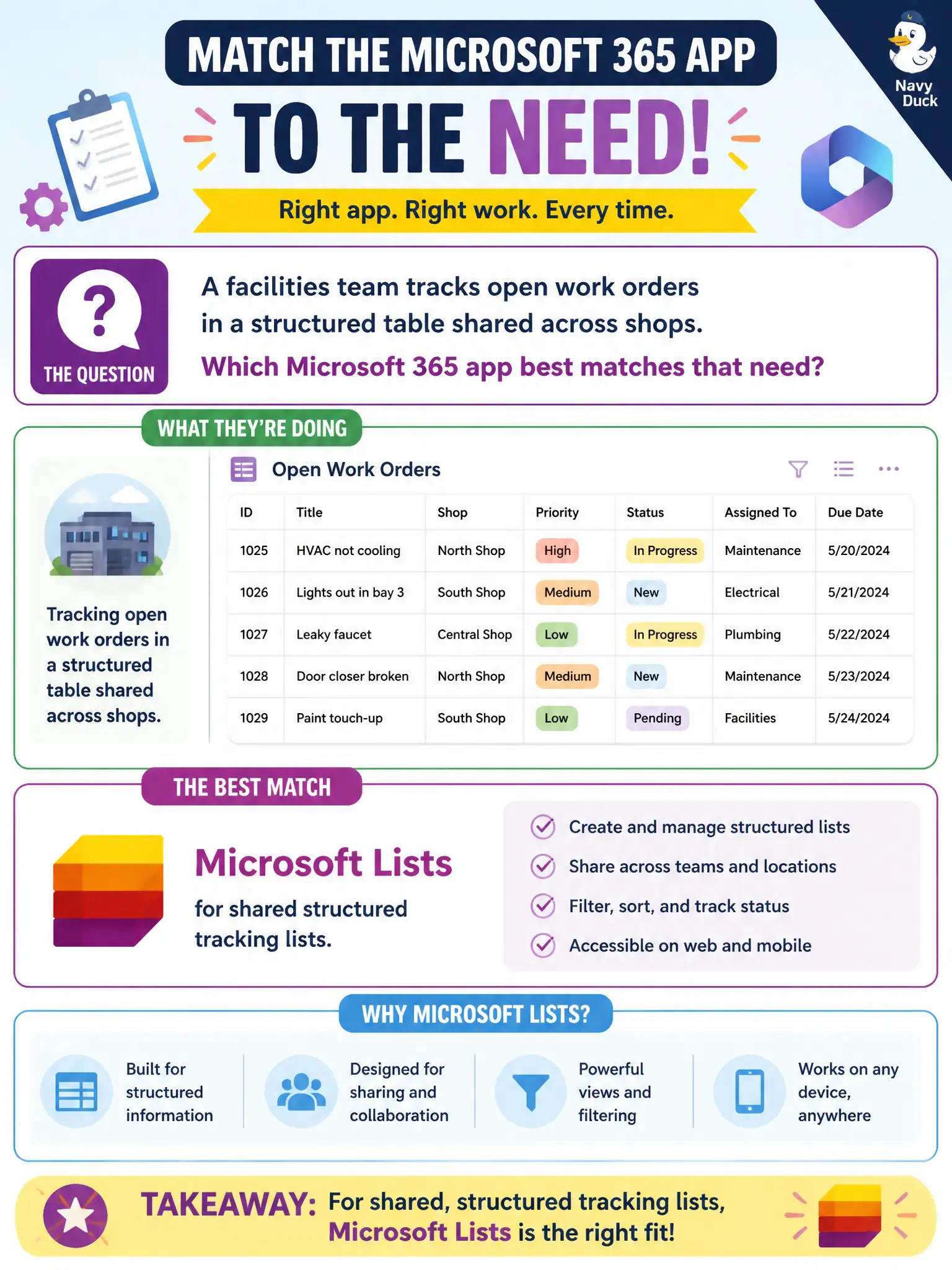
A facilities team tracks open work orders in a structured table shared across shops. Which Microsoft 365 app best matches that need?
Select an answer to reveal the explanation.
Short Explanation
Shared work-order tables across shops sound like Lists. Structured columns everyone can see beat burying tickets in personal To Do or slide decks. Think tracking list, not presentation.
Full Explanation
Microsoft Lists provides shared structured tracking lists suited to facilities work orders that many shops update. Columns, views, and shared ownership make Lists a better operational tracker than personal tasks, bookings, or slides as a ticket system of record.
To Do alone fails because personal tasks are not shared shop work-order queues. Bookings alone fails because appointment pages are not facilities work-order trackers. PowerPoint alone fails because slides are presentation artifacts, not systems of record for open tickets.
Exam caveat: Lists is structured tracking—not a full ITSM suite for complex SLA environments. Operational check: create a work-order list with status and priority columns, permission the shops, add a Teams tab, and review aging open orders in the Monday facilities huddle. Record the choice in the municipal service catalog so help-desk scripts stay consistent. Record the choice in the municipal service catalog so help-desk scripts stay consistent. Record the choice in the municipal service catalog so help-desk scripts stay consistent. Record the choice in the municipal service catalog so help-desk scripts stay consistent. Record the choice in the municipal service catalog so help-desk scripts stay consistent.