
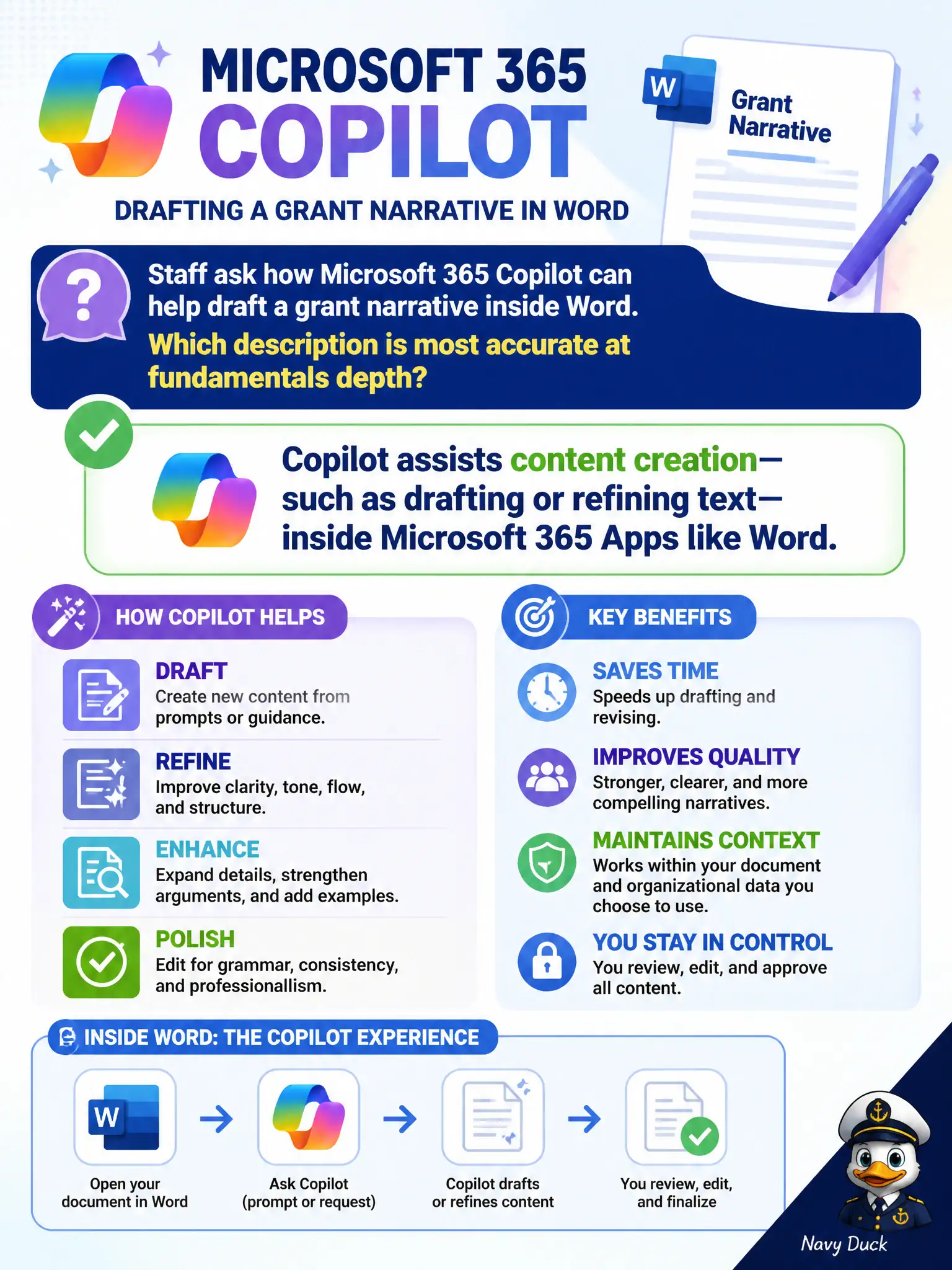
Staff ask how Microsoft 365 Copilot can help draft a grant narrative inside Word. Which description is most accurate at fundamentals depth?
Select an answer to reveal the explanation.
Short Explanation
Copilot in Word is like a drafting assistant sitting in the app—suggesting and shaping grant narrative text you still own. It helps create content; it does not fire Word or skip human review.
Full Explanation
At fundamentals depth, Microsoft 365 Copilot assists content creation—such as drafting or refining text—inside Microsoft 365 Apps like Word. A grant narrative draft inside Word is a canonical assistance scenario: AI helps generate or improve prose while humans remain accountable for accuracy and compliance language.
Claiming Copilot replaces Word entirely and publishes grants without human review fails governance and product reality. Claiming Copilot is only an Azure Virtual Desktop feature and cannot appear in Word fails product placement. Claiming Copilot is limited to booking citizen appointments fails because drafting assistance in productivity apps is a core Copilot story.
Exam caveat: Copilot output can be wrong or overly generic—grant submissions still require human verification of facts, budgets, and certifications. Operational check: enable Copilot only for licensed users, require human review before submission, and forbid pasting confidential unreleased data into unapproved AI channels. Record the choice in the municipal service catalog so help-desk scripts stay consistent. Record the choice in the municipal service catalog so help-desk scripts stay consistent. Record the choice in the municipal service catalog so help-desk scripts stay consistent.