
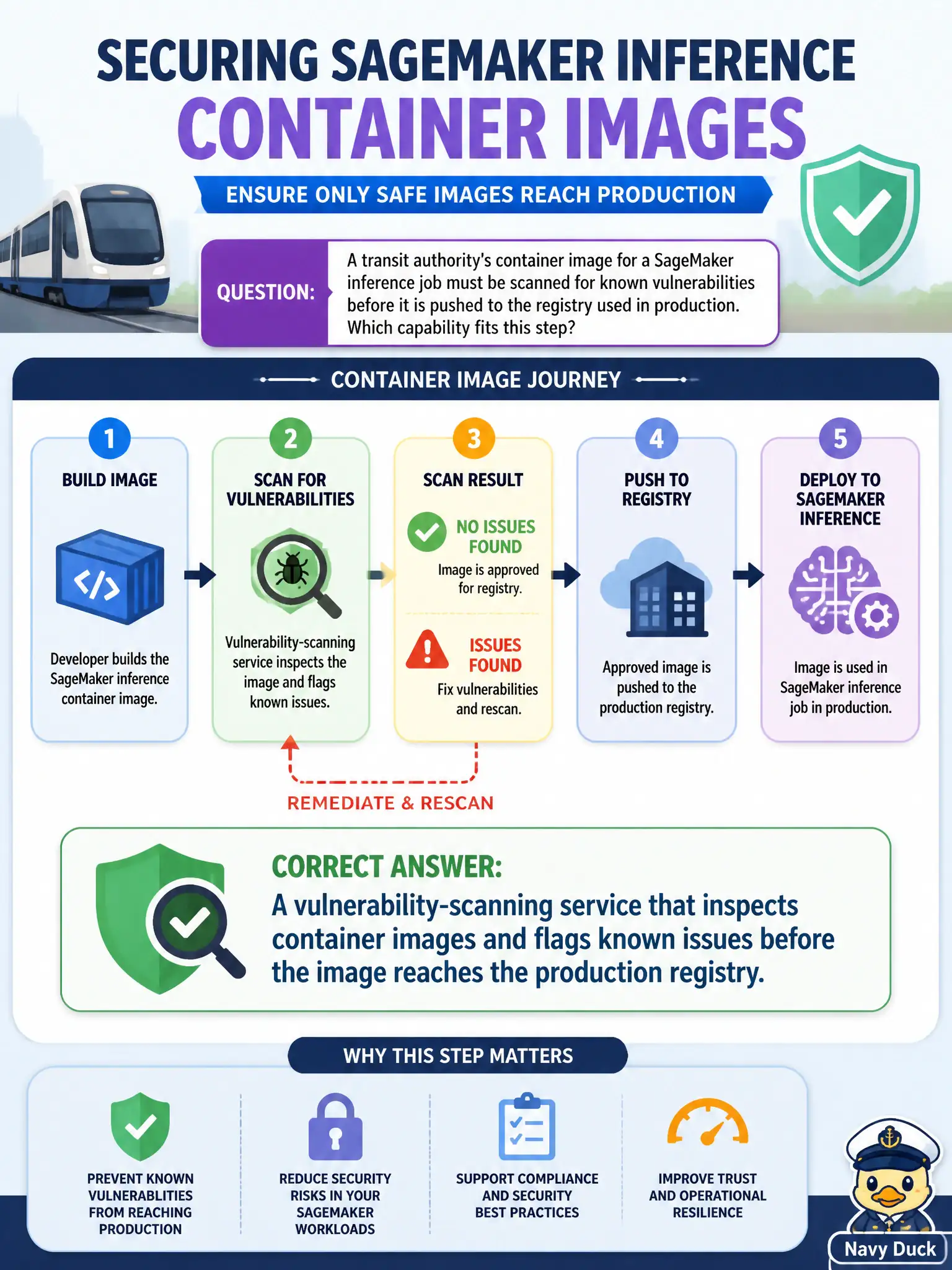
A transit authority's container image for a SageMaker inference job must be scanned for known vulnerabilities before it is pushed to the registry used in production. Which capability fits this step?
Select an answer to reveal the explanation.
Short Explanation
A container image is a shipping crate, and you want it inspected before it leaves the dock, not after it's already delivered. A scanning step built into the pipeline checks the crate's contents against known issues before it reaches production. Style checks and load tests are answering a different question entirely.
Full Explanation
Scanning a container image for known vulnerabilities before it reaches the production registry catches issues introduced by base images or installed packages at the point they're cheapest to fix — before the image is pulled and run anywhere — which is exactly the capability the transit authority needs wired into its build step. Load testing measures runtime performance under traffic, an entirely different concern from whether the image's software components carry known security issues. Cost estimation projects spend at expected volume and has no bearing on the image's vulnerability posture. A Dockerfile linter checks syntax and formatting conventions, which can catch some bad practices but does not scan installed package versions against a vulnerability database the way a dedicated image-scanning capability does. Scope caveat: image scanning catches known, published vulnerabilities — it won't catch a zero-day or an application-logic flaw, so pair it with the code-level scanning used earlier in the pipeline. Operational check: confirm the pipeline blocks promotion of an image with a flagged critical vulnerability rather than only logging a warning.