
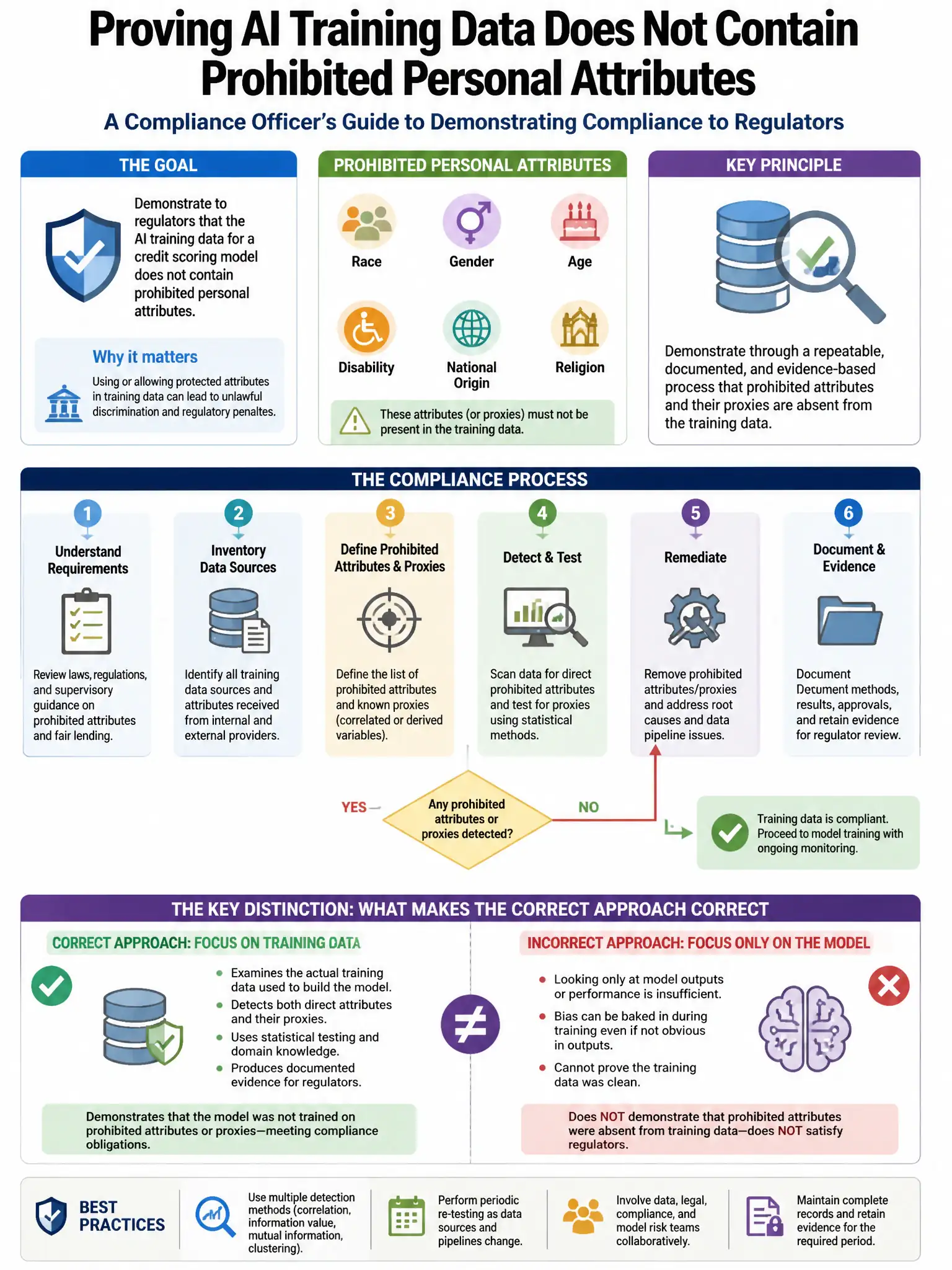
A compliance officer needs to demonstrate to regulators that the organization's AI training data for a credit scoring model does not contain prohibited personal attributes (race, gender, religion) that could lead to discriminatory model outcomes. Which Microsoft Purview capability can identify these attributes in the training data?
Select an answer to reveal the explanation.
Short Explanation
Here's the deal — you need Microsoft Purview Data Map with built-in sensitive information type classifiers for protected class attributes. It scans the AI training data and flags race, gender, religion, and similar indicators so you can fix the dataset before training.
Full Explanation
Microsoft Purview Data Map with built-in sensitive information type classifiers for protected class attributes is correct because it includes built-in sensitive information type classifiers that can detect personal attributes such as race, gender, age, and religion indicators within structured and unstructured data. Running a scan against the AI training data lake using these classifiers identifies where prohibited attributes exist in the training data, enabling remediation before model training. Manual classification using custom asset tags in Microsoft Purview Data Catalog is incorrect because it requires human review of all data, which is impractical for large training datasets and does not provide automated detection. Sensitivity labels applied manually by data stewards in Microsoft Purview Information Protection is incorrect because it requires the same manual review approach, which cannot scale to identify specific attributes within large training datasets. Microsoft Purview Compliance Manager with a fairness assessment template is incorrect because fairness assessments document controls and policies around AI fairness but do not scan actual data to identify prohibited attributes.