
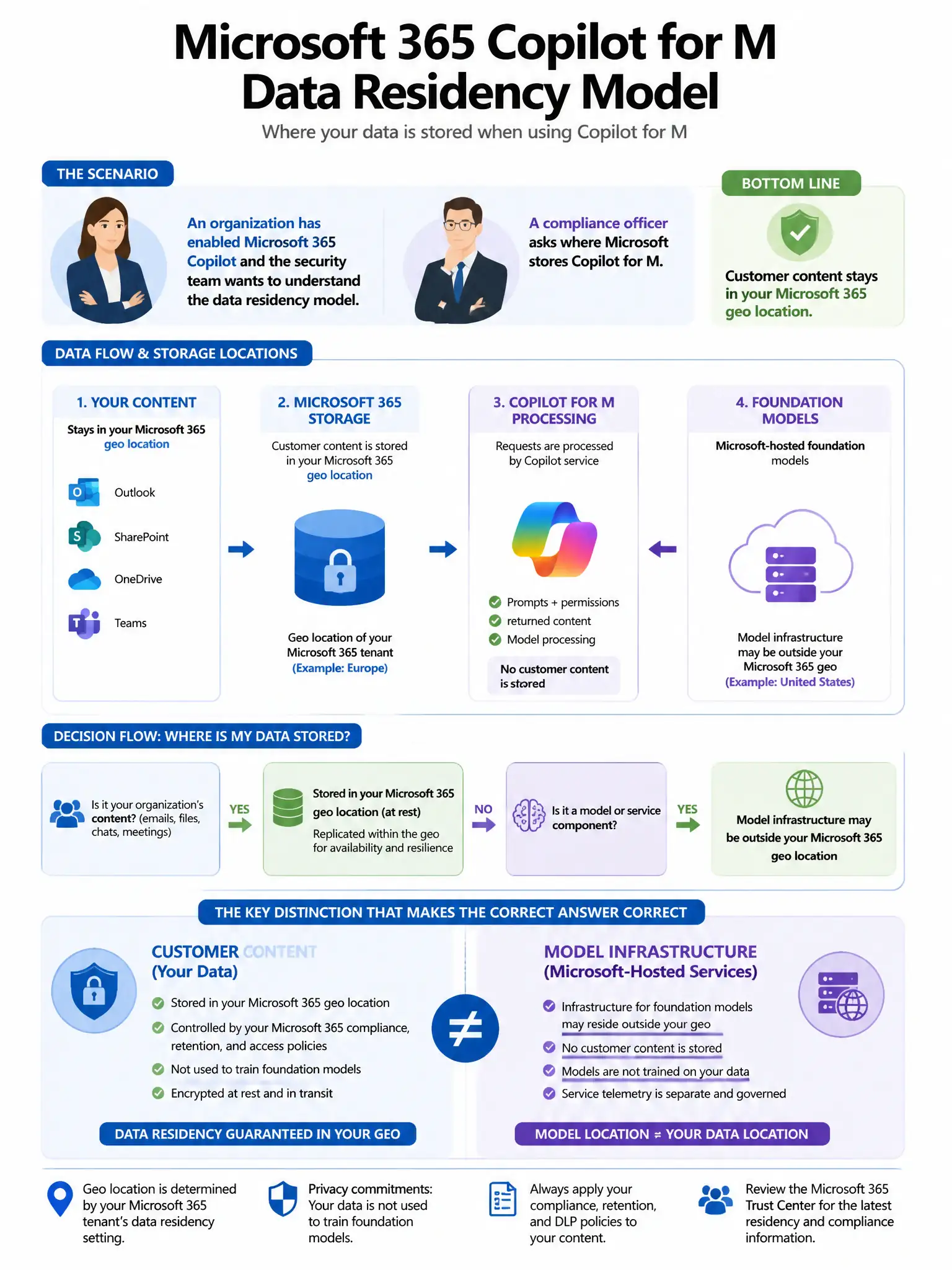
An organization has enabled Microsoft 365 Copilot and the security team wants to understand the data residency model. A compliance officer asks where Microsoft stores Copilot for Microsoft 365 interaction data (prompts and responses). What is the correct answer?
Select an answer to reveal the explanation.
Short Explanation
Here's the deal — you need to know Copilot interaction data isn't parked in some fixed United States location. It's stored in the user's Exchange Online mailbox in hidden folders, so it follows the tenant's committed data residency region.
Full Explanation
The correct answer is that Copilot interaction data is stored in the tenant's Exchange Online mailbox (hidden folder) within the tenant's committed data residency region. Microsoft 365 Copilot prompts and responses are stored in the user's Exchange Online mailbox in hidden folders, such as SubstrateHolds or similar hidden stores, which are subject to the same data residency commitments as the tenant's Exchange Online data. Therefore, residency follows the tenant's configured Microsoft 365 data location. The United States-based data centers regardless of tenant location option is wrong because residency follows the tenant's geographic configuration, not a fixed United States location. The Azure AI services infrastructure option is wrong because this data is governed by Microsoft 365 data residency commitments, not Azure AI services data residency policies. The temporary session data permanently deleted option is wrong because the data is persistently stored in Exchange Online hidden folders and can be subject to retention policies, eDiscovery holds, and audit logging.