
A security team is responding to an incident where an attacker has stolen an Azure OpenAI API key and is making unauthorized API calls. The team has already regenerated the key. However, they need to understand what was done with the stolen key. Which data source provides the most detailed forensic information about the API calls made using the compromised key?
Select an answer to reveal the explanation.
Short Explanation
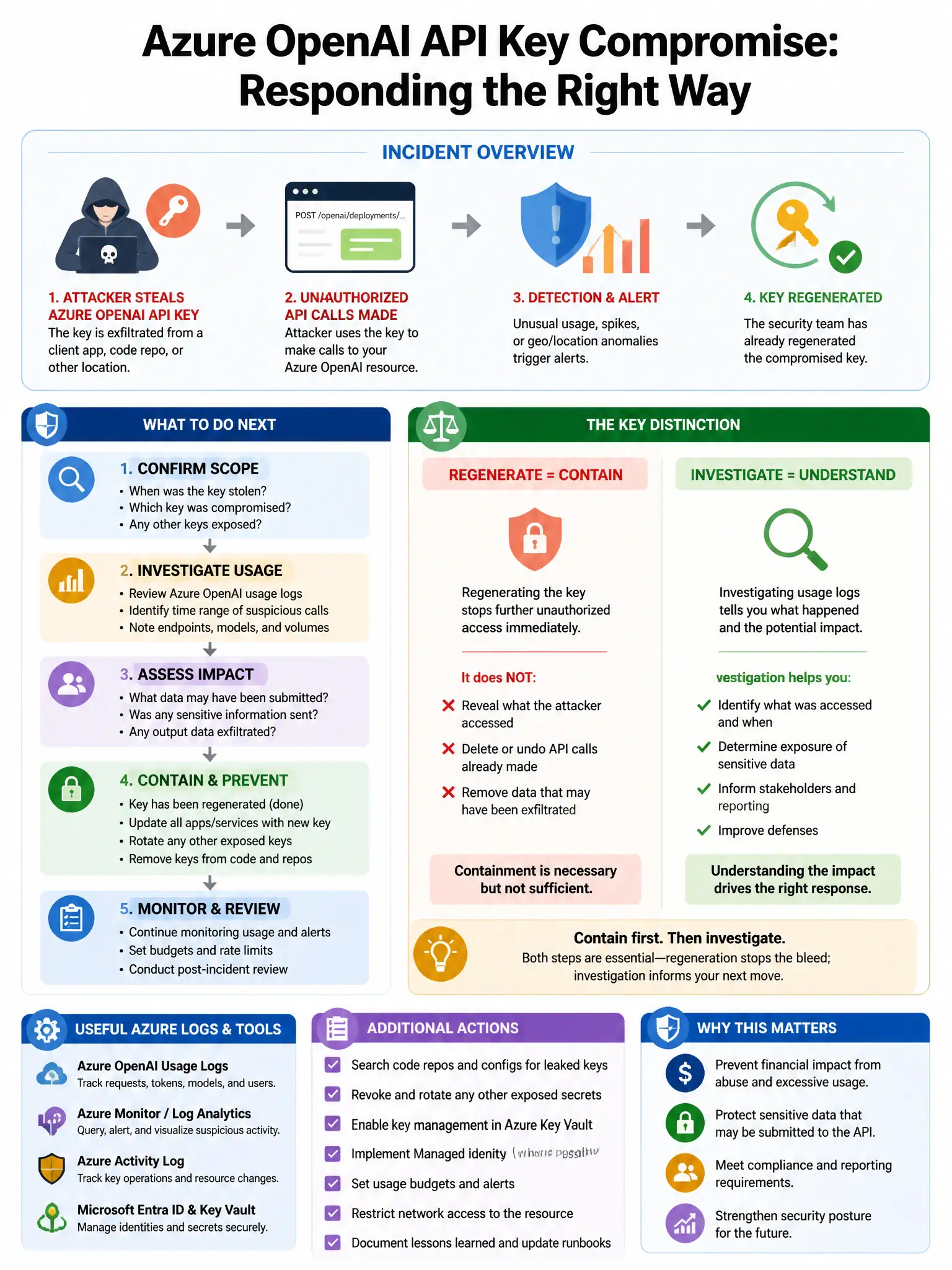
Here's the deal — you want the Azure OpenAI diagnostic logs in the AzureDiagnostics table because they give you detailed data-plane information for each API call, including timestamps, caller IP, request type, model deployment, token counts, and sometimes prompt/completion content. That gives you the most detailed forensic view of what the stolen key actually did.
Full Explanation
The Azure OpenAI diagnostic logs (AzureDiagnostics table) including request details, token usage, and caller information are correct because they capture detailed data plane information about each API call, including the timestamp, caller IP, request type, model deployment used, token counts, and can include prompt/completion content if logging is enabled. This provides the most comprehensive forensic view of what was done with the compromised key. The Azure Activity Logs showing Azure OpenAI resource operations are incorrect because they capture control plane operations, such as creating resources, modifying settings, and regenerating keys, but not data plane API calls for inference requests. The Microsoft Defender for AI alert history showing flagged API calls is incorrect because it shows flagged suspicious activity but not a complete record of all API calls made with the compromised key. The Azure Monitor metrics showing Azure OpenAI request counts and token consumption are incorrect because they provide aggregate statistics, such as total request counts and token consumption, but not per-request forensic detail including caller information and request content.