
A security engineer is configuring Copilot for Security to assist with threat hunting for AI-targeted attacks. The engineer wants to use Copilot to run a custom KQL query against Microsoft Sentinel and then analyze the results. Which Copilot for Security capability enables this workflow?
Select an answer to reveal the explanation.
Short Explanation
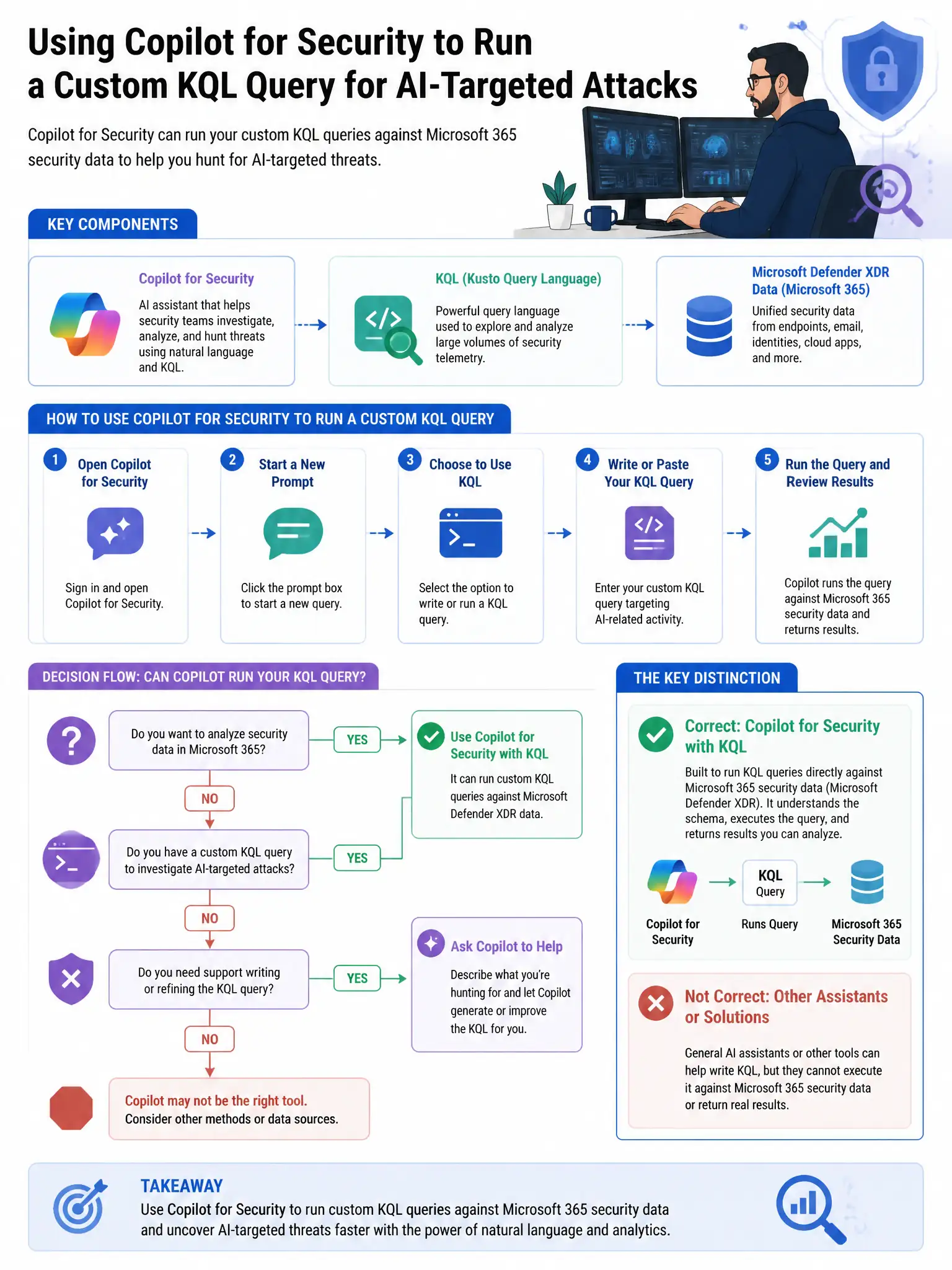
Here's the deal — use the Microsoft Sentinel plugin in Copilot for Security because it lets you run KQL queries against your Sentinel workspace and analyze the results right in the Copilot session. Copilot can help write the query, execute it, and explain what it found, speeding up threat hunting.
Full Explanation
The Microsoft Sentinel plugin in Copilot for Security is the capability that enables this workflow because it lets you run KQL queries against a Sentinel workspace directly from the Copilot for Security standalone portal. Copilot can help write the KQL, execute it through the plugin, and then analyze and interpret the results in natural language, accelerating threat hunting workflows. The Copilot for Security API connector is incorrect because while Copilot for Security has APIs for integration, the direct KQL execution capability is provided through the Sentinel plugin, not a separate API connector for query submission. The Copilot for Security embedded experience in Microsoft Sentinel's hunting interface is incorrect because while Microsoft Sentinel does have embedded Copilot experiences, the specific workflow of running arbitrary hunting KQL queries and getting AI analysis is most fully supported in the standalone Copilot for Security portal with the Sentinel plugin. Microsoft Defender XDR advanced hunting integration with Copilot for Security is incorrect because Microsoft Defender XDR advanced hunting is a separate KQL interface for Defender data; the Sentinel plugin specifically targets Sentinel workspace data.