
A security engineer is tasked with assessing whether Microsoft Copilot for Security has access to the right data sources for investigating cloud threats. The engineer needs to add a plugin to connect Copilot for Security to Microsoft Defender for Cloud. Where in the Copilot for Security portal are plugins managed?
Select an answer to reveal the explanation.
Short Explanation
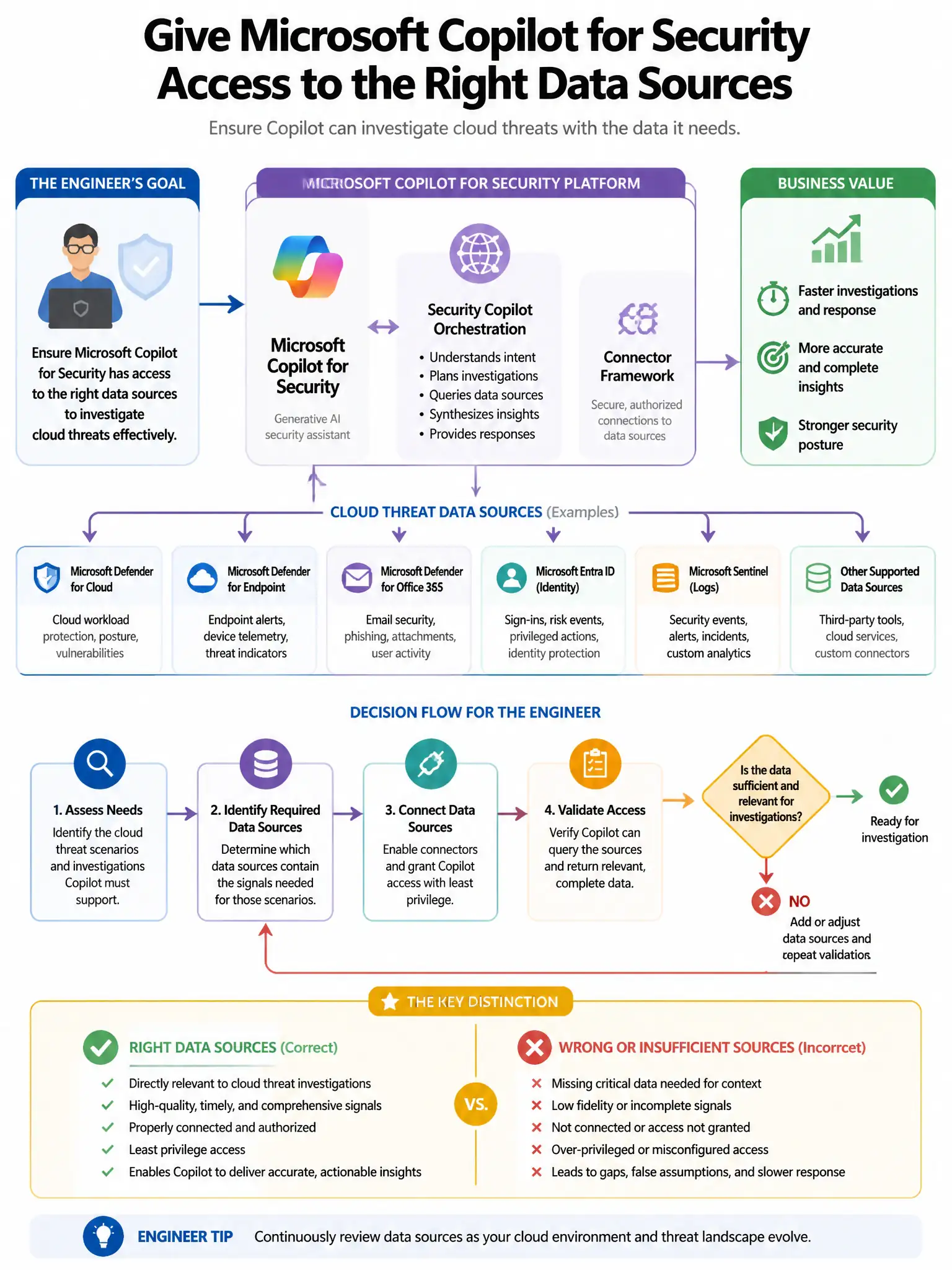
Here's the deal — you manage plugins in Microsoft Copilot for Security under Owner settings > Plugins, where you can enable, disable, and configure connections like Defender for Cloud. That's the place to make sure Copilot has the right data sources for cloud threat investigations.
Full Explanation
In Microsoft Copilot for Security, plugins—including both Microsoft-native and third-party integrations—are managed under Owner settings > Plugins, where administrators can enable, disable, and configure plugin connections. That is the correct location for adding a plugin that connects Copilot for Security to Microsoft Defender for Cloud. The 'Settings > Data connectors' option is incorrect because 'Data connectors' is terminology used in Microsoft Sentinel, not Copilot for Security plugin management. The 'Sources > Plugin library' option is incorrect because that is not the correct navigation path in the Copilot for Security portal. The 'Security posture > Integrations' option is incorrect because that is not where Copilot for Security plugin management is located.