
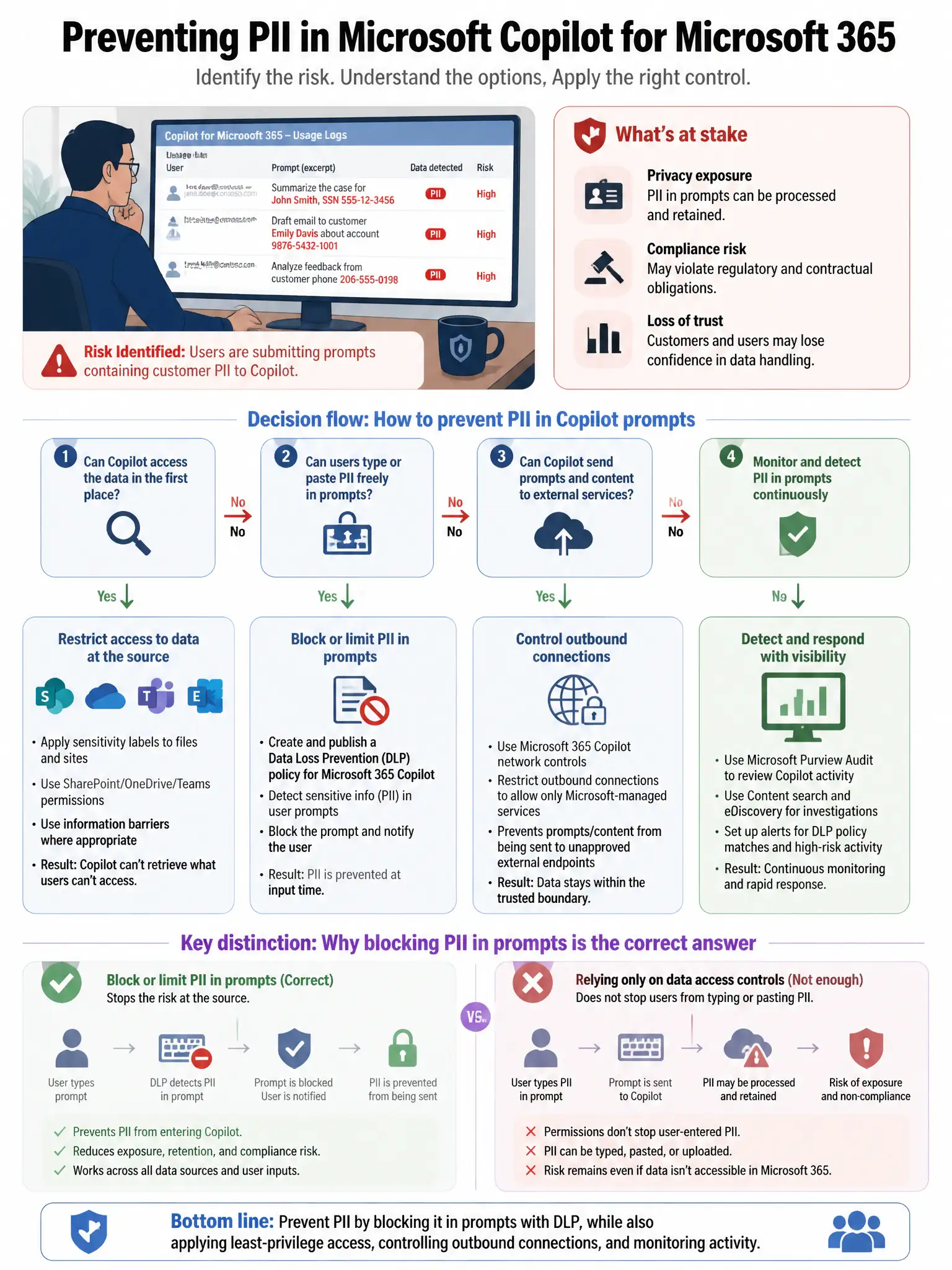
A security engineer is reviewing Microsoft Copilot for Microsoft 365 usage logs and notices that users are submitting prompts containing customer PII. The engineer needs to prevent sensitive data from being included in Copilot prompts without blocking Copilot entirely. Which feature should the engineer configure?
Select an answer to reveal the explanation.
Short Explanation
Here's the deal — you need Microsoft Purview Communication Compliance policies scoped to Copilot interactions because they detect and remediate prompts that contain sensitive content like PII without blocking Copilot entirely.
Full Explanation
Microsoft Purview Communication Compliance policies targeting Copilot interactions is the correct feature because these policies can be scoped to Microsoft Copilot for Microsoft 365 interactions, enabling detection and remediation when users include sensitive content like PII in prompts. Microsoft Defender for Cloud Apps session policies with content inspection is incorrect because those session policies apply to browser-based sessions and do not natively inspect Copilot prompt content. Microsoft Purview Insider Risk Management with Copilot activity indicators is incorrect because Insider Risk Management identifies risky behavior patterns but does not block or prevent specific prompt content. Conditional Access policies restricting Copilot app access by sensitivity label is incorrect because Conditional Access can restrict access to Copilot entirely but cannot selectively filter prompt content.