
An organization's security team has configured sensitivity labels and wants to ensure that documents stored on-premises (Windows file servers and SharePoint Server 2019) that contain AI model weights and research data are automatically classified before the data is migrated to Azure. Which Purview tool scans and classifies on-premises repositories?
Select an answer to reveal the explanation.
Short Explanation
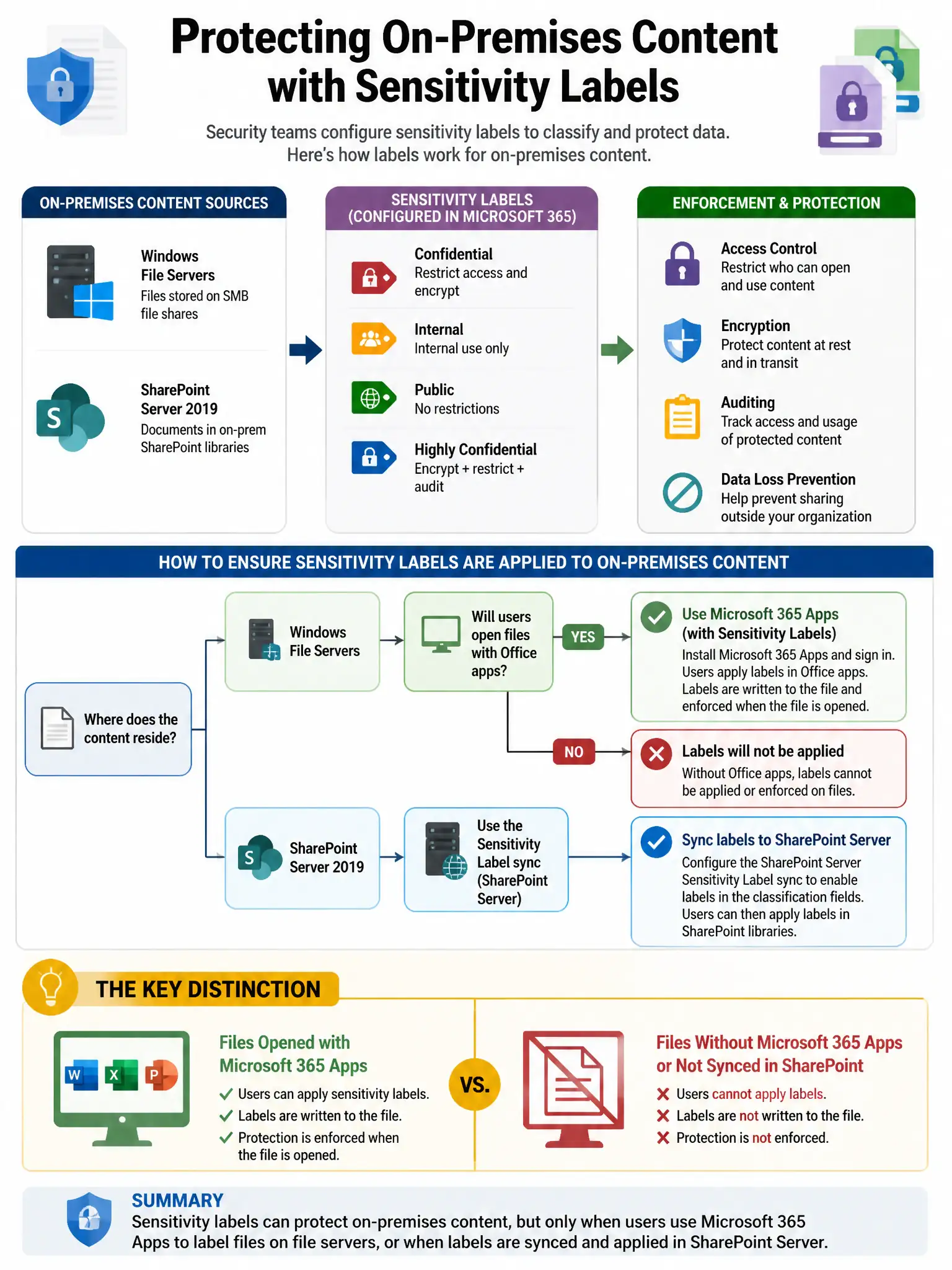
Here's the deal — you need the Microsoft Purview Information Protection scanner (formerly Azure Information Protection scanner) because it scans on-premises file servers and SharePoint Server repositories. It automatically classifies files using sensitive information types and trainable classifiers, and it can apply sensitivity labels based on your Purview rules.
Full Explanation
The Microsoft Purview Information Protection scanner (formerly the Azure Information Protection unified labeling scanner) is the right tool because it is specifically designed to scan on-premises file servers (SMB/UNC paths) and SharePoint Server repositories. It can automatically classify files using sensitive information types and trainable classifiers, and optionally apply sensitivity labels to files based on the classification rules configured in Microsoft Purview. The Microsoft Purview Data Map automated scanning option is wrong because it is designed for Azure data sources (Azure Blob, Azure SQL, ADLS) and some on-premises connectors, not specifically for Windows file server and SharePoint Server local repositories in the same way as the Purview Information Protection scanner. The Microsoft Defender for Identity sensor option is wrong because it monitors Active Directory domain controllers for identity threat detections; it does not scan file content for classification. The Microsoft Defender for Endpoint information protection integration option is wrong because it enforces labeling actions on endpoints when users handle files, not for bulk scanning and classification of file servers.