
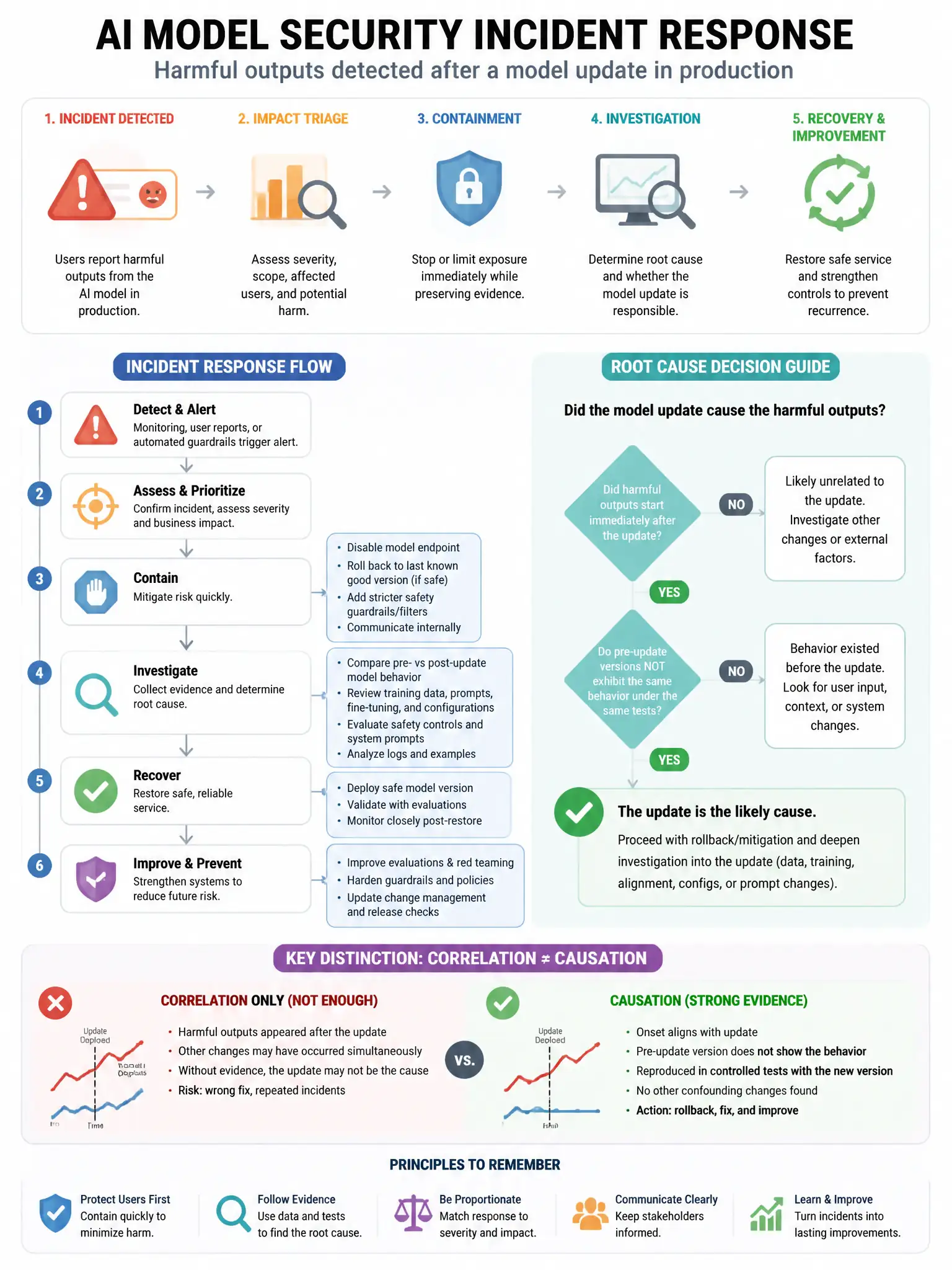
A company has experienced a security incident where an AI model in production was found to be generating harmful outputs after what appears to be a model update. The incident response team needs to quickly roll back to the previously known-good model version. Which Azure Machine Learning feature supports this rollback?
Select an answer to reveal the explanation.
Short Explanation
Here's the deal — you roll back by deploying the previous known-good model version from Azure Machine Learning's model registry. The registry keeps versioned, immutable model artifacts, so you can redeploy the last safe version to your endpoint.
Full Explanation
The model registry with versioned model artifacts is correct because Azure Machine Learning's model registry stores versioned model artifacts. Each registered model version is immutable and retained in the registry. During an incident, the team can deploy a previous version of the model from the registry to the managed online endpoint, effectively rolling back to the known-good state. This is the purpose-built mechanism for AI model version management and rollback. Azure Backup for Azure Machine Learning workspaces is wrong because it can back up workspace metadata, but model rollback is handled through the model registry versioning, not backup-restore operations. Azure Site Recovery for ML compute clusters is wrong because it handles disaster recovery for compute resources (VMs), not AI model version management. Azure Machine Learning pipeline checkpoints are wrong because they save intermediate states during long training runs to allow resumption after failures; they are training-phase artifacts, not deployed model versions suitable for production rollback.