
A company wants to ensure that Entra ID guests (external collaborators) who access Microsoft 365 Copilot are subjected to the same MFA and compliant device requirements as internal employees. Which Entra ID Conditional Access configuration achieves this?
Select an answer to reveal the explanation.
Short Explanation
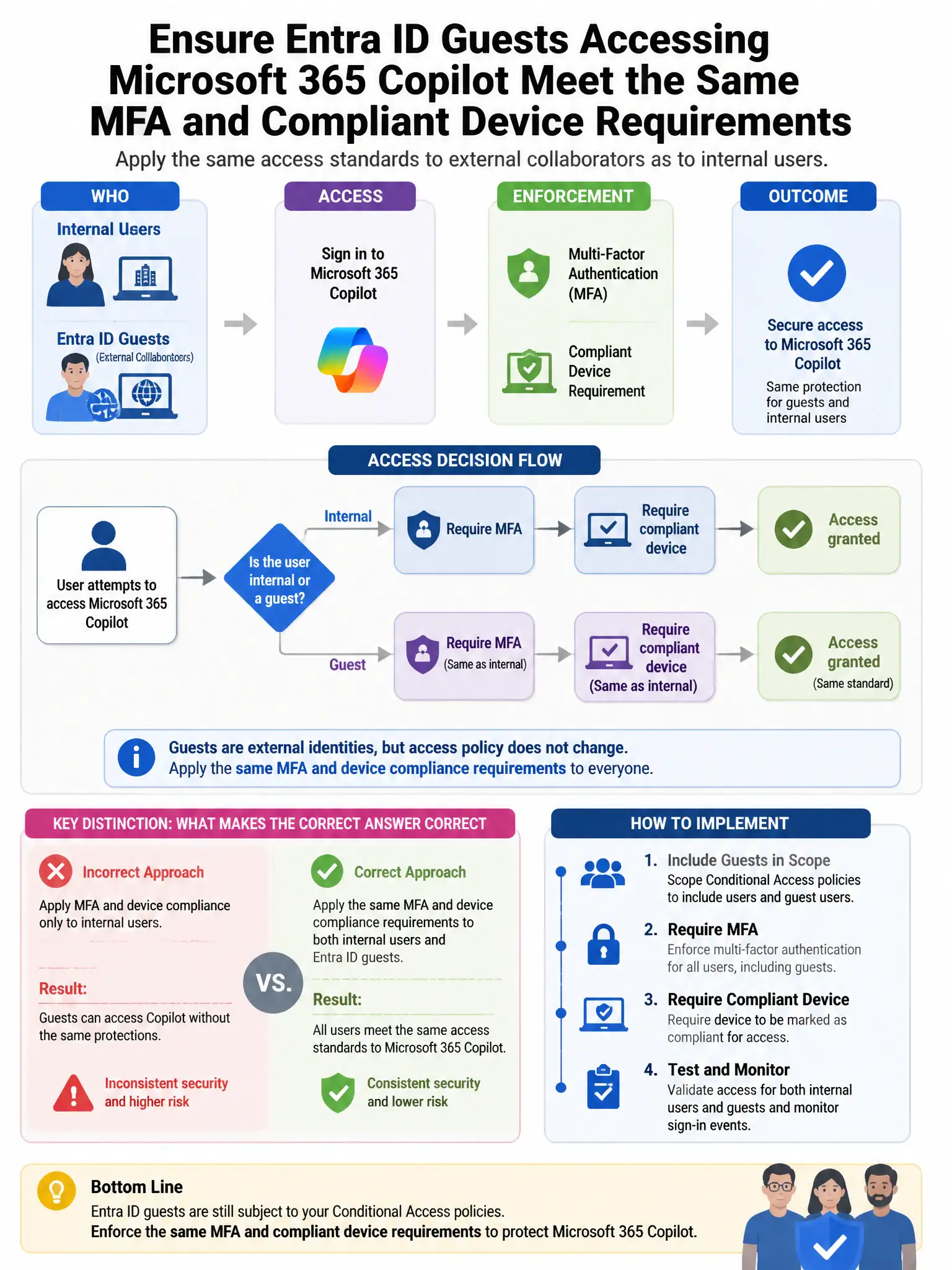
Here's the deal — you need to create a separate Conditional Access policy that targets 'Guest or external users', includes Microsoft 365 Copilot, and requires MFA plus a compliant device. That applies the same access controls to external collaborators as internal employees.
Full Explanation
The correct approach is to create a separate Conditional Access policy targeting 'Guest or external users' that includes the Microsoft 365 Copilot app with MFA and compliant device requirements. Microsoft Entra Conditional Access allows targeting of 'Guest or external users' as a specific user category. By creating a policy scoped to this category, targeting the Copilot application, and requiring MFA and compliant device, the organization ensures external collaborators face the same access controls as internal employees. Enabling Entra ID Protection for all guest users automatically is wrong because Entra ID Protection can be applied to guests but it is risk-based and reactive; it does not proactively enforce MFA and compliant device on every sign-in. Trusting MFA and device compliance from guest home tenants in the cross-tenant access inbound settings is wrong because trusting MFA and device claims from a guest's home tenant allows their existing MFA to count—it does not enforce your organization's MFA requirement or device compliance posture specifically. Assigning all guests to the Conditional Access policy by adding them individually is wrong because adding individual guests to a policy is not scalable and does not automatically apply to future guests; targeting the 'Guest or external users' category scales automatically.