
A company's security team wants to leverage Microsoft Copilot for Security to generate a comprehensive summary of all security incidents involving Azure OpenAI resources over the past 30 days, including common attack patterns and recommended mitigations. Which Copilot for Security feature is best suited for this retrospective analysis?
Select an answer to reveal the explanation.
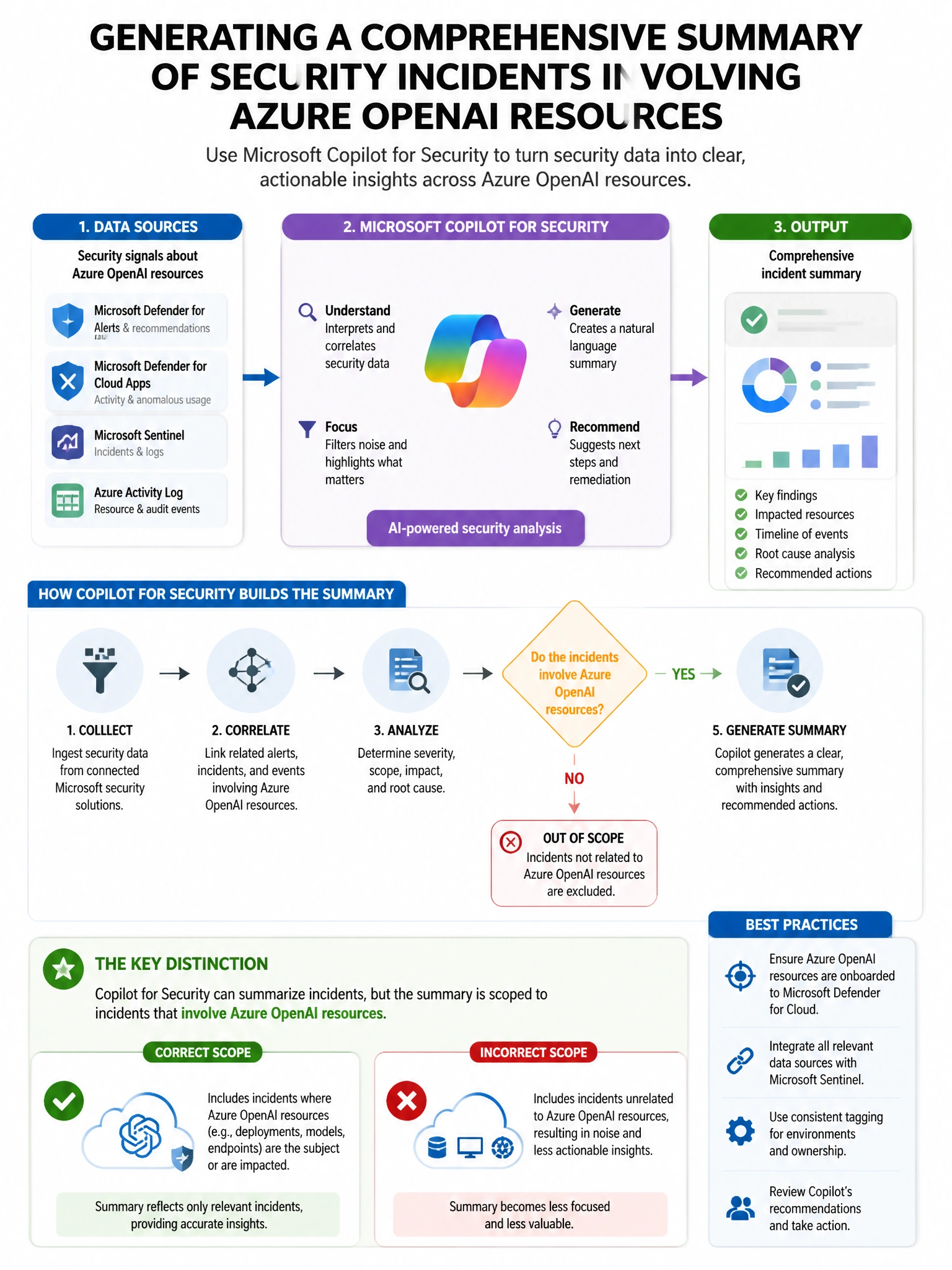
Short Explanation and Infographic
Here's the deal — b is correct because a custom prompt in Microsoft Copilot for Security that instructs it to use the Microsoft Sentinel plugin to query incidents related to Azure OpenAI resources over a 30-day window, then summarize patterns and recommend mitigations, leverages Copilot's natural language reasoning over structured security data. This custom prompt approach is the most flexible and comprehensive for a retrospective multi-incident analysis.
Full explanation below image
Full Explanation
B is correct because a custom prompt in Microsoft Copilot for Security that instructs it to use the Microsoft Sentinel plugin to query incidents related to Azure OpenAI resources over a 30-day window, then summarize patterns and recommend mitigations, leverages Copilot's natural language reasoning over structured security data. This custom prompt approach is the most flexible and comprehensive for a retrospective multi-incident analysis. A is incorrect because the Incident Investigation promptbook analyzes individual incidents one at a time; applying it sequentially to all incidents would be inefficient and would not produce a consolidated cross-incident pattern analysis. C is incorrect because the Threat Intelligence Summary promptbook generates intelligence about known threat actors and campaigns based on global threat intelligence, not a retrospective analysis of the organization's specific incidents. D is incorrect because Vulnerability Impact Assessment focuses on CVE-based vulnerability analysis, not incident pattern summarization.