
An organization is implementing Azure Machine Learning with sensitive training data in Azure Data Lake Storage Gen2. The security team requires that the AML workspace's managed identity can only access specific containers in the Data Lake, not the entire storage account. How should this access be configured?
Select an answer to reveal the explanation.
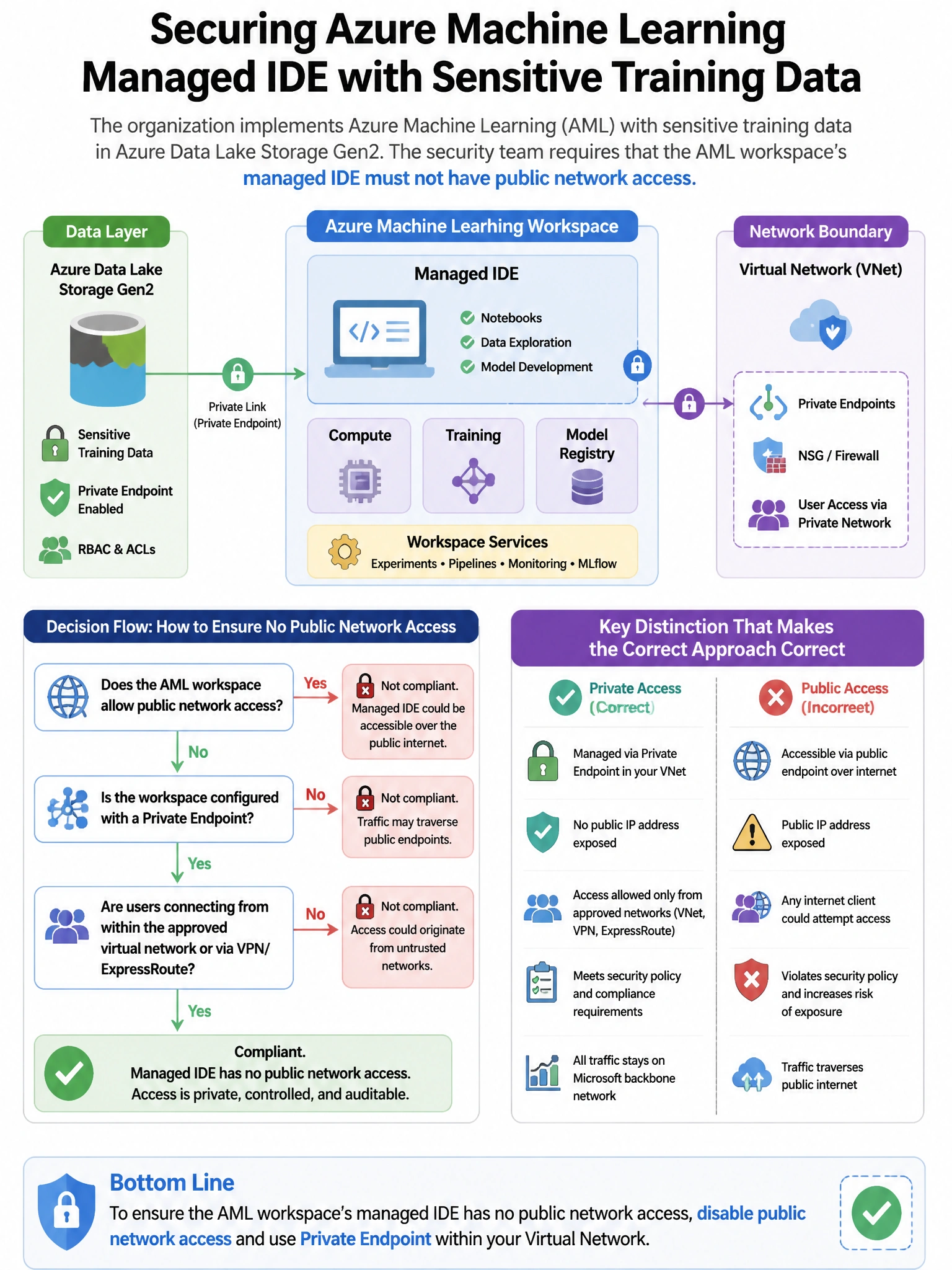
Short Explanation and Infographic
Here's the deal — b is correct because Azure RBAC supports resource-level scoping for storage containers. Assigning the 'Storage Blob Data Reader' (or appropriate role) to the AML workspace managed identity scoped specifically to the container resource (not the storage account) provides least-privilege access to only the required containers.
Full explanation below image
Full Explanation
B is correct because Azure RBAC supports resource-level scoping for storage containers. Assigning the 'Storage Blob Data Reader' (or appropriate role) to the AML workspace managed identity scoped specifically to the container resource (not the storage account) provides least-privilege access to only the required containers. A is incorrect because while Azure RBAC conditions (ABAC) can add attribute-based access control conditions on storage role assignments, scoping the role directly to the container resource is simpler and more straightforward for container-level access control. C is incorrect because using SAS tokens re-introduces secret management complexity; managed identity authentication is preferred and can be scoped at the container level through RBAC. D is incorrect because storage firewall rules control network-level access but cannot restrict an identity to specific containers within the storage account.