
An organization processes financial data using Azure Machine Learning. Microsoft Purview must be configured to automatically classify files uploaded to Azure Data Lake Storage Gen2 that contain International Bank Account Numbers (IBANs). The classification must happen within 24 hours of file upload. How should this be configured?
Select an answer to reveal the explanation.
Short Explanation and Infographic
Here's the deal — a is correct because Microsoft Purview Data Map supports scanning registered Azure Data Lake Storage Gen2 accounts using built-in classification rules including IBAN detection. Configuring a recurring scan with a 24-hour trigger ensures newly uploaded files are classified within the required timeframe.
Full explanation below image
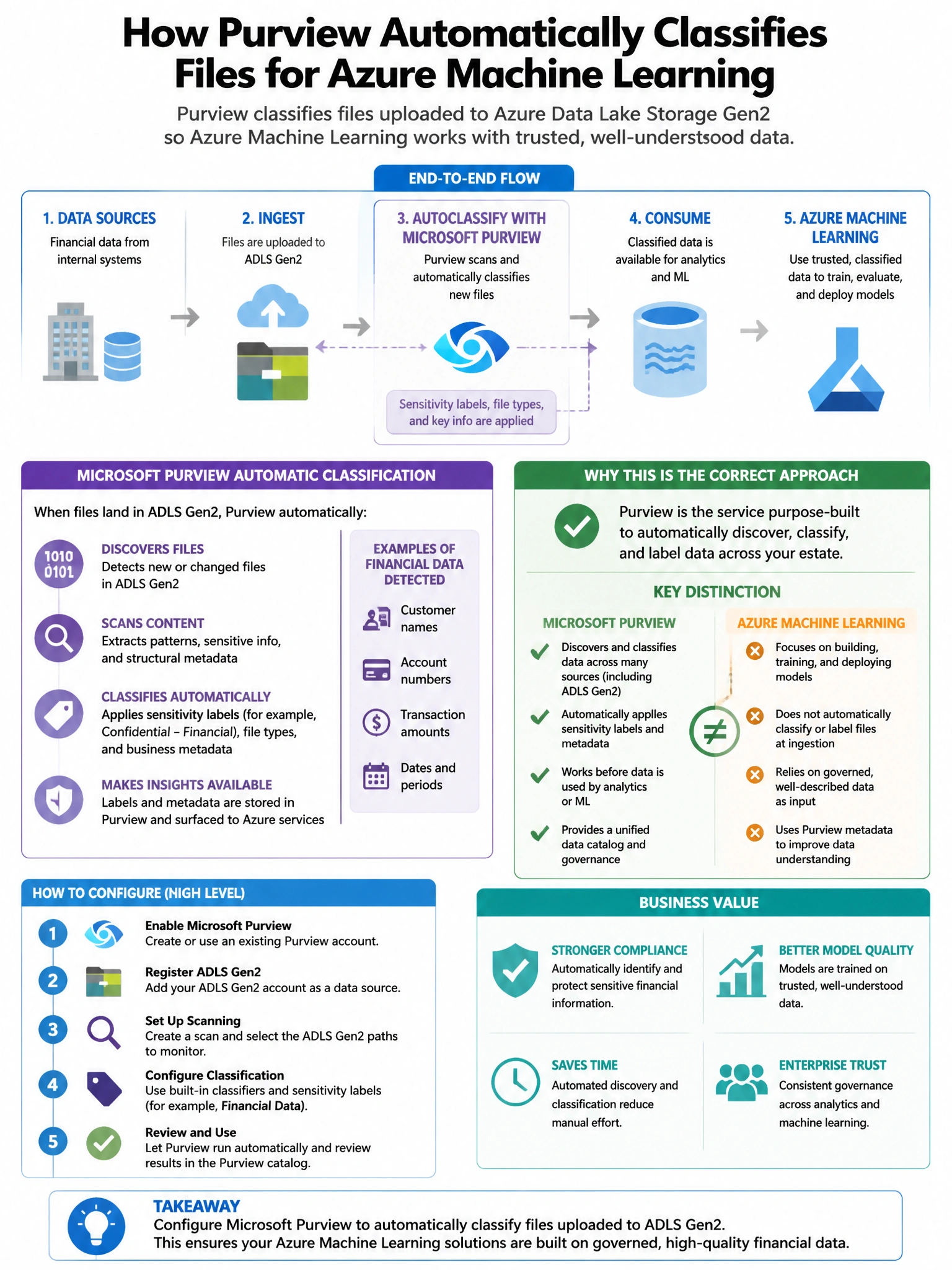
Full Explanation
A is correct because Microsoft Purview Data Map supports scanning registered Azure Data Lake Storage Gen2 accounts using built-in classification rules including IBAN detection. Configuring a recurring scan with a 24-hour trigger ensures newly uploaded files are classified within the required timeframe. B is incorrect because Purview does not natively support Event Grid-triggered scans; scans are scheduled or triggered manually in the Purview governance portal. C is incorrect because Microsoft Purview auto-labeling policies apply sensitivity labels to files in Microsoft 365 services like SharePoint, not directly to Azure Data Lake Storage Gen2. D is incorrect because the Microsoft Purview Information Protection (AIP) scanner is for on-premises file shares and SharePoint Server, not Azure Data Lake Storage Gen2.