
During a security review of Copilot for Microsoft 365, an engineer discovers that users are using Copilot to summarize emails from external parties that contain potential phishing content. The engineer needs to ensure Copilot does not process emails flagged as phishing. What should be configured?
Select an answer to reveal the explanation.
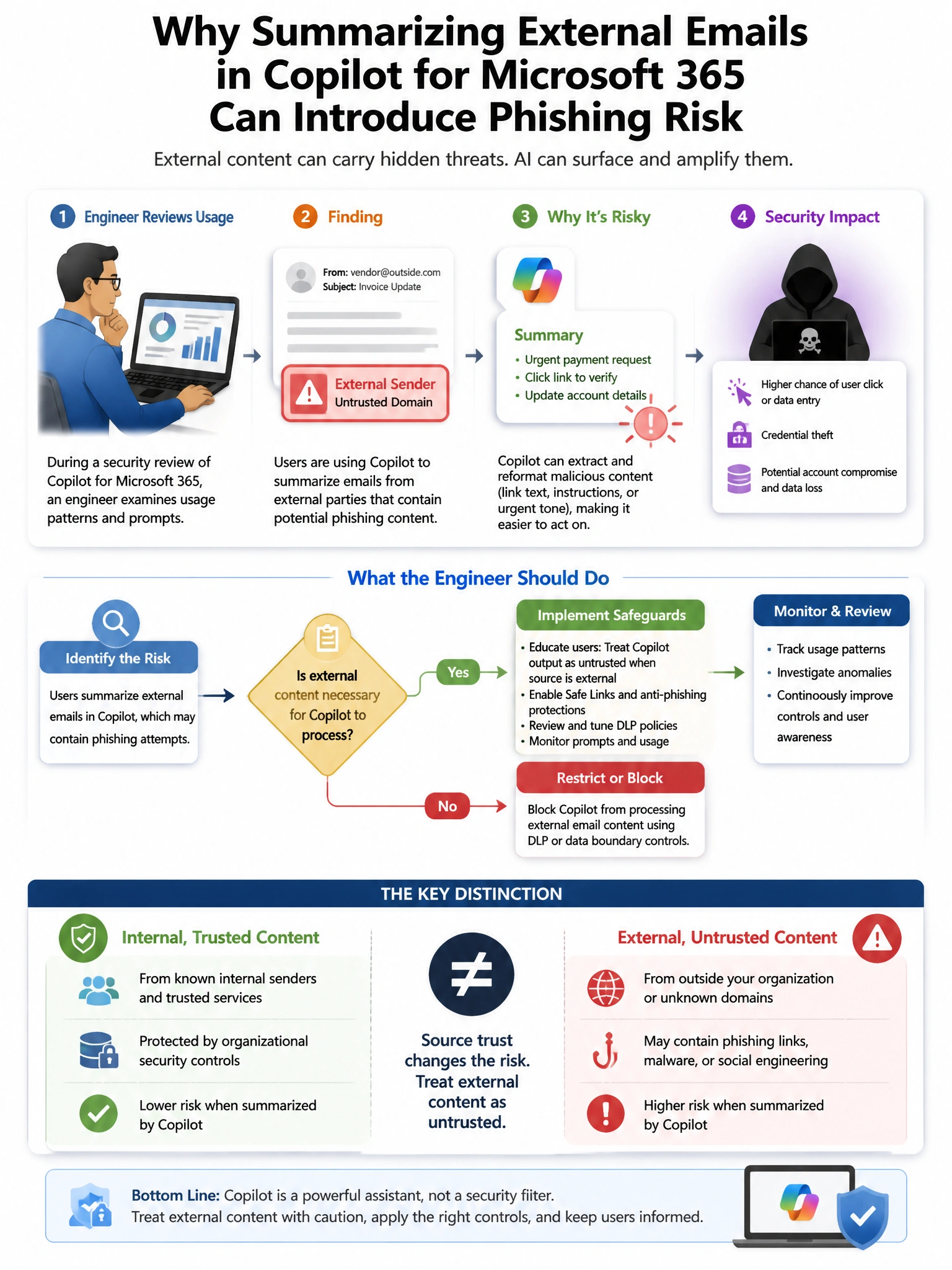
Short Explanation and Infographic
Here's the deal — d is correct because Microsoft Defender for Office 365 quarantine policies remove phishing emails from user mailboxes, preventing Copilot for Microsoft 365 from being able to access and summarize them, since Copilot can only surface content the user has access to. A is incorrect because Safe Links protects URL clicks but does not prevent Copilot from summarizing quarantined or phishing email content.
Full explanation below image
Full Explanation
D is correct because Microsoft Defender for Office 365 quarantine policies remove phishing emails from user mailboxes, preventing Copilot for Microsoft 365 from being able to access and summarize them, since Copilot can only surface content the user has access to. A is incorrect because Safe Links protects URL clicks but does not prevent Copilot from summarizing quarantined or phishing email content. B is incorrect because sensitivity labels on quarantined messages do not prevent Copilot access if emails remain in the mailbox. C is incorrect because transport rule warning headers do not remove access to email content from Copilot.