
A company's Microsoft Entra ID administrator wants to protect the action of removing a Conditional Access policy that enforces MFA for Azure AI Foundry, so that even Global Administrators cannot remove the policy without satisfying an additional authentication challenge. Which Entra ID feature enables this protection for administrative actions?
Select an answer to reveal the explanation.
Short Explanation and Infographic
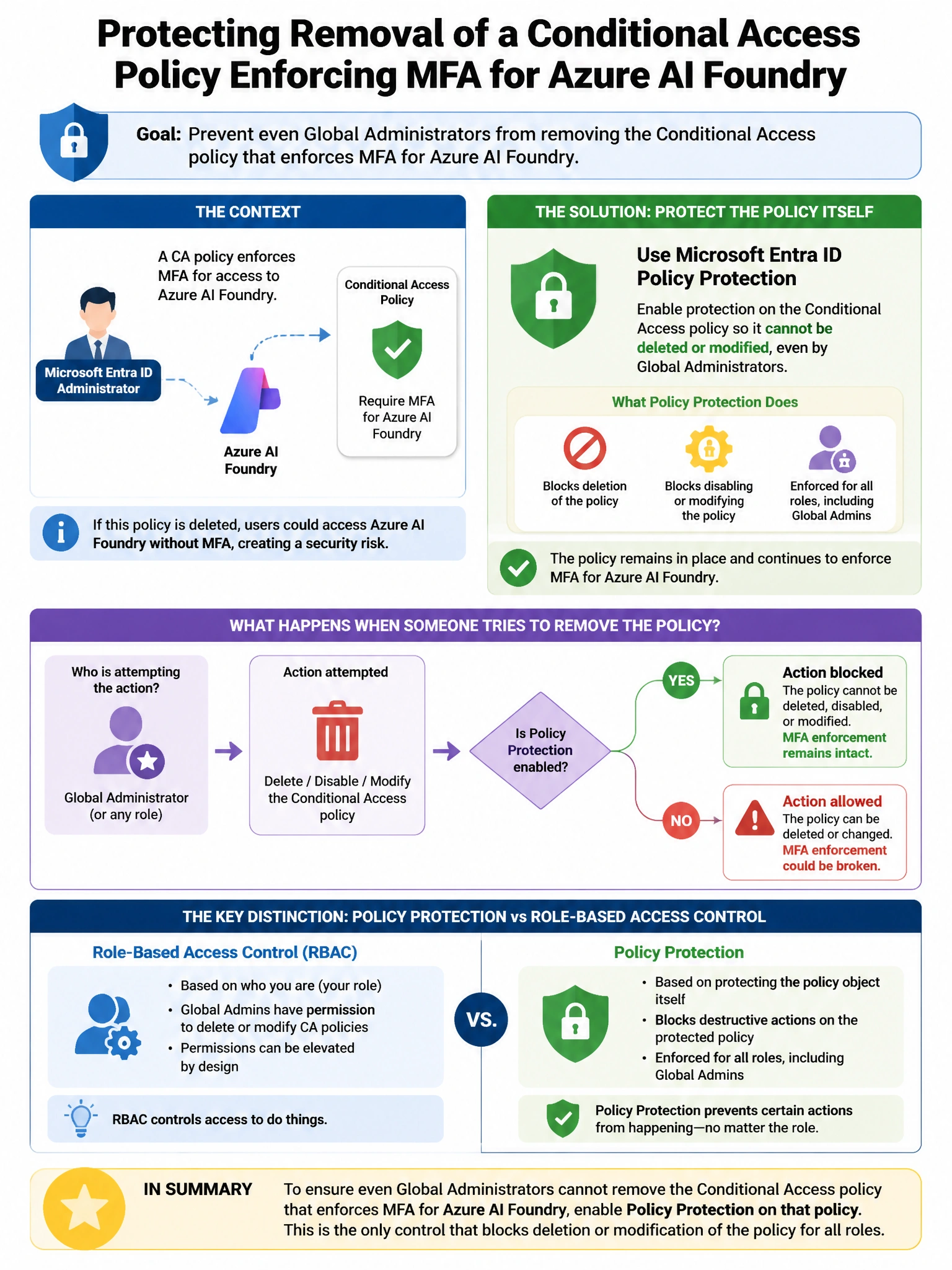
Here's the deal — b is correct because Microsoft Entra ID Protected Actions allows designating specific Entra permissions—such as 'microsoft.directory/conditionalAccessPolicies/delete' or 'microsoft.directory/conditionalAccessPolicies/basic/update'—as protected. When an administrator attempts to delete or modify the Conditional Access policy, they must satisfy a Conditional Access authentication context (e.g., complete phishing-resistant MFA again, even if they already have a session).
Full explanation below image
Full Explanation
B is correct because Microsoft Entra ID Protected Actions allows designating specific Entra permissions—such as 'microsoft.directory/conditionalAccessPolicies/delete' or 'microsoft.directory/conditionalAccessPolicies/basic/update'—as protected. When an administrator attempts to delete or modify the Conditional Access policy, they must satisfy a Conditional Access authentication context (e.g., complete phishing-resistant MFA again, even if they already have a session). This raises the bar for even highly privileged users to modify critical security policies. A is wrong because PIM approval workflows require approval when activating the Global Administrator role; however, once the role is activated, Protected Actions can still require step-up authentication for specific sensitive operations. C is wrong because Azure Resource Locks apply to Azure resources (ARM resources); Conditional Access policies are Entra ID directory objects and cannot be protected with Azure Resource Locks. D is wrong because a custom two-administrator approval workflow requires building custom tooling; Protected Actions is the built-in Entra ID feature designed for this scenario.