
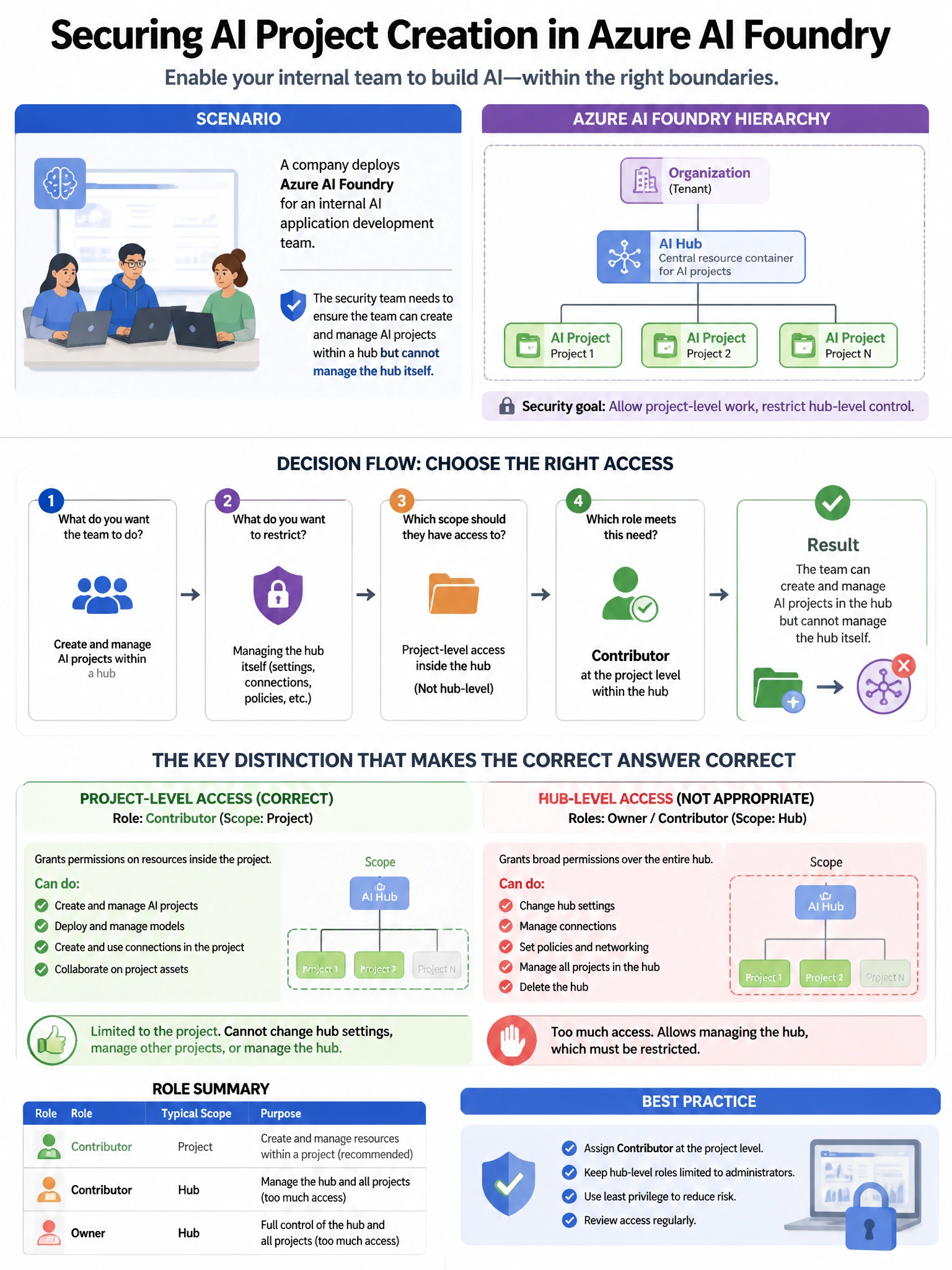
A company deploys Azure AI Foundry for an internal AI application development team. The security team needs to ensure the team can create and manage AI projects within a hub but cannot modify the hub's network settings or add new connected resources. Which Azure AI Foundry role assignment is correct?
Select an answer to reveal the explanation.
Short Explanation and Infographic
Here's the deal — a is correct because the 'Azure AI Developer' role in Azure AI Foundry grants permissions to create and manage AI projects, deployments, and experiments within a hub, without administrative permissions to modify hub-level network configurations, add new connections, or manage hub settings. This provides appropriate least-privilege access for development teams.
Full explanation below image
Full Explanation
A is correct because the 'Azure AI Developer' role in Azure AI Foundry grants permissions to create and manage AI projects, deployments, and experiments within a hub, without administrative permissions to modify hub-level network configurations, add new connections, or manage hub settings. This provides appropriate least-privilege access for development teams. B is wrong because 'Azure AI Administrator' is a highly privileged role that includes management of the hub itself, including network and resource configuration—not appropriate for developers. C is wrong because Owner scoped to individual projects grants full control within those projects including the ability to assign roles, which may be overprivileged; the Azure AI Developer role is the purpose-built role for this scenario. D is wrong because Contributor at the hub level grants write access to all hub settings including network configuration, violating the restriction on network setting changes.