
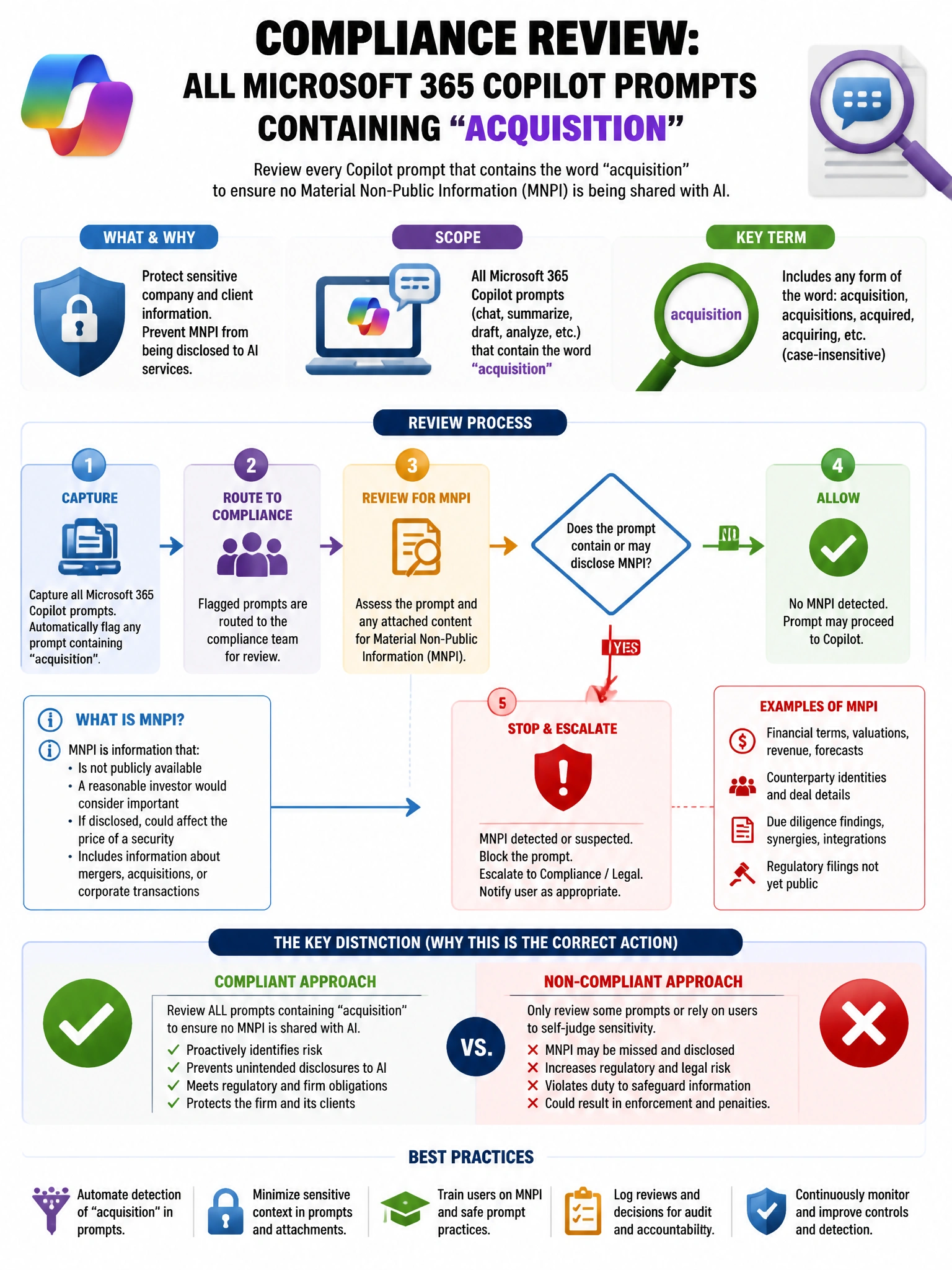
A compliance team needs to review all Microsoft 365 Copilot prompts containing the word 'acquisition' to ensure no material non-public information (MNPI) is being shared with AI. Which Purview tool provides this capability?
Select an answer to reveal the explanation.
Short Explanation and Infographic
Here's the deal — a is correct because Microsoft Purview eDiscovery Content Search can query Copilot interaction data stored in Exchange Online mailboxes (where Copilot interactions are stored) using keyword queries. Searching for the keyword 'acquisition' across the mailboxes of in-scope employees surfaces Copilot interactions containing that term, enabling compliance review for MNPI.
Full explanation below image
Full Explanation
A is correct because Microsoft Purview eDiscovery Content Search can query Copilot interaction data stored in Exchange Online mailboxes (where Copilot interactions are stored) using keyword queries. Searching for the keyword 'acquisition' across the mailboxes of in-scope employees surfaces Copilot interactions containing that term, enabling compliance review for MNPI. A is correct and is the direct, purpose-built tool for searching content. C is also partially correct because Purview Audit (Premium) can surface CopilotInteraction records, but it provides metadata-level details (user, timestamp, app) rather than full-text search of prompt content—eDiscovery provides full content search. B is wrong because Insider Risk Management detects behavioral risk patterns, not targeted keyword searches in AI interactions. D is wrong because Advanced Hunting in Defender XDR captures security event telemetry, not Copilot interaction content.