
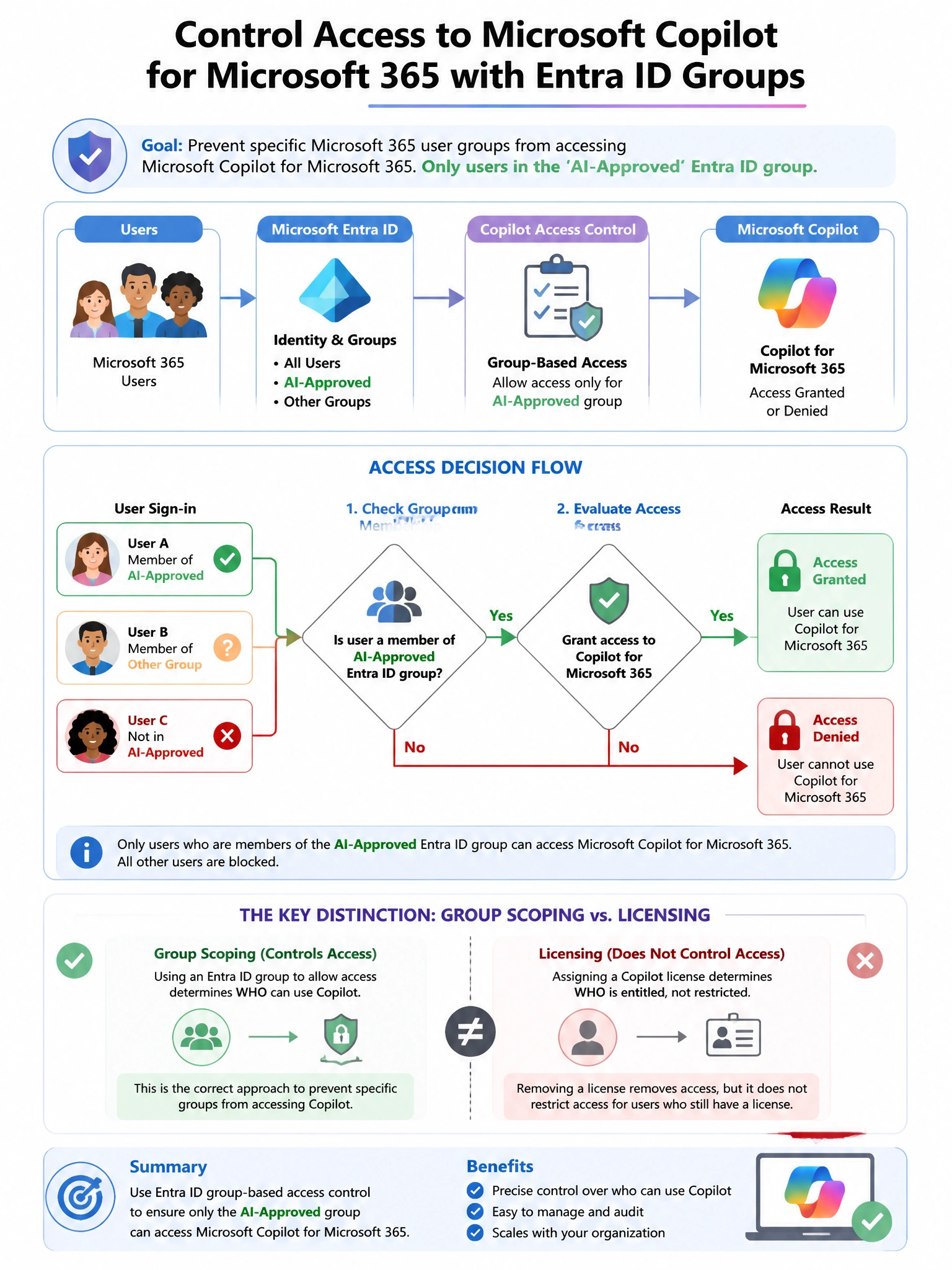
An enterprise's IT administrator needs to prevent specific Microsoft 365 user groups from accessing Microsoft Copilot for Microsoft 365. Only users in the 'AI-Approved' Entra ID group should be able to use Copilot. What is the correct administrative approach?
Select an answer to reveal the explanation.
Short Explanation and Infographic
Here's the deal — b is correct because access to Microsoft 365 Copilot is controlled through license assignment. Only users with a Copilot for Microsoft 365 license can use the service.
Full explanation below image
Full Explanation
B is correct because access to Microsoft 365 Copilot is controlled through license assignment. Only users with a Copilot for Microsoft 365 license can use the service. By assigning the Copilot license only to members of the 'AI-Approved' group in the Microsoft 365 admin center, the administrator ensures that only approved users can access Copilot. A is wrong because while Conditional Access can block the Copilot service application, license management is the primary and most straightforward administrative control for who can access Copilot. C is wrong because Defender for Cloud Apps session policies govern behavior during app sessions, not who is permitted to access the service. D is wrong because DLP policies manage data protection within Copilot; they do not control which users can access the Copilot service.