
A Microsoft Sentinel playbook must automatically isolate an Azure VM when Microsoft Defender for Endpoint detects that the VM has been used to exfiltrate data from an Azure OpenAI deployment. The playbook should trigger automatically when an incident is created. Which Sentinel feature enables automatic playbook execution?
Select an answer to reveal the explanation.
Short Explanation and Infographic
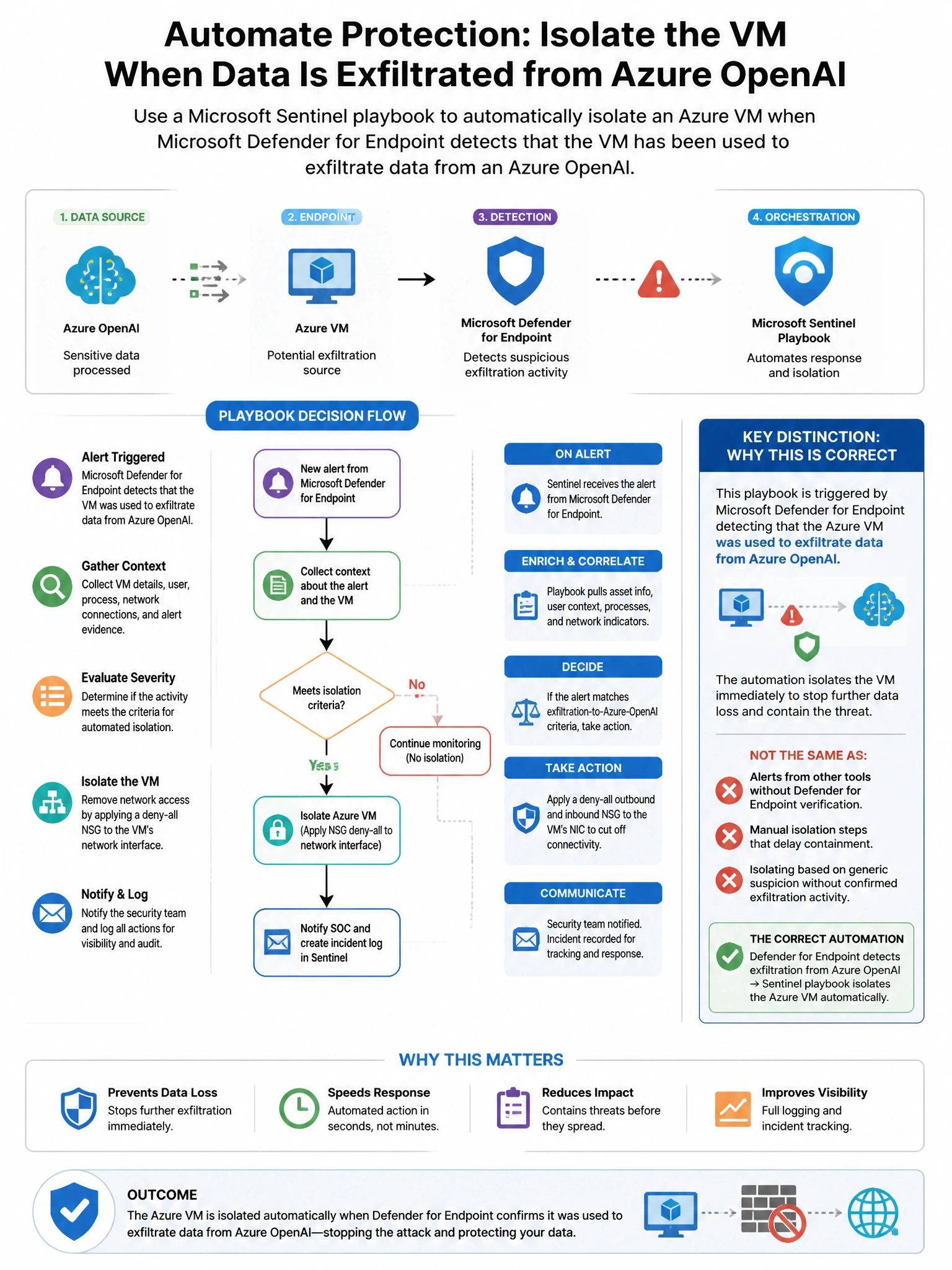
Here's the deal — b is correct because Microsoft Sentinel Automation Rules allow you to define conditions (such as 'Incident created by analytics rule X') and actions (such as 'Run playbook Y'). This fully automates the response—when the specified Defender for Endpoint analytics rule creates an incident, the automation rule immediately triggers the playbook to isolate the VM without human intervention.
Full explanation below image
Full Explanation
B is correct because Microsoft Sentinel Automation Rules allow you to define conditions (such as 'Incident created by analytics rule X') and actions (such as 'Run playbook Y'). This fully automates the response—when the specified Defender for Endpoint analytics rule creates an incident, the automation rule immediately triggers the playbook to isolate the VM without human intervention. A is wrong because a manual playbook trigger requires an analyst to initiate it; it is not automatic. C is wrong because workbooks are visualization tools; a playbook link button still requires manual clicking by an analyst. D is wrong because a Logic Apps recurrence trigger runs on a time schedule, not in response to incident creation events.