
County IT rotates deployment credentials used by GitHub Actions for SQL Database Project releases. Where should the updated secrets live?
Select an answer to reveal the explanation.
Short Explanation
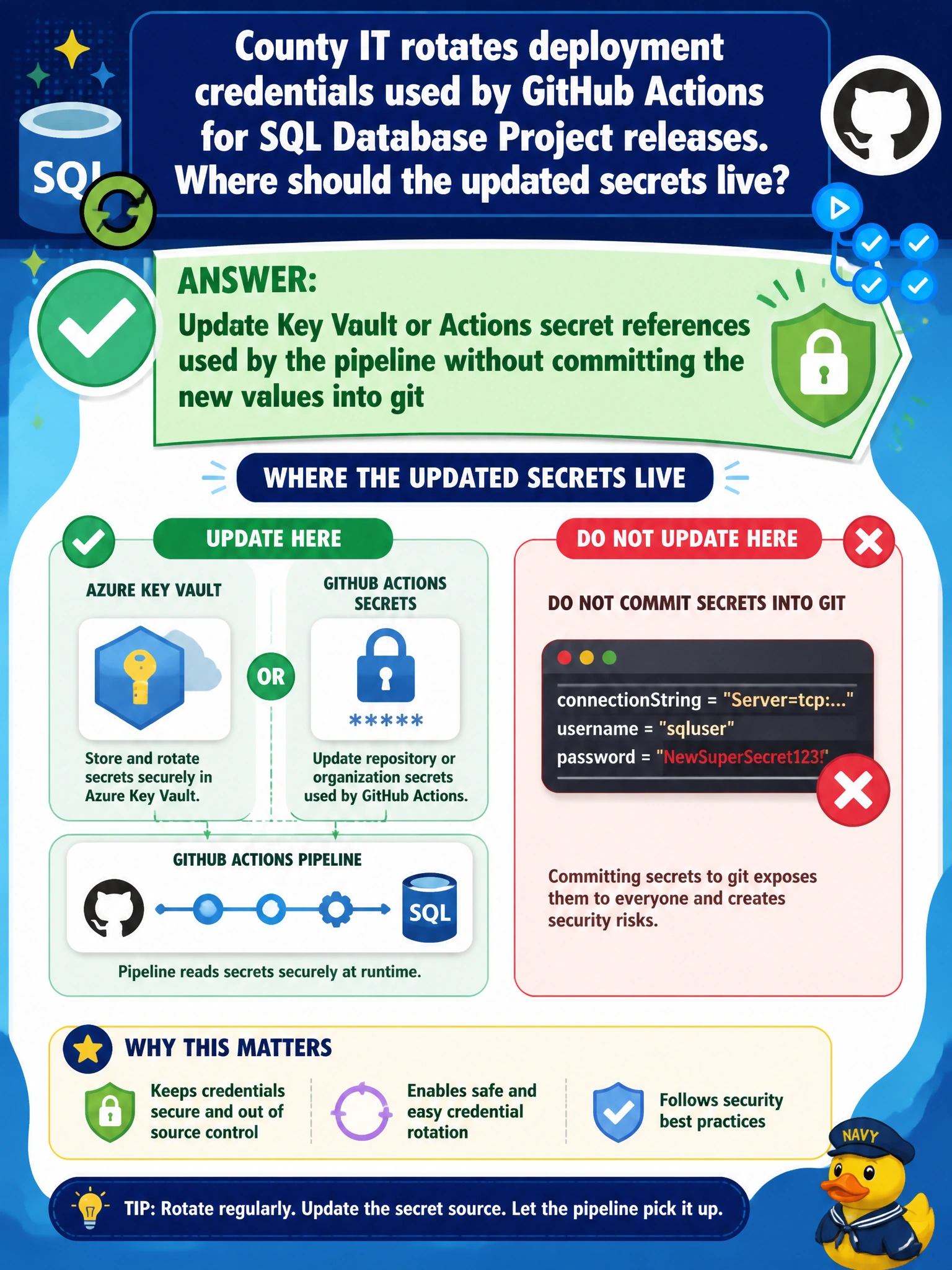
You can keep the rotation secure by updating Key Vault or the GitHub Actions secret references the pipeline uses, without committing the new values to git. That keeps the credentials out of tracked files, email, and backup branches—a safer place for deployment secrets.
Full Explanation
Updated deployment secrets belong in Key Vault or GitHub Actions secrets, with the pipeline references refreshed so jobs use the new values without committing credentials to git. Rotation improves security only when the new secret stays out of source control: git history can preserve exposure even if a tracked JSON file is later changed or deleted. Pasting the rotated password into a tracked JSON file fails because it puts the credential in the repository. Emailing the new connection string to the whole engineering distribution list fails confidentiality and least privilege by creating unmanaged copies outside the pipeline. Hard-coding the secret in a branch named secrets-backup fails because a git branch is not a vault; branches are replicated, reviewable, and often long-lived. Exam caveat: for this deployment scenario, choose Key Vault or Actions secret references and do not commit new values; a JSON file, distribution email, or backup branch does not secure the secret. Practical check: rotate the credential in Key Vault or GitHub Actions secrets, refresh the pipeline references, run a non-production SQL Database Project deployment, and confirm authentication succeeds with the new secret. Search the repository and its history to check that no password or connection string was committed during rotation.