
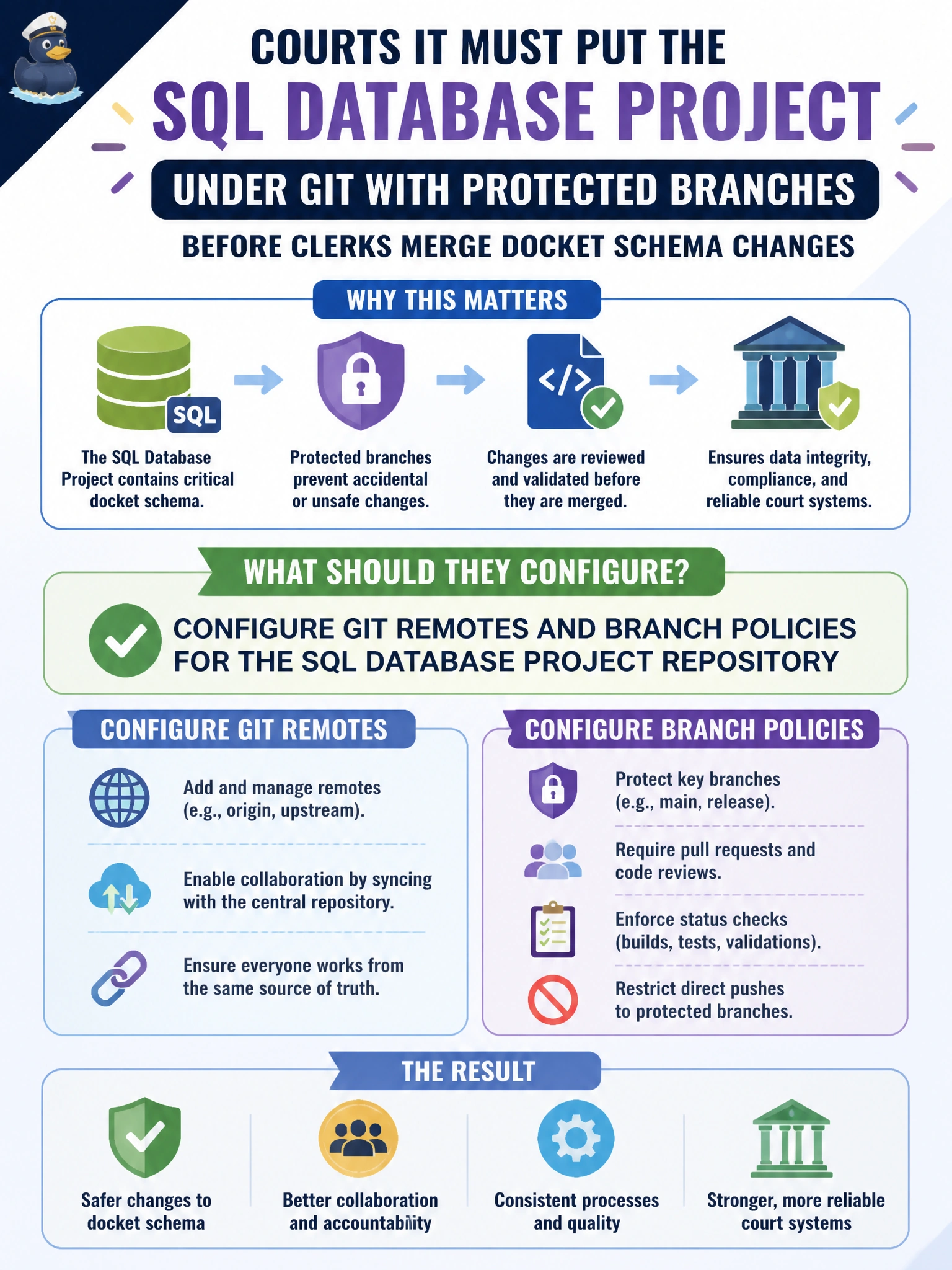
Courts IT must put the SQL Database Project under Git with protected branches before clerks merge docket schema changes. What should they configure?
Select an answer to reveal the explanation.
Short Explanation
You want docket schema changes to pass through a controlled, reviewable path before clerks merge them. Configure Git remotes and branch policies for the SQL Database Project repository; a shared USB drive, unrestricted force-pushes, or turning off tracking won’t provide those safeguards.
Full Explanation
Courts IT should configure Git remotes and branch policies for the SQL Database Project repository so docket schema changes are reviewed before they reach shared branches. Required reviewers, blocked direct pushes to main, and status checks make changes auditable and reviewable. Copying the project only to a shared USB drive labeled “final final” is not version control and provides no history, blame, or policy enforcement. Allowing every intern laptop to force-push to main without review can destroy history and bypass branch protection. Turning off repository tracking to avoid conflicts removes the safeguards needed to manage docket schema changes; Git helps teams review and coordinate changes, even though it does not eliminate conflicts. Exam caveat: branch policies must be enforced on the Git host, such as Azure Repos or GitHub; cloning the project alone does not protect the server branch. Protected branches should require a successful SQL project build as well as human approval, and code owners can restrict sensitive paths such as dbo or security-related files. Practical check: push the SQL Database Project to the organization’s remote, enable main-branch protection with required pull-request reviews and build validation, then attempt a direct push as a non-admin and confirm it is rejected; finally, merge a sample docket schema change through the policy path.